Opis
Simple Screen Recorder
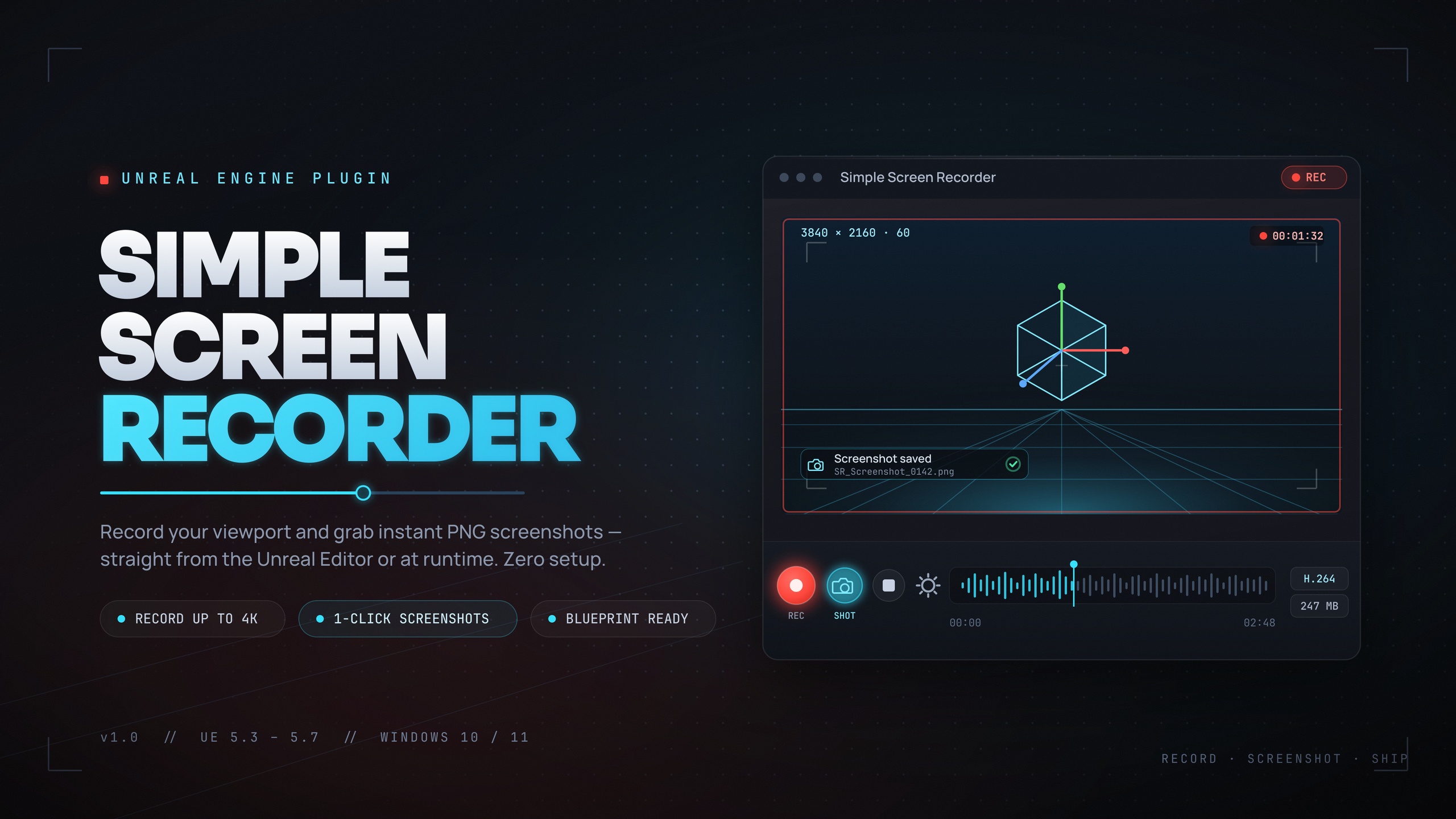
Capture your Unreal Engine projects with ease. Record gameplay, take screenshots, and create video content directly from the editor or at runtime — no external software required.
YouTube Demo: https://youtu.be/YpnNGerCUdY
Overview
Simple Screen Recorder is a lightweight, Windows-native screen recording plugin for Unreal Engine 5.5. Whether you're creating trailers, documenting bugs, recording tutorials, or building in-game replay features, this plugin provides everything you need with a clean, intuitive interface.
Zero configuration required. Drop it in, click Record, and you're done.
Key Features
Editor Toolbar Integration
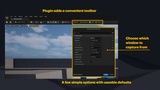
One-click recording directly from the Unreal Editor toolbar. Start, stop, take screenshots, and access your recordings folder without leaving your workflow.
Flexible Resolution Options
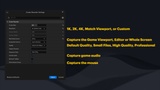
Match Viewport — Automatically matches your current view
Preset resolutions: 720p, 1080p, 1440p, 4K
Custom resolution support
Blueprint Ready
Full Blueprint support for runtime recording. Perfect for:
In-game photo modes
Replay capture systems
Automated testing and documentation
User-generated content features
Screenshot Support
Instant PNG screenshots with a single click or Blueprint call.
Smart Folder Management
The Folder button intelligently detects if your recordings folder is already open and brings it to focus, rather than opening duplicate windows.
Editor Features
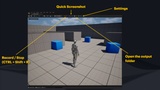
Record Button — Start/stop recording with visual feedback
Screenshot Button — Instant PNG capture
Folder Button — Quick access to your recordings
Settings Panel — Configure all options in one place
Restore Defaults — One-click reset to default settings
Settings
Recording Options
Frame Rate (15-120 FPS)
Resolution preset or custom dimensions
Video bitrate (1-100 Mbps)
Recording source (Game Window, Editor, Entire Screen)
Screenshot Options
Screenshot source (Game Window, Editor, Entire Screen)
Output Options
Custom output directory
Filename prefix customization
All settings are saved per-project and persist between sessions.
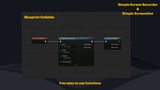
Blueprint API
Simple Screen Recorder
A single, unified function to control all recording operations.
Parameters:
Action (Enum) — Start Recording, Stop Recording, Pause Recording, Resume Recording
Resolution (Enum) — Match Viewport, 720p, 1080p, 1440p, 4K, Custom
Frame Rate (Integer) — Target frame rate (default: 30)
Returns: OutFilePath (String) and Success (Boolean)
Simple Screenshot
Capture a screenshot instantly and save it as a PNG file.
Returns: OutFilePath (String) and Success (Boolean)
Helper Functions
Is Recording — Returns whether a recording is currently in progress
Is Paused — Returns whether the current recording is paused
Get Recording Info — Returns detailed info including duration, frames captured, output path, and current settings
Get Output Directory — Returns the folder path where recordings and screenshots are saved
Open Output Folder — Opens the recordings folder in your system's file explorer
Technical Details
Encoding
Uses Windows Media Foundation for hardware-accelerated encoding
H.264 codec for MP4 files
Performance
Minimal impact on editor/game performance
Frame capture runs on the render thread
Encoding runs asynchronously
Output Location
Recordings are saved to: [ProjectFolder]/[ProjectName]/ScreenRecordings/
Requirements
Unreal Engine 5.3+
Windows 10/11
Windows Media Foundation (included with Windows)
Installation
Extract the plugin to your project's Plugins folder
Restart the Unreal Editor
The Screen Recorder toolbar will appear automatically
No additional setup required.
Limitations
Windows only (Mac/Linux not supported)
Audio capture uses WASAPI loopback (Windows system audio)
High frame rates limited at high resolutions (4K max 60fps)