Description
Find PCG Issues Before They Become Difficult to Trace
PCG graphs can become difficult to review as a project grows. More nodes, subgraphs, actors, and PCG components create more places where configuration problems can remain unnoticed. Missing connections, invalid graph references, oversized bounds, disabled nodes, or circular dependencies may only become visible after a procedural workflow produces incomplete or unexpected results.
PCG Production Auditor provides a structured quality-control workflow built specifically for Unreal Engine's native PCG framework.
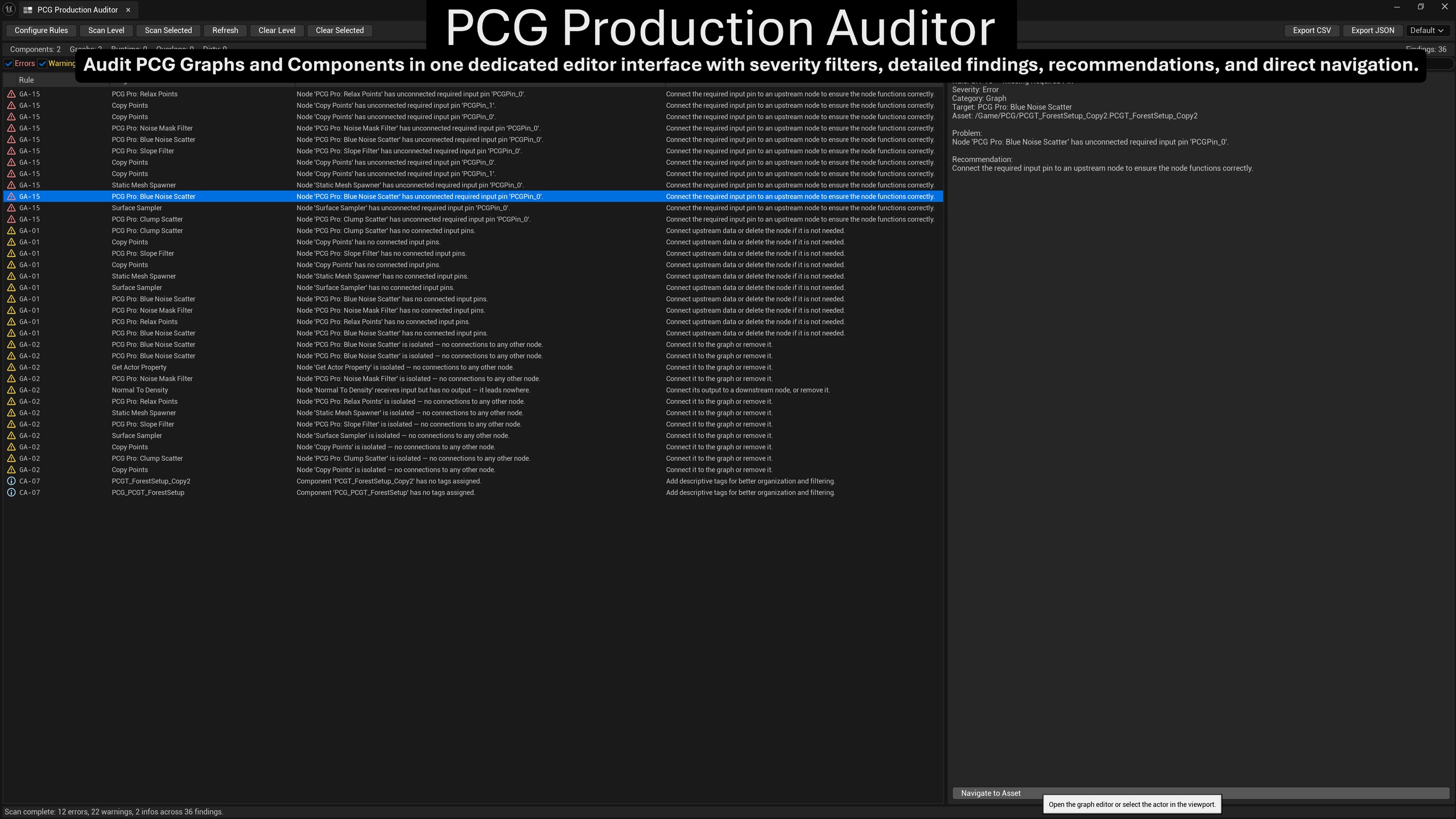
Scan the current level, selected PCG actors, or selected PCG Graph assets. Review clearly categorized findings, understand what requires attention, and open the affected graph or focus the relevant actor directly from the results.
Instead of checking every graph and component manually, you receive a consistent overview of potential errors, warnings, and organizational issues across your PCG setup.
Audit Faster and Review Findings with Clear Context
• Scan the current level, selected actors, or selected PCG Graph assets
• Review 24 focused Graph Audit and Component Audit rules
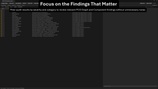
• Filter findings by severity, category, and search text
• Open affected PCG Graphs or focus relevant actors directly from the results
• Export the currently visible findings as CSV or JSON
• Configure rules, profiles, and project thresholds
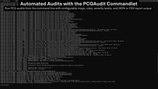
• Run automated audits through the included CI/CD commandlet
Built Specifically for Unreal Engine PCG
PCG Production Auditor is not a general-purpose asset linter. It analyzes both sides of an Unreal PCG workflow:
• PCG Graph structure and node configuration
• Level-side PCG Component configuration
This allows graph problems and component setup issues to be reviewed through one consistent audit interface.
24 Focused Audit Rules
The plugin includes 14 Graph Audit rules and 10 Component Audit rules with Error, Warning, and Info severity levels.
Graph Audit Coverage
• Unconnected inputs
• Missing required pins
• Isolated and immediate dead-end nodes
• Missing graph outputs
• Missing subgraph input nodes
• Circular subgraph dependencies
• Disabled nodes
• Empty Static Mesh selectors
• Duplicate node configurations
• Invalid filter ranges
• Active debug modes
• Default seed usage
• Potential read-before-write conditions
• Missing Landscape connections
Component Audit Coverage
• Missing or invalid graph references
• Oversized PCG component bounds
• Overlapping PCG bounds
• Runtime Generation configuration
• Excessive PCG component counts
• Naming and tag organization
• Dirty components requiring regeneration
• Graph and component configuration mismatches
The Read-Before-Write rule is marked as experimental so its findings can be reviewed separately.
Scan Only What You Need
Scan Level
Audit supported PCG components and their referenced graphs in the currently loaded level.
Scan Selected
Audit the relevant current selection, including:
• Selected PCG actors and components in the viewport
• Selected PCG Graph assets in the Content Browser
• Multiple selected PCG Graph assets
Audits can also be started from PCG Graph and actor context menus.
This supports both focused checks during development and broader level reviews before a milestone, handoff, or build.
Actionable Findings and Direct Navigation
Each finding includes:
• Rule ID and rule name
• Severity
• Affected graph, actor, or component
• Problem description
• Recommended action
• Relevant target information
Double-click a Graph Audit finding to open the affected PCG Graph.
Component findings can select and focus the affected actor in the viewport, including a temporary visual highlight for faster identification.
PCG Production Auditor reports and explains findings without automatically modifying project content. You remain in control of every graph and component change.
Search, Filter, and Review Results
The dedicated editor interface includes:
• Independent Error, Warning, and Info filters
• Graph Audit and Component Audit filters
• Search by rule name, target, and problem text
• Sortable result columns
• Detailed recommendations
• Scan status and progress feedback
• Graph and component summary statistics
• Level-wide and selection-specific result clearing
A scan-in-progress guard prevents overlapping audit operations.
CSV and JSON Reports
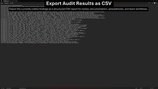
Export the currently visible findings as CSV or JSON. Active severity, category, and text filters are respected, allowing focused reports for review, documentation, or automated processing.
CSV reports use stable UTF-8 output with correctly escaped fields.
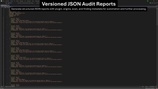
JSON reports use a versioned schema and include plugin version, engine version, timestamp, scan mode, finding count, and structured finding data.
Editor and commandlet exports use a consistent report structure.
CI/CD Commandlet
PCG Production Auditor includes a commandlet for automated audits without opening the interactive Unreal Editor.
Example:
UnrealEditor-Cmd.exe Project.uproject -run=PCGAudit -Map=/Game/Maps/MyLevel -Output=audit.json -Format=json -Rules=GA-01,CA-02 -Severity=Error,Warning
Available options allow you to select the map, choose CSV or JSON output, execute specific audit rules, and report selected severity levels.
The commandlet respects rules disabled through PCG Production Auditor Project Settings.
Exit Codes
• 0 — No matching findings
• 1 — Matching findings were detected
• 2 — Invalid arguments, map loading failure, or report export failure
This supports automated validation workflows and CI/CD systems capable of running Unreal Engine commandlets.
Configure the Auditor for Your Project
Configuration is available under:
Project Settings → Plugins → PCG Production Auditor
Available options include:
• Default, Strict, and Relaxed profiles
• Maximum component bounds threshold
• Maximum recommended PCG component count
• Individual controls for all 24 audit rules
Rules that do not apply to a project can be disabled, while thresholds can be adjusted to match the scale and structure of the current workflow.
The same enabled and disabled rule configuration is used by Editor scans and commandlet scans.
Subgraph-Aware Analysis
Applicable Graph Audit rules account for internal subgraph implementation nodes. This helps keep findings focused on relevant user-authored graph structures instead of treating internally expanded subgraph nodes as normal project issues.
Designed For
• Unreal Engine developers using native PCG workflows
• Technical artists building procedural environments
• Solo developers maintaining increasingly complex PCG graphs
• Teams that need repeatable PCG quality checks
• Projects using automated validation or CI/CD pipelines
Technical Information
• Supports Unreal Engine 5.8
• Editor-only plugin
• No runtime module
• Requires Unreal Engine's PCG plugin
• 24 audit rules: 14 Graph Audit and 10 Component Audit
• CSV and JSON report export
• Versioned JSON report schema
• CI/CD commandlet
• Project Settings integration
• Windows 64-bit validated
Resources and Support
For setup questions, bug reports, feature requests, and product support.