
Beschreibung
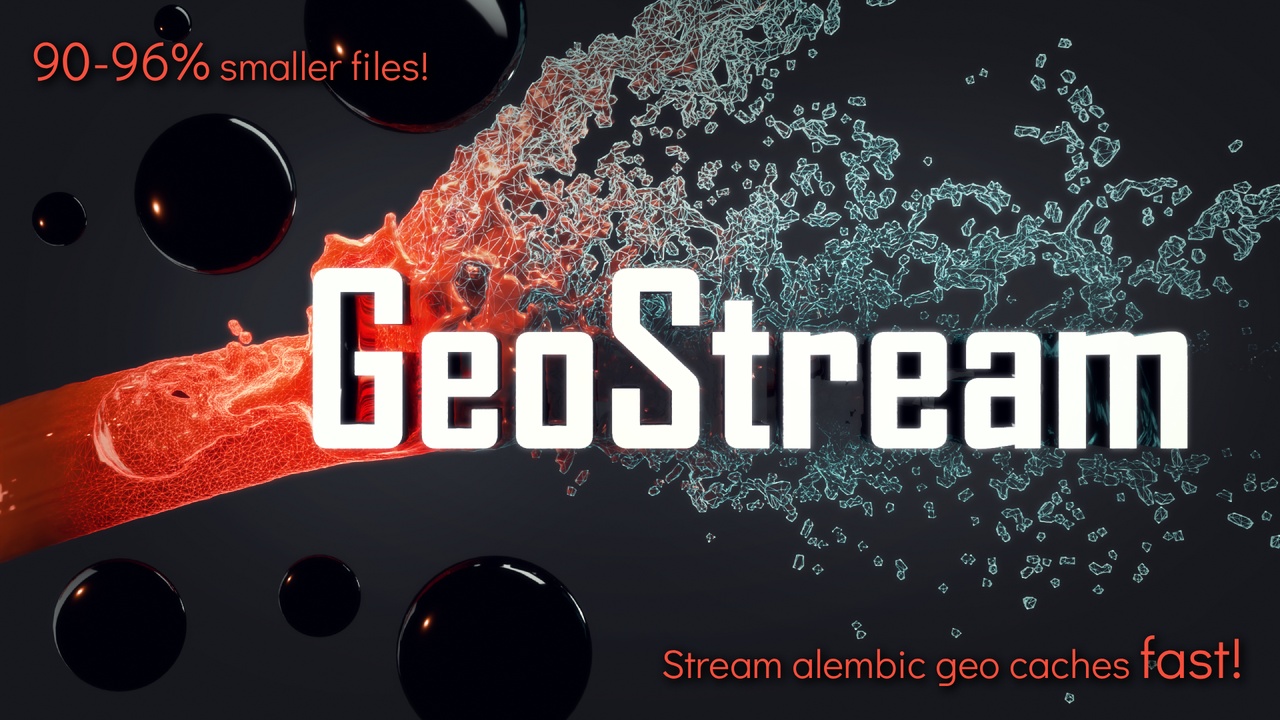
GeoStream: Mesh Sequence Streaming – Up to 96% File Size Reduction!
Quick Overview Video
I fought Alembic file sizes and memory limits for a long time.
~62 GB for 1 second of animation is just not feasible, especially in Movie Render Queue contexts with multiple render nodes, and definitely not in games!
Alternatives weren't ready enough, and to be honset, there aren't too many.
So, I finally sat down and implemented a solution for fast and tiny geometry "flipbooks".
At first, it was just a personal helper plugin to make some of my own projects possible. Now, I’ve decided to make it stable, user-friendly, and release it as GeoStream.
GeoStream is a production-ready C++ plugin designed to stream heavy fluid or mesh simulation Alembic caches from DCC tools directly into Unreal Engine. It loads frames on-demand, ensuring a minimal memory footprint. It reduces the load on the GPU, which is great for already heavy scenes that are using a lot of GPU resources before even thinking about mesh flipbooks.
By implementing a custom Alembic importer, I was able to integrate a smart quantization, compression, and an optional single-file bundle format. On top of the built-in file size reduction methods, I implemented a sneaky reduction algorithm on import-time that reduces file sizes even further (details below).
GeoStream enables cinematic-quality mesh animations that load frames only on-demand and evaluate performantly. It is the highly efficient alternative to traditional Alembic imports or clunky geometry cache solutions.
The result? That mentioned 62 GB .abc file was reduced to just 2.42 GB!
Key Features
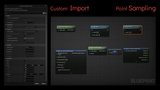
1. Massive File Size Reduction & Custom Editor Importer Reduce your cache footprint by 90% easily right out of the box. And achieve up to 97% reduction utilizing the built-in smart velocity-based and topology-based reduction algorithm. GeoStream includes a Custom Asset Importer natively in the Unreal Editor:
Direct Convert-on-Import: Drag and drop .abc files into the Content Browser to open the custom GeoStream Import window.
On-the-Fly Optimization: Convert Alembic cache tracks directly into highly reduced sequences or a single bundle file.
Smart Reduction Algorithms: Utilizing velocity-based and topology-based reduction algorithms during import to squeeze out maximum efficiency.
Mesh Sanitization: Automatically cleans up non-finite vertex positions, drops degenerate triangles, and optimizes normals on import.
2. Plug-and-Play Blueprint Integration No C++ boilerplate required. The UGeoStreamComponent features a direct BlueprintSpawnableComponent flag. Simply drop it directly into any Blueprint Actor via the Unreal Editor UI and start streaming.
Helper functions to sample random points on the surface (with velocity threshold) e.g. to spawn Niagara Particles Systems!
3. Unified Layer Synchronization (AGeoStreamActor) Managing complex simulations often requires layering multiple caches (e.g., base water mesh, spray, and foam). With the built-in GeoStreamActor, you can attach multiple UGeoStreamComponents and coordinate them instantly.
Exposes a single, Sequencer-ready Playback Time variable.
Synchronizes playback state across all attached components under the hood.
Ensures all simulation layers remain perfectly frame-aligned.
4. Two Optimized Formats: Frames or Bundles Tailor your cache storage to your specific production needs with two custom formats:
.sef (Streamable Entity File/Frame): Used for loose, single-frame caches, allowing lightning-fast access to specific points on the timeline.
.seb (Streamable Entity Bundle): Used for packing complete sequences into a single, high-performance binary file. Ideal for cleaner project management and better distribution.
5. Advanced Quantization & Velocity Advection
Adaptive Bounds Quantization: Encodes position data on a per-frame basis, offering sub-millimeter precision for large or off-origin simulation meshes while keeping file sizes incredibly small.
UV & Color Stream Support: Encodes and streams per-vertex texture coordinates (UV0) and velocity attribute as Vertex Colors (RGBA) directly from your simulation caches into Unreal Engine materials.
Velocity Advection: Encodes motion vectors (velocity direction and speed) into the vertex streams, enabling smooth material-based World Position Offset (WPO) interpolation between hard-frames. This ensures your simulations look fluid even at lower frame rates.
Path Tracer Ready: Fully compatible out-of-the-box with Unreal's ray tracing and Path Tracer pipelines, properly evaluating WPO in ray tracing and motion blur paths.
6. Deep Component Controls (UGeoStreamComponent) Fine-tune your streaming performance and rendering directly in the details panel:
Sequence & Timeline Control: Dedicated settings for Sequence Asset assignment, frame rate handling, playback speed multipliers, and a seamless toggle between Sequencer Control vs. independent Auto-Play ticking.
Asynchronous Prefetching: Enable bEnableAsyncNeighborPrefetch to load neighboring frames on a background thread for smoother rendering, even with massive caches.
Velocity Advection Scale: Customizable advection scale and material WPO toggle to control sub-frame vertex advection perfectly.
Rendering & Compatibility Switches: Direct UI options to toggle velocity evaluations, enable/disable Ray Tracing compatibility (bEnableRayTracing), cast shadows, and evaluate WPO in Path Tracing pipelines.
Vertex Channel Output: Option to decode and write motion vector velocities directly into the vertex color channels (bWriteVelocityToVertexColor) for easy access within custom shaders and materials.
Current Pipeline Requirements & Limitations
Topology required. Particle/Point Cloud Workaround: To stream particle simulations (such as spray, foam, or dust caches), you must convert the particles to polygonal geometry (e.g., instanced triangles, planes, or small meshes) in your DCC tool before exporting/importing them.
Note: A built-in Unreal conversion workflow is already planned for the next major update!A Friendly Tech Artist Warning: Even though GeoStream reduces file sizes by up to 96%, mesh flipbooks can still get heavy if pushed to the extreme. As a Technical Artist, I have to admonish you: please never use gigabytes of raw simulation data in your final projects! 😄
Technical Specifications
Supported Engines: Unreal Engine 5.7, 5.6 (Win64)
Format Suffixes: .sef (frames), .seb (packed bundles)
Discord