















Description
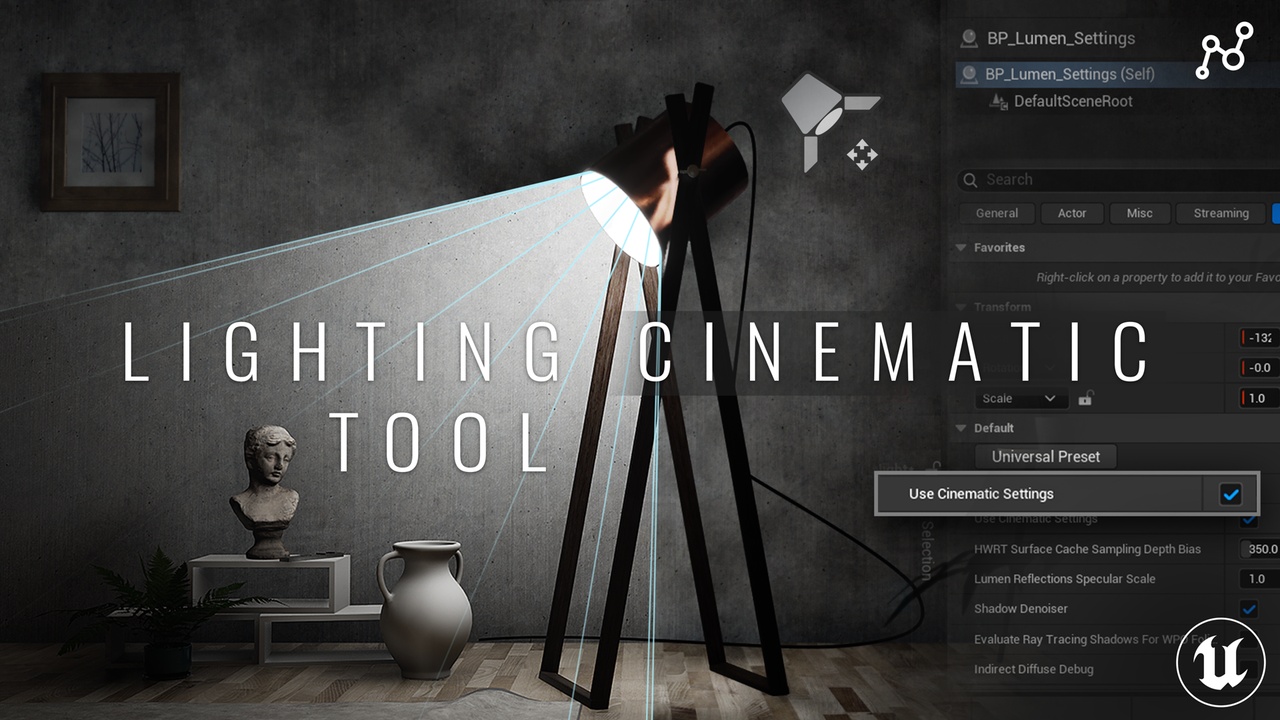
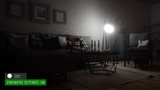
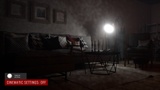
Optimize Lumen GI and achieve perfect cinematic lighting in Unreal Engine 5 with the Lighting Cinematic Tool by Argentum Studio. The ultimate solution to reduce rendering artifacts, fix global illumination glitches, and streamline real-time lighting workflows.
Documentation & Video Guide
Check out our step-by-step breakdown and video guide to see the tool in action:
📺 Video Guide: https://youtu.be/mHnjgvpZA3I
📖 Official Documentation: https://artstation.com/blogs/argentum_studio/ag2qq
About the Tool
Unreal Engine provides powerful real-time global illumination through Lumen GI, but configuring it for cinematic-quality lighting can be complex and time-consuming. Many critical parameters are scattered across multiple systems, making it difficult to achieve stable and predictable results without deep technical knowledge.
Based on extensive production experience and industry best practices, the Lighting Cinematic Tool consolidates essential Lumen GI settings into a structured, easy-to-use solution. It is designed specifically for cinematic artists and tech directors who need reliable, high-quality lighting without spending excessive time on manual configuration.
Key Features
Simplify Lumen GI Setup: Achieve cinematic lighting faster with centralized controls.
Reduce Artifacts: Fix common lighting glitches, noise, and instability in Lumen.
Consistent Results: Achieve controllable and predictable lighting across your cinematic scenes.
Production Ready: Save hours on technical iteration and manual troubleshooting.
Technical Details
Engine Compatibility: Fully optimized for Lumen workflows in Unreal Engine 5.5+
Current Version: 1.0.0