
설명
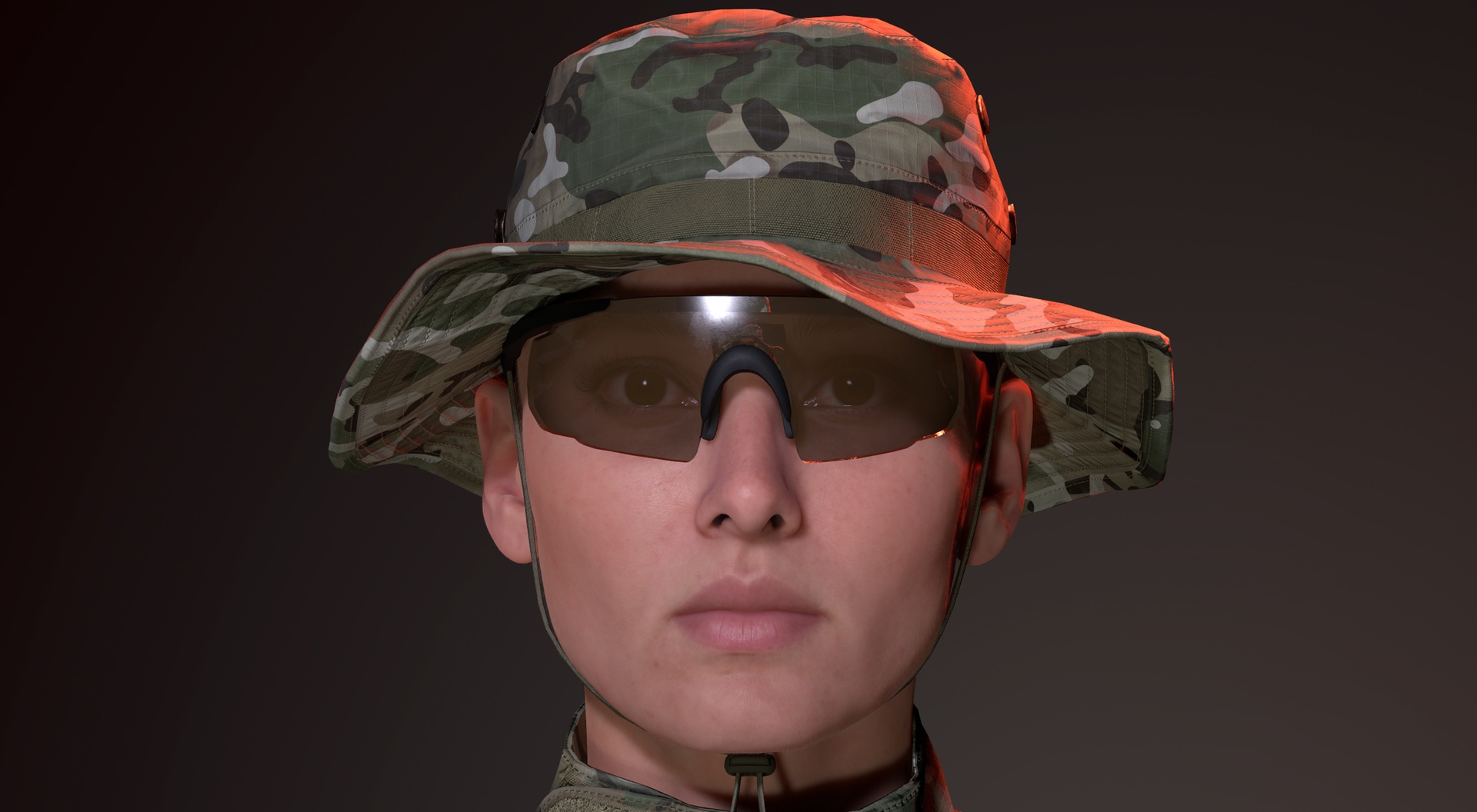
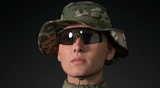
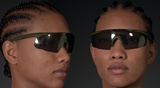
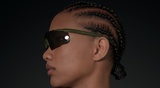
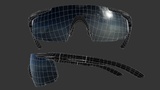
Because even digital operators deserve eye protection. Shield your MetaHuman from harsh sun, blowing sand, polygon shrapnel, and the existential dread of a blank scene.
This isn't just a model - it's a customization system. Built from the ground up for Unreal Engine 5, these authentic military-grade sunglasses give you instant control to create the perfect look for any operator.
In-engine demo: https://youtu.be/5DdzXP-whEY
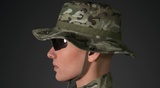
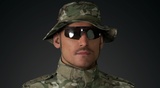
The glasses are shown worn with GritForm3D's Tactical Combat Uniform and Boonie Hat. Part of the growing GF3D ecosystem of game-ready tactical gear.
KEY FEATURES:
· MetaHuman Integration: Parametric fit - drag, drop, done.
· Real-Time Full Material Control: Change the Frame Color, Lens Tint, Lens Opacity, and Lens Roughness with simple sliders.
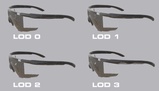
· Built for Performance: Includes 4 LOD levels, clean topology, and efficient UVs. Game-ready at just 2528 verts.
· Customization: 2 Normal maps are provided - one with realistic micro scratches for a lived-in look, and a clean version without scratches. Simply swap the texture in the Material Instance to match your character's story.
Perfect for: AAA game development, cinematic trailers, virtual production, serious indie projects, and professional ArchViz.
Installation instructions:
Download the .mhpkg from this FAB listing after purchase
Create a folder called "Outfits" in your content folder, if you don't already have one. (All>Content>Outfits, or /All/Game/Outfits depending on how you are viewing it)
Create a folder in "Outfits" called "GF3D_BallisticSunglasses"
Drag OA_GF3D_BallisticSunglasses.mhpkg into your new "GF3D_BallisticSunglasses" folder.
Drag WI_OA_GF3D_BallisticSunglasses into the Outfit Clothing section in MHC and double click to apply it.