설명
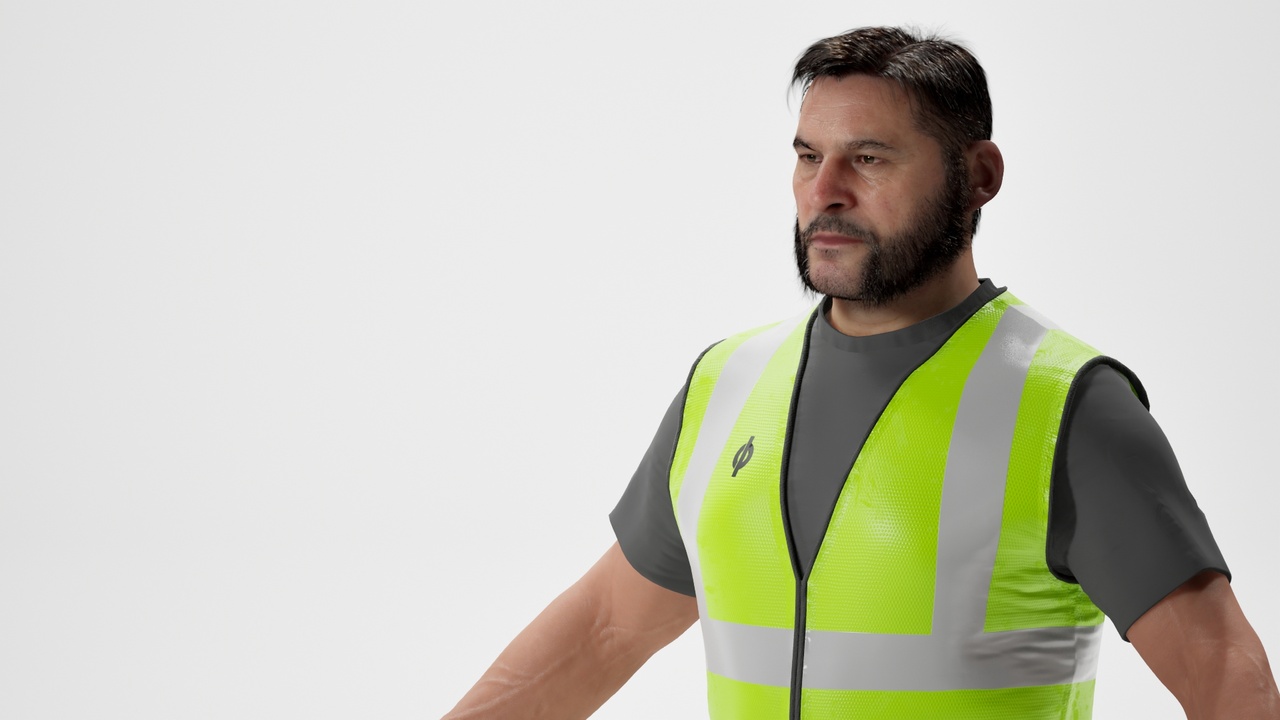
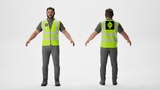
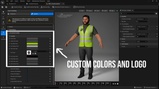
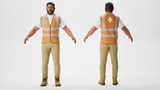
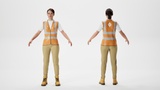
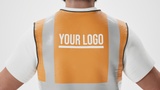
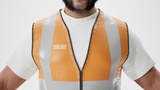
MetaHuman Outfit compatible with MetaHuman Creator Parametric Body system. Outfit is perfect for any situation that needs casual high visibility wear like construction, architecture, or service work. The undershirt, vest, pants, and boots can have their color customized in MetaHuman Creator -> Details. The logo on the front and back of the vest can be changed to any black and white mask and have it's color adjusted to match the rest of the color way.
Please watch the video on installing and customizing MetaHuman Outfits - https://www.youtube.com/watch?v=rrfq2YIvkzI
Outfit Installation
Create the following folder(s): "Content/Outfits/WorkerA"
Open the WorkerA folder and drag in the .MHPKG
Drag the WI_WorkerA asset into the MetaHuman Creator Outfit section.
Custom Logo Texture Instructions
Create a 1024x1024 or 2048x2048 sized PNG or TIFF. The image should be white on black. Only the white part of the image is used.
Import the image and double click it and change the following settings.
Compression | Compression Settings: Masks (no sRGB)
Texture | Advanced | X-axis Tiling Method: Clamp
Texture | Advanced | Y-axis Tiling Method: Clamp