
Descripción
Add a Nav Link Proxy to any Blueprint actor, and see it in that actor's own viewport, with draggable endpoints and Blueprint events the engine never exposed.
Documentation
You can find plugin docs here, along with docs for all other plugins i made.
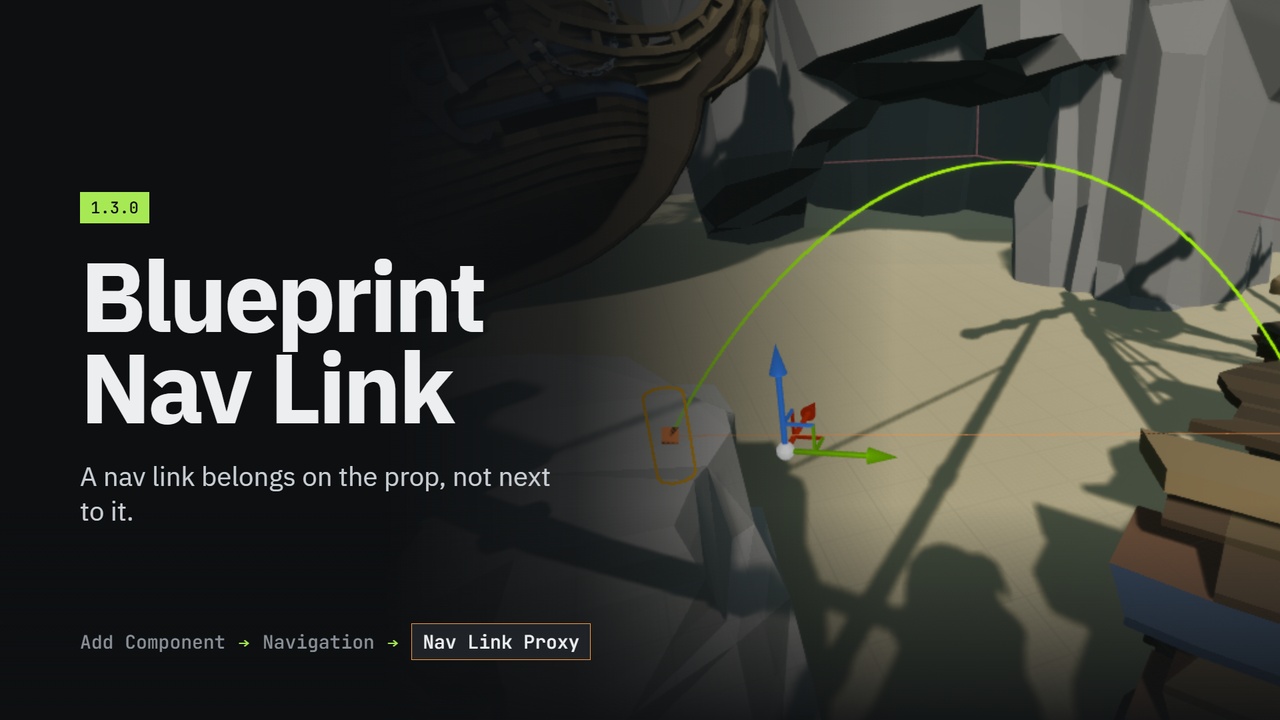
A nav link belongs on the prop, not next to it.
Unreal ships nav links as an actor. So a modular bridge piece, a vaultable fence, a ladder or a door has to be a Blueprint plus a separate NavLinkProxy actor kept in sync by hand, for every copy, in every level.
There is a Nav Link component, and it half-works.
It registers simple point links. But it is invisible in the Blueprint editor's viewport, for three separate reasons buried in the engine's rendering. It draws its arc at the actor's origin while registering the link at the component's, so two links on one actor pile up in the same place. And the smart-link half, the part with Receive Smart Link Reached on it, the part you actually want, is not exposed to Blueprint at all. That request has been open since 2017.
This plugin fixes all of it, in one component.
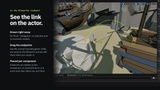
Add Nav Link Proxy from the Add Component button and the arc appears immediately: no Show > Navigation, no selecting it first, no navmesh required. Select the component and drag either end with the ordinary translate gizmo, the edit lands on the Blueprint's template, so it is still there when you reopen the asset.
Smart link finally talks to Blueprint, and AIs actually get across.
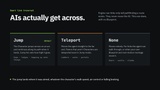
A nav link only tells pathfinding a route exists, the engine never moves anyone over it, and its path following walks straight off the ledge. This smart link jumps a Character across on an arc and resumes its path when it lands, or teleports it, with no Blueprint at all. The jump lands where it was aimed whatever the character's walk speed, air control or falling braking. When you want your own animation, On Smart Link Reached is a bindable delegate the owning actor's graph can handle. Toggle the link at runtime and pathfinding sees it immediately, with no navmesh rebuild. Swap area classes, carve an obstacle box, find nearby agents, move endpoints, all from Blueprint, none of it reachable on the engine's own classes.
Features:
One component with everything ANavLinkProxy does: simple point links and a smart link
Arcs drawn in the Blueprint editor's viewport with no show flag, no selection and no navmesh
Draggable endpoint handles, in the Blueprint viewport and the level, that survive reopening the asset
Endpoints are component-relative, so several links on one actor each sit where you put them
Built-in traversal: Jump (a root-motion arc that lands where aimed with any character tuning, resumes on landing), Teleport, or None for walkable links and custom Blueprint
On Smart Link Reached, On Smart Link Traversal Finished and On Smart Link State Changed as delegates the owning actor can bind
Full Blueprint API: toggle, resume path following, move endpoints, swap area classes, collect nearby agents
Optional obstacle box, for doorways the AI must not walk straight through
Works for actors spawned at runtime
Owns no sub-object, so a cold load can never delete the component out of your Blueprint