설명
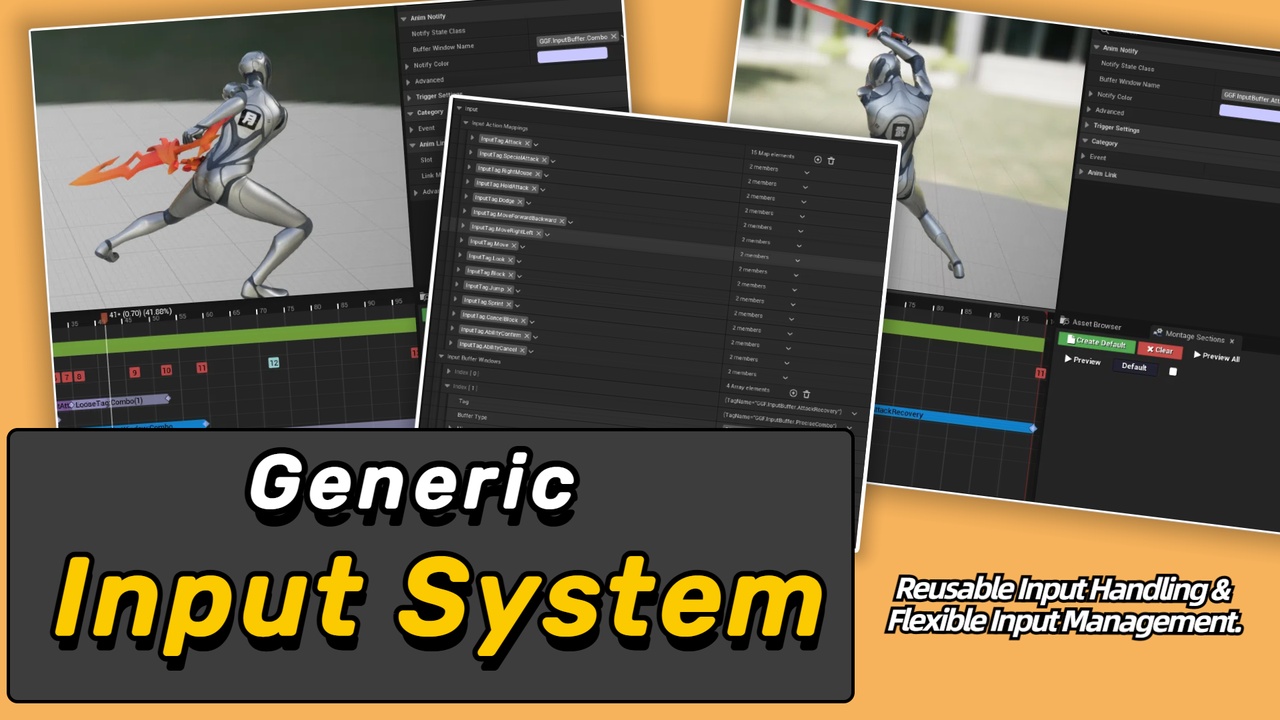
Generic Input System is an input-management plugin for Unreal Enhanced Input projects. Through a Pawn-owned component and data-driven configuration, it centralizes which inputs are available in the current state, which should be blocked, and which should be buffered until the right moment. It fits action, combat, interaction, ability, UI, and StateTree-driven projects that need input rules to stay clear and reusable as the game grows.
Documentation and Support
Why Generic Input System?
Input handling often starts simple: an input action fires, then the action decides whether it can run. Once combat, interaction, abilities, and UI begin to overlap, input becomes shaped by character state, animation timing, current mode, and priority. Can the player jump during an attack? Should a roll input be accepted during recovery? Does a combo window remember an early button press? Should interaction confirmation take priority over combat input? Without a shared flow, those rules tend to spread across character, ability, animation, and UI code.
How do existing input actions become a shared gameplay vocabulary for combat, interaction, abilities, and UI?
How do character states enable or disable whole groups of inputs as they enter and leave?
How do combo, roll, ability pre-input, or interaction windows buffer input and release it by policy?
How do Blueprint, C++, StateTree, and debugging tools observe the same input path?
GIPS separates input receiving, permission checks, response handling, and buffering into stable steps, so projects can manage input flow through data and extensible objects.
Key Features
Give input actions stable gameplay meaning
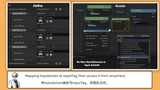
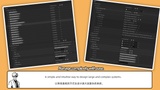
Input Config maps existing UInputAction assets to Gameplay Tags, and the component dispatches Enhanced Input trigger phases by tag. You keep your own Input Actions and Mapping Contexts while giving combat, ability, interaction, and UI systems a shared input vocabulary.
Let input permissions follow state changes
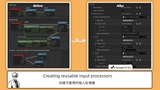
Input Control Setups combine always-allowed entries, checkers, processors, buffer policy, and processor order. Push a setup when a state begins and pop it when the state ends, so current input permissions live in reusable data and objects rather than scattered callback branches.
Buffer and release input at the right time
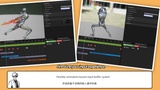
Named buffer windows can be opened and closed from Blueprint or C++. A window can fire the last valid input, fire immediately when a valid input arrives, or choose the highest-priority valid action. Window-state and fired-input events support combo timing, roll buffering, ability pre-input, and interaction confirmation.
Extend response behavior through Blueprint, C++, and StateTree
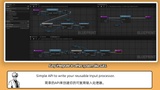
Projects can derive UGIPS_InputChecker and UGIPS_InputProcessor to validate and respond by tags, trigger events, or Actor Gameplay Tags. StateTree tasks can scope control setups, manage buffer windows, wait for window changes, or test the latest buffered input as part of state lifecycle.
Diagnose the input path at runtime
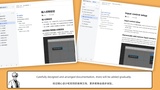
Async Blueprint listeners observe normal or buffered input. Gameplay Debugger integration and LogGIPS help inspect passed, blocked, buffered, and active-window state during play, reducing the cost of tracking why an input did or did not fire.
Best Fit For
Action, combat, adventure, fighting, character-driven, or state-heavy games
Enhanced Input and Gameplay Tag projects that need reusable input permissions
Combo, recovery, interaction, ability, or UI flows that need input gating or buffering
StateTree projects where input control should enter and leave with state lifecycle
Blueprint and C++ teams extending validation and response behavior