



Opis
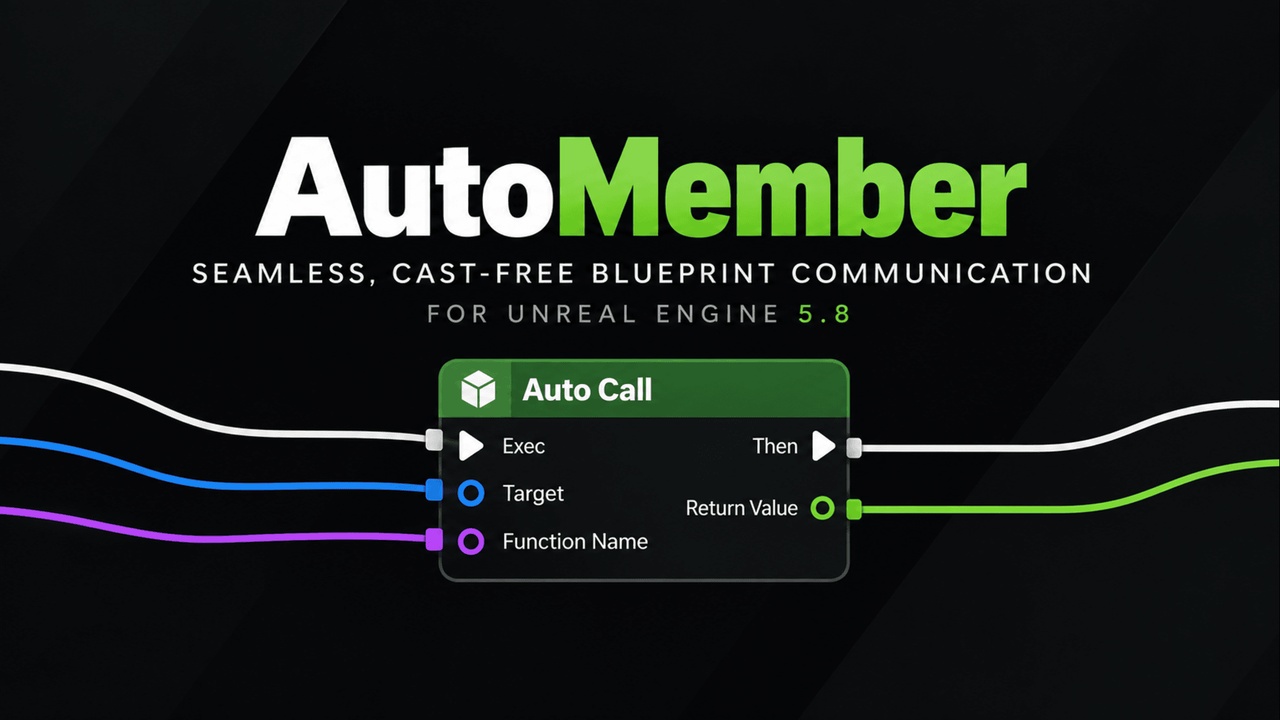
AutoMember provides a seamless, cast-free, and interface-free Blueprint communication architecture for Unreal Engine, designed to eliminate repetitive casting chains, decouple asset dependencies, and prevent hard reference bloat.
Built around dynamic pin generation, cached reflection, and compile-time binding options, AutoMember lets developers call functions, trigger custom events, and read and write properties on supported objects through a unified set of intelligent nodes.
Resources & Support
DISCORD: Get support, share feedback, and follow plugin updates
DOCUMENTATION: Guides for setup, node workflows, binding modes, and performance optimization.
DEMO VIDEO: See Auto Member in real Unreal Engine workflows.
Join our Discord for plugin updates, workflow examples, new features, and development news.
Core Features
Universal Auto Member: One node for Calls, Gets, Sets, Dispatchers, and Macros.
Cast-Free Communication: Connect supported objects directly to Target pins.
Interface-Free: Communicate between classes without Blueprint Interfaces.
0 KB Persistent RAM: No permanent lookup cache or heap growth.
Zero Hard Asset References: Dynamic binding helps reduce Blueprint dependencies.
Dynamic Pins: Automatically adapts parameters, outputs, and property types.
Node Morphing: Automatically converts the Master Node while preserving connections.
Refactoring Support: Automatically handles renamed or moved members through Core Redirects.
Dynamic & Static Binding: Choose flexible dynamic execution or static K2 compilation.
Member Picker & Search Browser
Open the member picker by Double-Clicking the Node, Right-Click → Search & Select Member..., or through the Node Details panel.
Asynchronous Indexing: Fast, non-blocking project-wide member search across supported Blueprints and C++ classes.
Context Filtering: Filter members by All, Functions, Variables, or Tagged Only.
Project Scope Toggle: Hide internal engine members and focus on project-level gameplay logic.
Full Keyboard Navigation: Browse and commit selections using arrow keys, Page Up / Page Down, and Enter.
Mouse Selection: Select a member directly from the search results.
Manual Cache Refresh: Re-index newly added or renamed assets using the Refresh button.
The Core Nodes
Auto Call — Call functions and custom events.
Auto Get — Read variables, properties, and pure functions.
Auto Set — Write supported variables and properties.
Auto Assign — Bind, unbind, or clear Event Dispatchers.
Auto Call Dispatcher — Broadcast Event Dispatchers.
Auto Macro — Run supported Blueprint macros dynamically.
Example Workflow
Traditional Blueprint
Get Player Character → Cast To BP_Player → Get Stamina
With AutoMember
Get Player Character → Auto Get → Stamina
Connect the object directly to Target, select Stamina, and AutoMember automatically generates the required output pin.
The same workflow can be used for supported functions, custom events, properties, dispatchers, and macros.
Built For
UI-to-Gameplay communication
HUD Widgets → Characters
HUD Widgets → GameModes
HUD Widgets → PlayerStates
Combat hit events
Hit Actor communication
Damage distribution
Impact notifications
Inventory systems
Quest managers
Interaction components
Modular gameplay systems
Cross-module communication
Large Blueprint projects
Rapid gameplay prototyping
Projects with heavy Cast To usage
Projects where Blueprint Interface overhead is undesirable
Gameplay systems where reducing asset coupling is important
Blueprint & C++
Blueprint: Primary workflow with Auto Call, Auto Get, Auto Set, dynamic pin generation, member search, tagging, and binding configuration.
C++: Supported project classes and members can be discovered through the member picker and accessed through AutoMember nodes where supported.
Technical Requirements
Modules: AutoMember (Runtime), AutoMemberEditor (Editor)
Architecture: Custom K2 Graph Nodes (UK2Node) with cached reflection and Static bytecode generation
Dependencies: Core, CoreUObject, Engine, BlueprintGraph, KismetCompiler, Slate, SlateCore, UnrealEd
Blueprint: Supported
C++: Supported
Binding: Dynamic & Static
Supported Versions: Unreal Engine 5.5 – 5.8+
Developer: CyronicStudio