
















Descripción
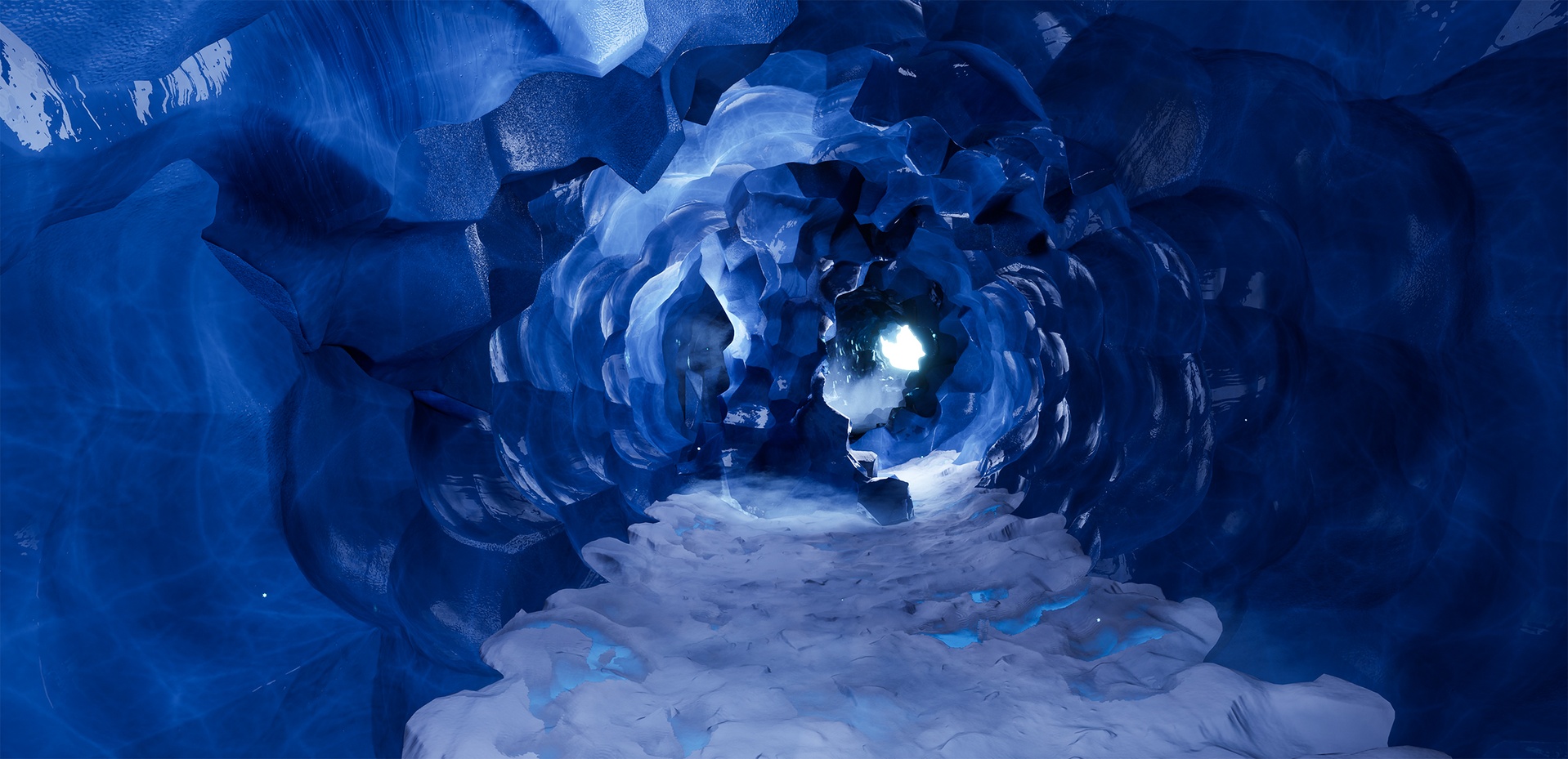
Build kilometres of ice cave tunnels in minutes, not days.
At the core is a PCG Spline Tool: draw a curve, and it deforms and distributes the modular meshes along it. Eight "breaker" meshes drop in at intervals you control, so the tiling never reads as tiling. Every mesh in the tool has its own settings — position, offset, mirror, forward axis, spacing, random transform — so you can tune a tunnel's character without touching geometry by hand.
Built in Houdini, delivered game-ready for Unreal Engine 5.
Fly through the preview level: https://www.youtube.com/watch?v=0fFLcG9UosQ
How the PCG tool works: https://www.youtube.com/watch?v=Fmbd_UdJOWs
Parallax material settings: https://www.youtube.com/watch?v=aJwyG68keUY
Full breakdown: https://www.artstation.com/artwork/gRAAZG
Prefer heat over cold? The BP spline workflow in a volcanic biome: https://www.fab.com/listings/e577b954-2495-44ff-865a-f054ae02d98b
WHAT'S INCLUDED
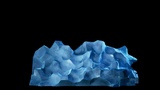
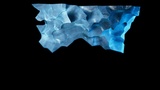
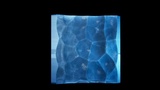
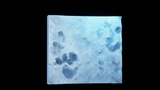
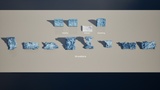
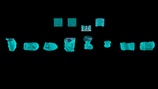
- Perfectly matching modular meshes for walls, floors and ceilings
- 8 "breaker" meshes to kill repetition and dress the space
- PCG Spline Tool with per-mesh placement controls
- Preview level and stage level
- Custom collisions on every mesh
- Master material with fully exposed instances
- Custom noise textures
- Basic particle systems for animation preview
- Source high-poly and low-poly meshes (separate download)
- Raw texture archive (separate download)
- Blender source file (separate download)
MATERIAL CONTROL
One master material drives everything. The instances expose tiling, offset, tint and contrast independently for Albedo, Roughness, Glow, Normal, Dirt, Surface Imperfections and Specular — so you can push the same geometry from clear blue glacier ice to dirty grey cave ice without leaving the editor.
Optional parallax effect with full settings. Optional virtual texturing (used on the 8 breaker meshes).
TECHNICAL SPECS
Engine version: 5.7+
Meshes: 12
Texture resolution: 4K
Materials: 1 master + 4 instances
Formats: Unreal Engine, Blender, FBX
Collisions: Custom, per mesh
BEFORE YOU START
Enable virtual textures: Edit > Project Settings > Engine > Rendering > Virtual Textures
(check "Enable Virtual Texture Support" and restart the editor).
Enable these plugins to avoid issues:
ModelingToolsEditorMode, PCG, PCGBiomeCore, PCGBiomeSample, PCGExternalDataInterop, PCGGeometryScriptInterop, PCGInstancedActorsInterop, MovieRenderPipeline
SUPPORT
Questions, requests, or something you'd like added to the pack? Message me — I update my packs based on what buyers actually need.
If this saved you time, a short review helps other developers find it. It takes a minute and it genuinely matters for a small publisher.