الوصف
Bringing Blender editor controls to Unreal Engine 5!
Are you tired of clicking gizmos? Whether you're transitioning from Blender to Unreal Engine, or you simply want a faster, hotkey-driven workflow, the Blender Editor Controls plugin is designed to accelerate level design, animation, and scene blocking, by letting you move, rotate, and scale assets using hotkeys, and numeric input.
CORE FEATURES
Classic Blender Hotkeys
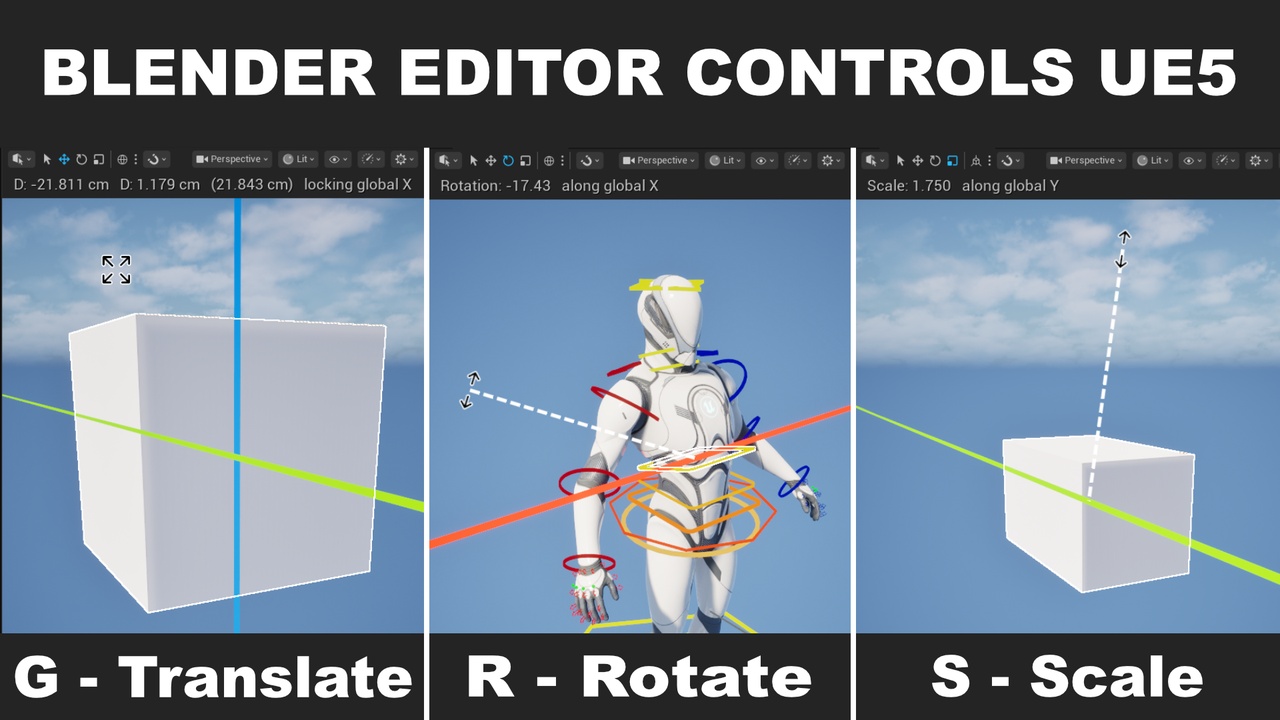
Translate: G
Rotate (double-press for arcball): R
Scale: T
Trackball Rotation: Smooth, omni-directional rotation handling.
Confirm / Cancel: Press Left Click, Enter, or Space to accept. Right Click or Escape to undo operation instantly.
Mid-Operation Tool Switching: Seamlessly switch between Move, Rotate, and Scale during an active transformation without needing to cancel or click out.
Duplicate Selection & Transform: Shift + D
Precision Mode: Hold Shift during any operation to drastically slow down mouse sensitivity for micro-adjustments.
Instant Axis Locking
Just like in Blender, lock your transformations to specific axes without touching a visual gizmo.
Tap X, Y, or Z during any transform operation to constrain the transformation.
Tap Shift + X, Y, or Z for dual-axis constraint.
Press again to switch between local and global axis constraint.
Native Grid Snapping Support
The plugin fully respects and integrates with Unreal Engine's native editor settings:
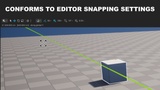
Conforms to Grid Settings: Hotkey operations (translation, rotation, scaling) automatically align to your active editor snap sizes.
Advanced Editor Snapping: Natively supports standard Unreal Engine vertex snapping and snapping to other actors just like the default editor transform widgets, in freeform mode for translation operation.
Snapping Inversion Toggle: Hold Ctrl during any transformation to temporarily invert the active snapping behavior (e.g., bypass snapping when enabled, or force snap when disabled), matching Blender's native behavior.
Numeric Input Processor
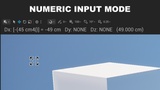
Need exact measurements? Type values directly during an operation just like in Blender. The HUD was designed to mimic Blender behaviour.
Direct Entry: Press G -> X -> 15.5 to move exactly 15.5 units on the X-axis.
Hot-Swapping: Use Tab to cycle between X, Y, and Z slots on the fly.
Math Operations: Press - (Subtract) to toggle positive/negative signs, or / (Divide) to use reciprocal (1/x) values.
Uniform Scaling: Automatically syncs values across slots during scale operations.
Multi-Context Support
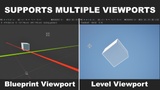
The plugin doesn't just stop at the standard perspective level viewport. It works seamlessly across:
Level Editor: Transform standard Actors in the Level Viewport (fully supports Orthographic Viewports)
Blueprint Editor: Manipulate components and SCS Tree Nodes.
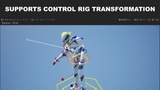
Animation Mode: Full support for Control Rig bones and elements. (Requires ControlRig and RigVM plugins to be enabled)
Customizable
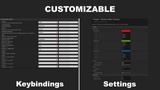
Tailor the experience to your exact needs via Editor Preferences > Plugins > Blender Editor Controls:
Visuals: Customize Axis Colors, Gizmo Line Thickness, HUD Scale, Overlay Margins, and Custom Cursor sizes.
Interaction: Fine-tune Mouse Sensitivity, Trackball Sensitivity, and the Shift-held Precision Scalar.
COMMUNITY AND SUPPORT
This plugin is source-available. Contributions, bug reports, and feature suggestions are highly welcomed.
GitHub Repository: Access the source code, report bugs, or submit pull requests at github.com/jefimh/BlenderControlsUEPlugin
Built specifically for modern Unreal Engine pipelines, it natively hooks into the Slate Input Processor to guarantee lag-free, viewport-level interception without interfering with your UI text boxes or play-in-editor (PIE) sessions. This plugin has been developed and verified on Windows. It has not been tested on Mac or Linux.
Tags: Blender to Unreal, UE5 Blender Shortcuts, Unreal Engine Level Design Tools, Control Rig Transformation, Blender Gizmo, Numeric Input Unreal, Fast Workflow UE5, Hotkey Level Editing, Fab Marketplace Unreal Engine.