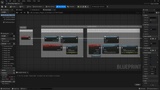
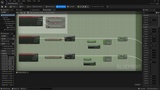
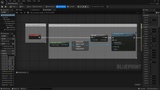
설명
🚀 Seamless Multi-Platform Navigation and High-Fidelity Capture System for Pixel Streaming
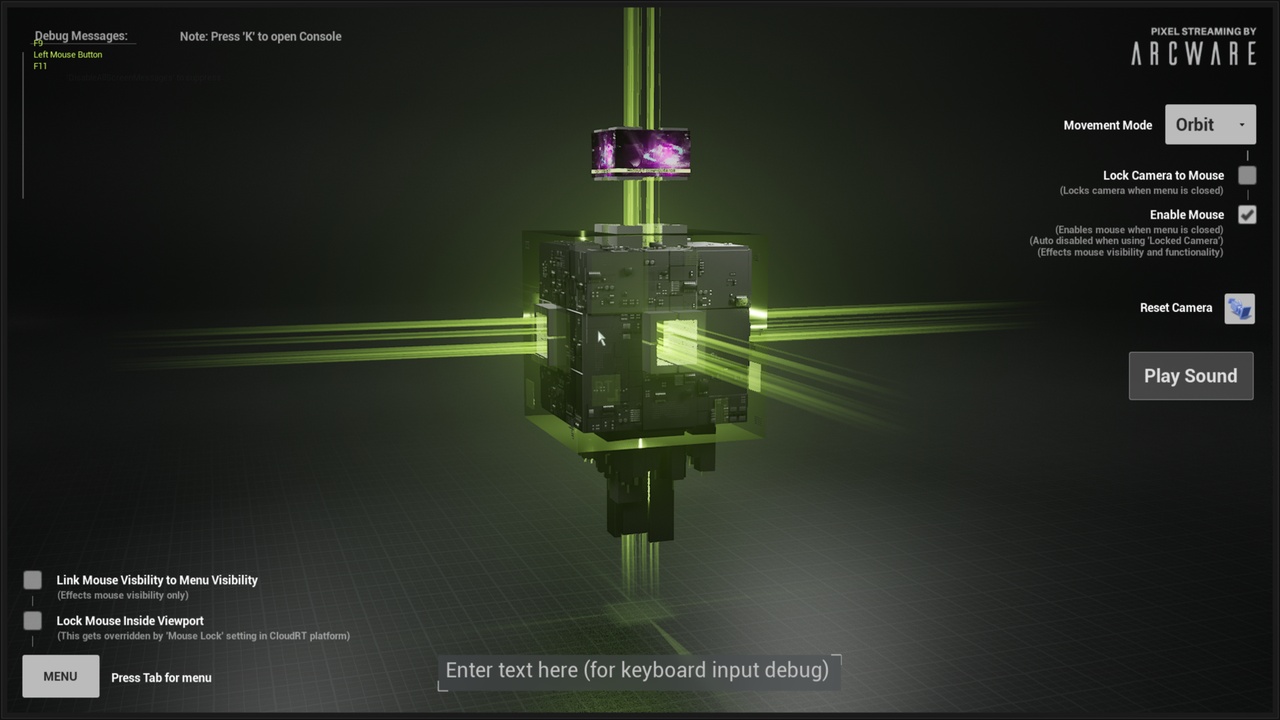
This project delivers a sophisticated and user-centric navigation system for Pixel Streaming applications, ensuring a seamless and optimized experience across all major desktop and mobile platforms. The system is designed to provide maximum freedom of exploration, coupled with powerful frontend screenshot functionality for capturing and sharing high-fidelity views.
Key Features and Capabilities
1. Seamless Multi-Platform Navigation System
A versatile navigation core that enables intuitive world interaction across three distinct modes, automatically adapting to the user's input method (mouse/keyboard on desktop, touch on mobile).
Platform Compatibility (Pixel Streaming):
Desktop: Windows, Mac, Linux
Mobile: iPhone, Android
Navigation Modes:
Orbit Mode: Enables users to freely rotate around a fixed point of interest, ideal for detailed inspection of specific models or scenes.
Fly Mode: Offers unrestricted, high-speed movement through the environment, perfect for quick exploration of large-scale worlds.
Walk Mode: Provides grounded, first-person perspective navigation with realistic constraints, best suited for architectural or human-scale environments.
2. Screenshot to Frontend Functionality
A critical feature that empowers users to capture the Pixel Stream's view with granular control and effortlessly share the resulting image.
Capture Control: Users can generate screenshots at their preferred resolution.
Direct Download: Images are immediately available for download directly via the frontend interface.
Integrated Sharing: Seamlessly supports generated images for both:
Native Share Links
Custom Embeddings
Why Choose This System?
This system significantly enhances user engagement by offering unprecedented accessibility and navigational flexibility across devices. The integrated screenshot tool transforms the viewing experience from passive observation into active content creation and collaboration, making it an essential component for high-fidelity interactive streaming deployments.
Get Started:
Jumpstart your interactive 3D project with the Arcware Pixel Streaming Game Template. Focus on your creative vision and let the template handle the technical complexities of multi-platform navigation and Pixel Streaming deployment.
About Arcware:
Arcware is dedicated to providing developers with the tools and resources they need to create and deliver compelling 3D experiences. Our platform simplifies the process of streaming Unreal Engine content, making interactive 3D accessible to a wider audience.
Web : https://arcware.com/