الوصف
LAST UPDATED 7/10/2026. See the changelog here
Documentation | Showcase | Discord
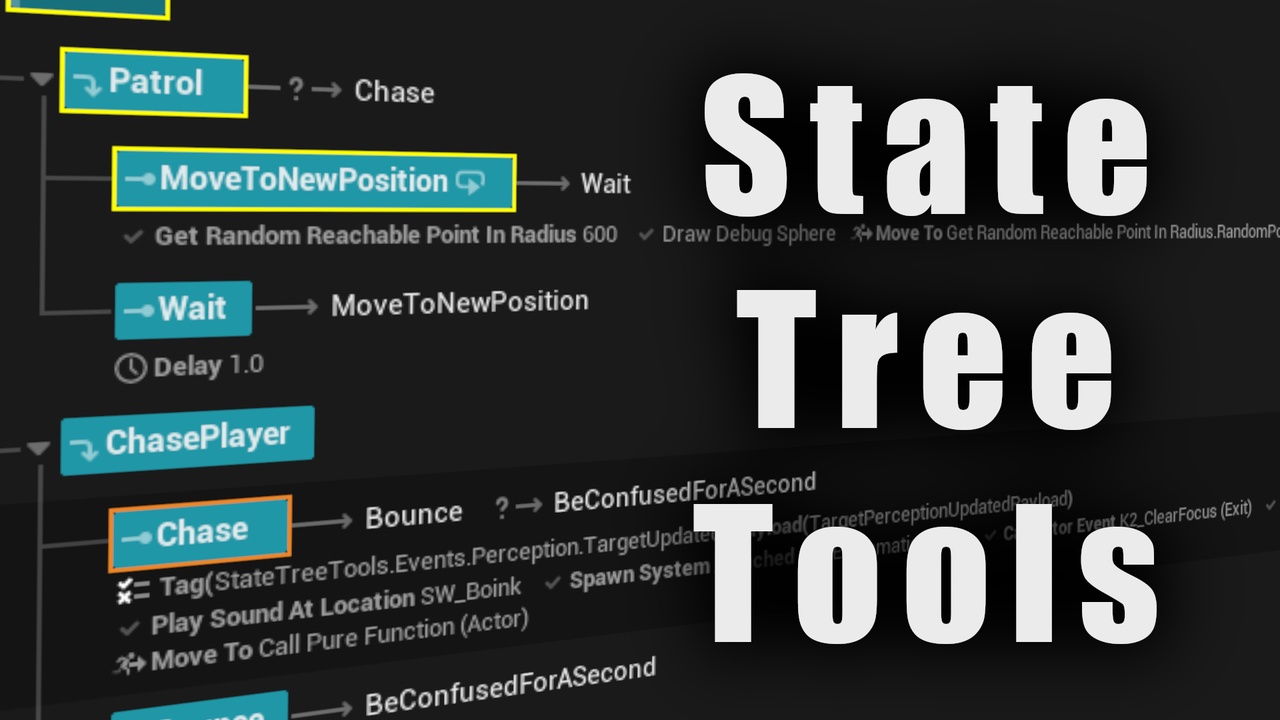
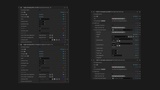
State Tree Tools provides tasks, conditions, property functions, and components that allow you to access all of Unreal Engine's features from State Tree without having to write any Blueprint or C++. Stop spending time writing your own State Tree Tasks when you can use the ready-to-go State Tree Tools tasks without dragging out any blueprint nodes or writing a single line of C++.
You can do all of these without writing new tasks or any other code:
Call any event function or delegate from within State Tree.
Set any actor or component property from within State Tree.
Bind the result of any blueprint pure function to any State Tree variable.
Wait on any delegate.
Create Niagara systems, play sounds, draw debug shapes, and play montages directly from State Tree.
Capture and send GAS events, access gameplay attributes, query gameplay tags.
Create widgets, wait on widget events.
And so on and so forth!
All tasks stay active until the thing they're doing is complete, eg Niagara effects or Gameplay Abilities. When the thing they're doing completes, the task is marked as complete. If the task itself is canceled then the user has options on how to handle the thing it's doing.
State Tree Tools supports many GAS functions, but GAS is not required.
Tasks:
CallActorEvent/CallComponentEvent - calls any event or non-pure function on any actor or component
SetActorProperty/SetComponentProperty - sets any property on any actor or component
CallActorDelegate/CallComponentDelegate/WaitForDelegate - calls any delegate on any actor or component, binds to and waits on a delegate
StartActionAndWait - calls an event on an actor and component, not completing the task until the event calls the "Finish Action" Blueprint node
PlayMontage
PlaySoundAtLocation/SpawnSoundAtLocation/PlaySound2D/SpawnSound2D
DrawDebugLine/Point/DirectionalArrow/Box/Sphere/Etc. They're all there, plus FlushPersistentDebugLines and FlushDebugStrings
SpawnSystemAttached/SpawnSystemAtLocation - Niagara effects
CreateWidget/CallWidgetEvent/BindWidgetEvent/WaitForWidgetDelegate - For creating and dealing with UMG widgets
SendStateTreeEvent - Can you believe that there wasn't a way to send a state tree event from a state tree task? Now there is
AddMappingContext/RemoveMappingContext - EnhancedInput
SetInputMode: Game Only/SetInputMode: UI Only/SetInputMode: Game And UI
LaunchURL/QuitGame
GAS: WaitForGameplayTagAdded/Removed
GAS: ApplyGameplayEffect/ToTarget
GAS: TryActivateAbilityByClass - Will keep the task active until the ability completes
GAS: SendGameplayEventToActor
Property Functions:
GetRootComponent - Gets the root component of an actor
GetComponentByClass - Gets a component of an actor
CallPureFunction - Access any Blueprint-exposed pure function from a property function
GetWidgetAnimation - Retrieves an animation from a widget
Floating point and vector math operations
GetEnhancedInputLocalPlayerSubsystem/GetEnhancedInputWorldSubsystem - EnhancedInput access
GAS: GetFloatAttribute
Conditions:
GAS: HasMatchingGameplayTag/HasAllMatchingGameplayTagsHasAnyMatchingGameplayTags/MatchesGameplayTagQuery
Components:
PerceptionEventForwarder - Forwards all events from AIPerception components into StateTree components on the same actor
PrimitiveEventForwarder - Forwards primitive component events into StateTree components on the same acto
GASEventForwarder - Forwards all GAS events into StateTree components on the same actor
And many more! Too many to list here!