Beschreibung
The Uber Shader Material Pack
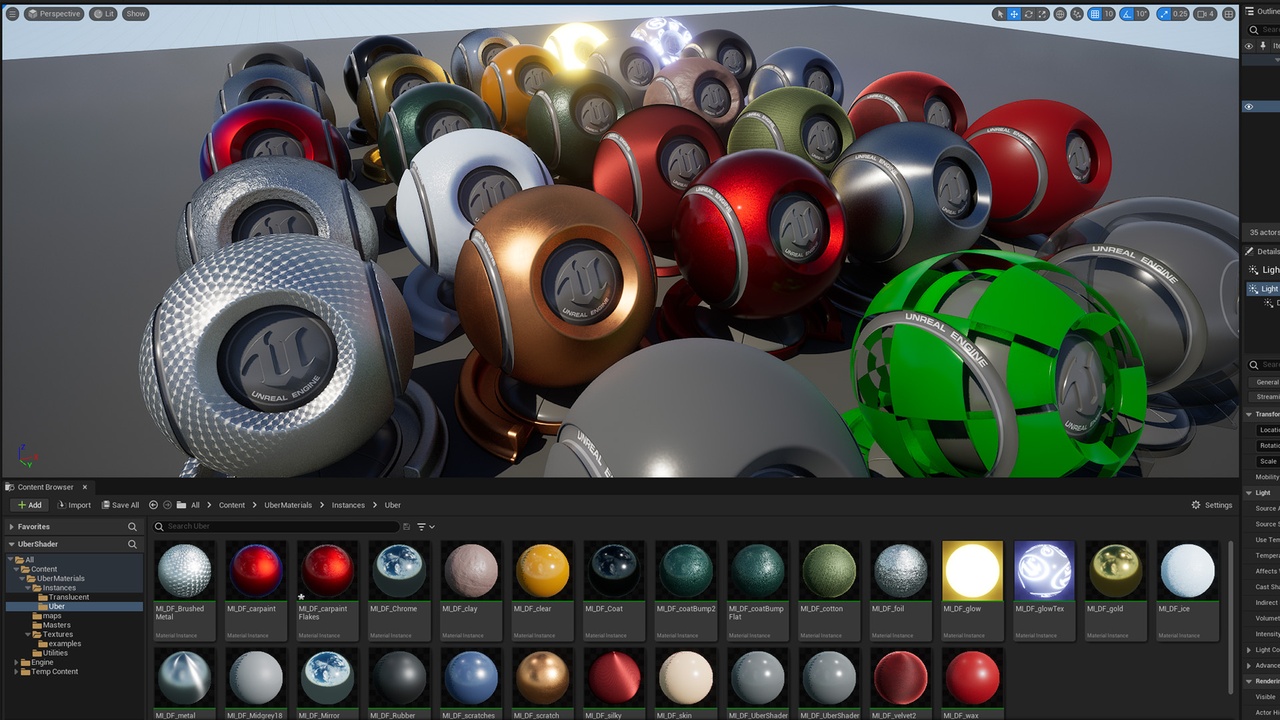
The perfect “master material” for folks coming from programs like Maya to hit the ground running in Unreal with a production-ready all-purpose material interface. The Uber Shader is modeled after the Arnold Standard Surface, and contains those same familiar controls, including base color, specular roughness, anisotropy, coat, sheen, subsurface, bump, emission, and UV controls (see full feature list below).
Check out this video walk-through of the Uber Shader Material Pack and all of its features:
Uber Shader Video Walk-Through
Uber Shader: Master Materials
Four master materials are provided,
- The Uber Shader - is the main workhorse used to achieve a host of looks, all in one familiar interface. See the full parameters list below.
Three additional master materials are provided for special purposes:
- Uber Shader VT - with support for UDIM mapping,
- GlassThin - For thin glass,
- Foliage_ART - For translucent foliage.
Example Material Instances
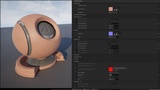
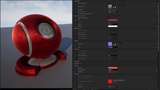
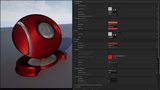
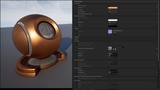
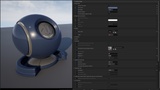
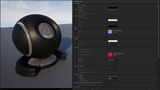
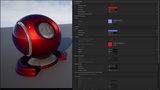
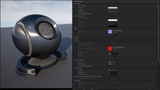
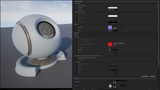
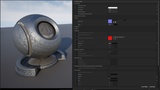
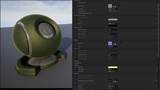
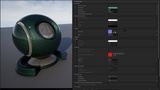
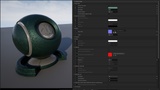
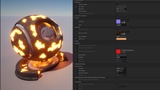
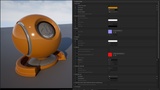
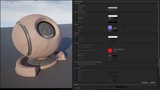
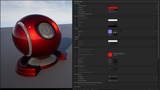
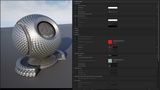
27 example Material Instances, all driven by the Uber Shader Master Material, are included to demo the functionality of the Uber Shader and get you started building your own looks. See the image gallery for renders of these examples:
- Two-tone car paint
- Metallic flake car paint
- Brushed metal (tangent map)
- Chrome
- Clay
- Clearcoat plastic
- Coat Bump (secondary specular)
- Coat Flat (secondary normal)
- Cotton knit
- Foil
- Glow
- Glow mask
- Gold
- Ice
- Metal Anisotropic
- Midgrey 18%
- Mirror
- Rubber
- Scratched dielectric
- Scratched metal
- Silk
- Skin
- UberShader default
- UberShader VT default
- Velvet
- Wax