Açıklama
Map System
Latest Version: v2.0.0
Overview
Enhance your game’s navigation workflow with the Map System, a powerful and flexible solution designed for seamless integration into your project. Whether you’re building an open-world adventure, a tactical strategy game, or any genre in between, this feature-rich system enables you to create intuitive, immersive, and highly interactive maps with ease.
Features
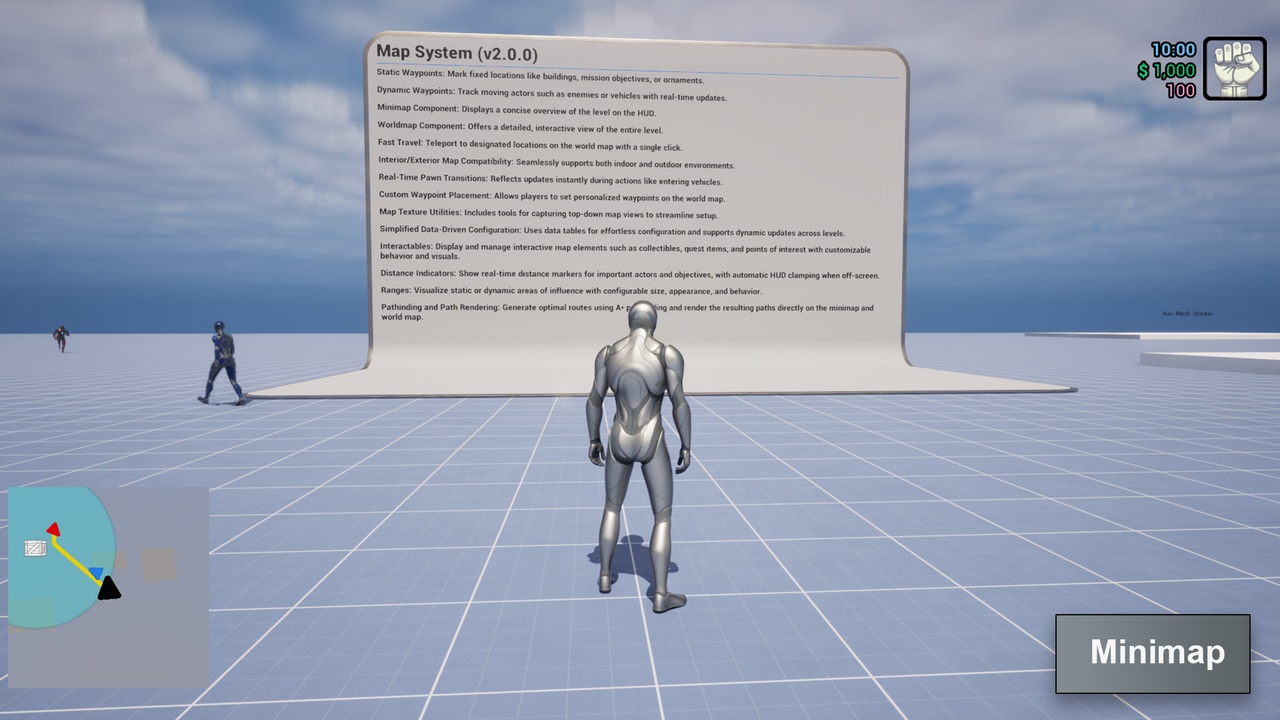
Static Waypoints: Mark fixed locations like buildings, mission objectives, or ornaments.
Dynamic Waypoints: Track moving actors such as enemies or vehicles with real-time updates.
Minimap Component: Displays a concise overview of the level on the HUD.
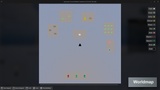
Worldmap Component: Offers a detailed, interactive view of the entire level.
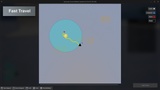
Fast Travel: Teleport to designated locations on the world map with a single click.
Interior/Exterior Map Compatibility: Seamlessly supports both indoor and outdoor environments.
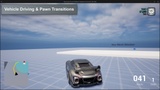
Real-Time Pawn Transitions: Reflects updates instantly during actions like entering vehicles.
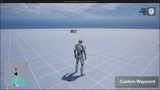
Custom Waypoint Placement: Allows players to set personalized waypoints on the world map.
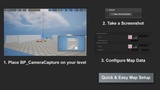
Map Texture Utilities: Includes tools for capturing top-down map views to streamline setup.
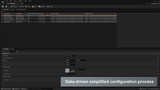
Simplified Data-Driven Configuration: Uses data tables for effortless configuration and supports dynamic updates across levels.
Interactables: Display and manage interactive map elements such as collectibles, quest items, and points of interest with customizable behavior and visuals.
Distance Indicators: Show real-time distance markers for important actors and objectives, with automatic HUD clamping when off-screen.
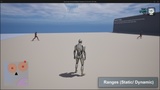
Ranges: Visualize static or dynamic areas of influence with configurable size, appearance, and behavior.
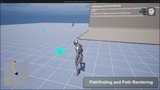
Pathinding and Path Rendering: Generate optimal routes using A* pathfinding and render the resulting paths directly on the minimap and world map.
Resources
View the official product page for detailed information, update notes, and additional resources.
Product Page: [View Product Page]
Follow the official documentation for installation, configuration, integration, customization, and troubleshooting.
Documentation: [View Docs]
Download the latest playable build to evaluate the system before integrating it into your project.
Playable Demo: [Download]
Watch the official trailers for an overview of the system’s primary features and workflows.
Preview Trailer (v2.0.0): [Watch Trailer]
Preview Trailer (v1.1.0): [Watch Trailer]
Preview Trailer (v1.0.0): [Watch Trailer]
Explore feature demonstrations, implementation examples, development updates, and experimental use cases.
Dev Previews: [View Playlist]
Follow the tutorial series for integration guidance, feature explanations, customization examples, and source code walkthroughs.
Tutorials: [View Playlist]
Access all available product tutorials and structured learning materials from the official learning page.
Product Tutorials: [View Learning Page]
Learn how to build and understand the complete system through a dedicated step-by-step course.
Udemy Course: [Buy Premium Course]
External Tools and Repositories
Use the Map Texture Creator Tool to quickly generate map textures for your project. You can choose between pre-built releases or the full source code. Open-source contributions are welcome.
Releases: [Map Texture Creator - Windows]
Source Code: [Map Texture Creator Repository]
Important Notes
Refer to the provided documentation and tutorial resources for integration, configuration, and customization guidance.
Some features may require additional project configuration.
The playable demo is provided to demonstrate the system’s features and overall capabilities.
Engine compatibility and available features may vary between product versions.
Contact and Community
Official Website: https://www.elsewaregames.com
Fab Marketplace: https://www.fab.com/sellers/elseware%20Games
Discord: https://discord.gg/6bPp6YjbSX
ITCH.io: https://elsewaregames.itch.io/
Instagram: https://www.instagram.com/elsewaregames
Technical Support
For technical questions, bug reports, feature requests, or compatibility inquiries, contact:
Email: [email protected]