

Açıklama
Right-click any Content Browser folder or asset selection to batch-enforce texture resolution caps, assign suffix-aware compression settings, and auto-generate static mesh LOD chains -- built to cut cooked build size and VRAM usage without opening hundreds of assets by hand.
FeaturesDry-Run Audit before anything changes -- summary and itemized report logged to Saved/SmartTextureLODOptimizer/
Suffix-aware texture compression rules (_N/_Normal to Normalmap, ORM/Mask to Masks, UI/Icon to EditorIcon, BC/Diffuse to Default), fully editable via optimizer_rules.json
Configurable resolution cap enforcement, even for textures matching no suffix rule
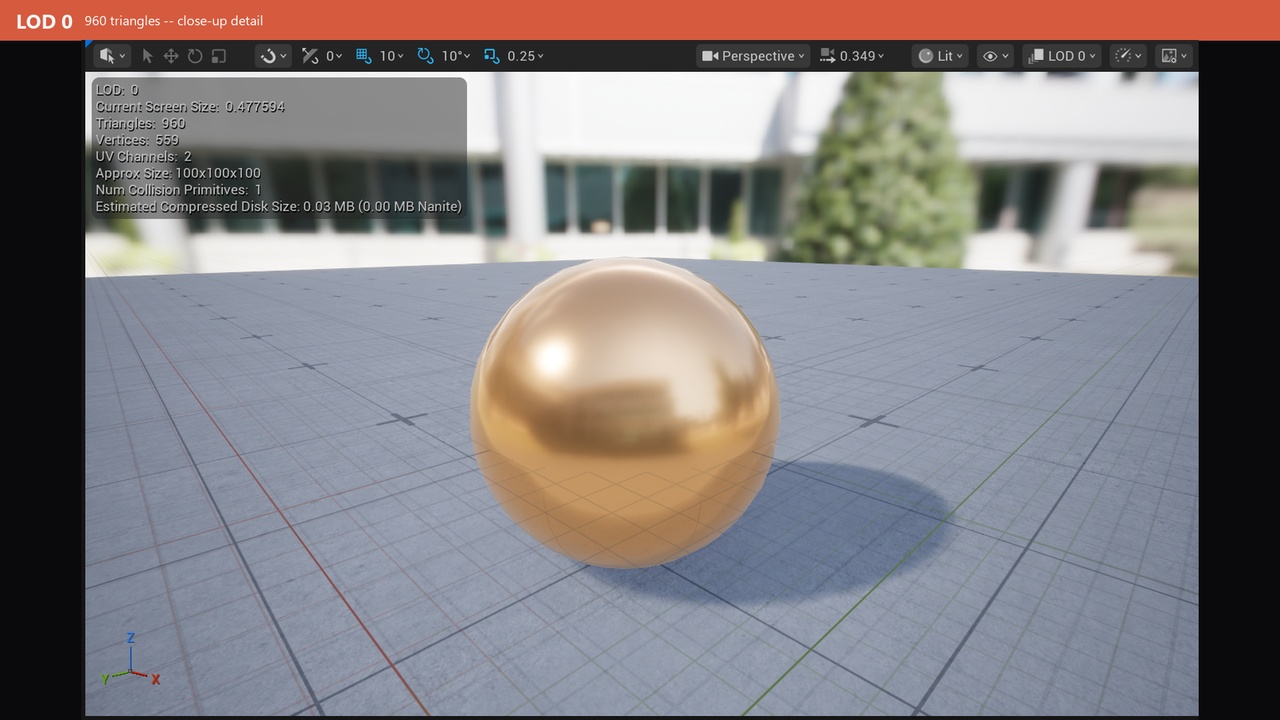
Auto-generates distance LOD chains for static meshes (default 3 levels: 100%/50%/25%), reduction percentages configurable
Already-optimized assets are skipped -- safe to re-run over the same folder
Real batch undo for both texture and LOD batches, tracked separately
Protected paths (folders/prefixes/names) that are always left alone
Mixed-type folder selections just work -- non-texture assets are skipped by the texture tool, non-mesh assets by the LOD tool
Requires the Python Editor Script Plugin and Editor Scripting Utilities engine plugins -- both are enabled automatically when you install this plugin, no manual setup needed
Copy the SmartTextureLODOptimizer folder into your project's Plugins/ directory, restart the editor, and confirm it's enabled in Edit > Plugins
Right-click a folder or a selection of assets in the Content Browser
Choose "Smart Optimizer: Optimize Textures in Folder..." / "...Selected Textures..." and/or "...Auto-Generate Mesh LODs in Folder..." / "...for Selected Meshes..."
Review the Dry-Run Audit summary dialog and the itemized report saved to Saved/SmartTextureLODOptimizer/
Confirm to apply
If needed, use "Smart Optimizer: Undo Last Texture Optimize Batch..." or "...Undo Last LOD Generate Batch..." from the asset right-click menu
Nothing changes until you confirm the Dry-Run Audit
Updates texture compression settings, LOD group, and max size on affected Texture2D assets
Generates new LOD levels on affected StaticMesh assets
Creates/updates Saved/SmartTextureLODOptimizer/ (audit reports) and optimizer_rules.json (your rules config)