Описание
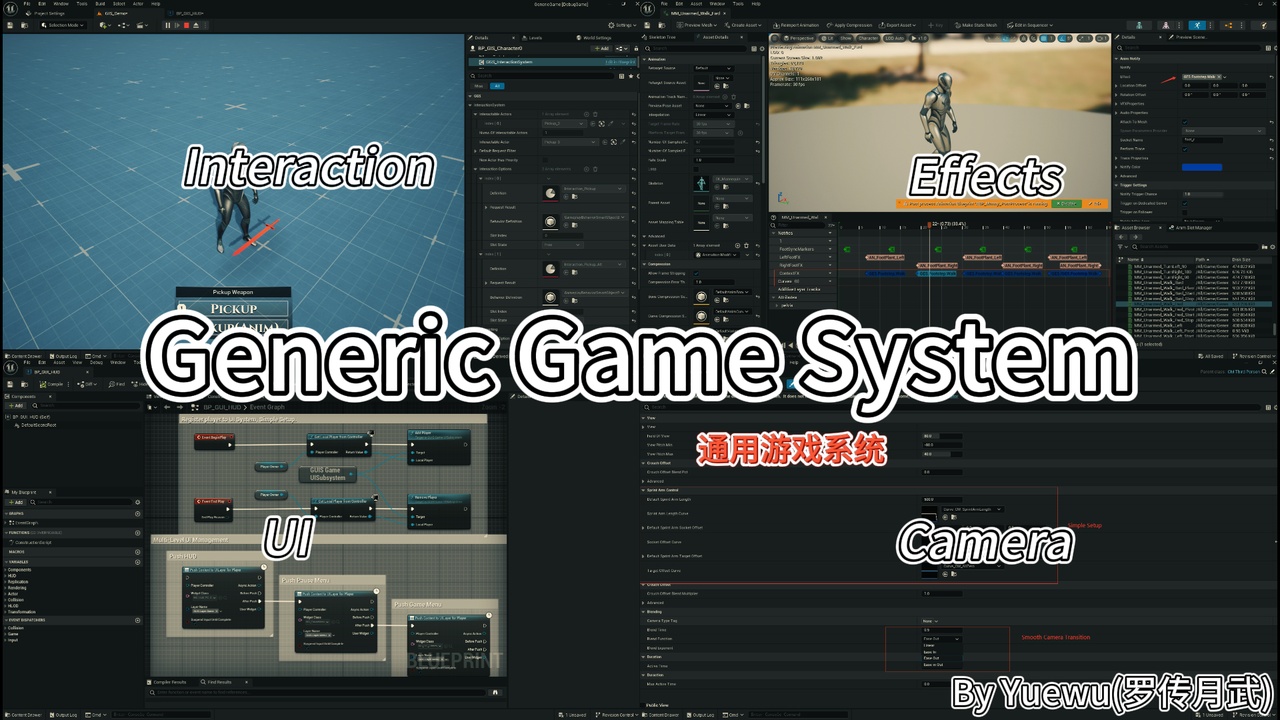
Generic Game System gives Unreal projects a set of reusable gameplay infrastructure modules: context-aware feedback, camera modes, CommonUI composition, local-player settings, Smart Object interaction, and network-aware ragdoll recovery. It is for teams that want less repeated glue without adopting a complete character or game-mode framework.
Documentation and Support
Why Generic Game System?
Many games rebuild the same foundation repeatedly: footsteps and hit effects need gameplay context, cameras change with state, UI needs safe extension points, settings menus need apply/cancel behavior, interactions need ownership, and ragdoll recovery needs authority plus remote presentation.
How do VFX and SFX respond to surfaces, tags, and actor state instead of being hard-coded per actor?
How do camera modes and CommonUI layers grow without coupling character classes and widgets together?
How do local players get settings menus with apply, cancel, persistence, and project-owned behavior?
How do Smart Object interactions and ragdoll recovery keep clear authority boundaries in multiplayer?
Generic Game System turns these shared needs into reusable runtime contracts for feedback, camera, CommonUI, settings, Smart Object interaction, and ragdoll recovery. Teams get less repeated glue without adopting a complete character or game-mode framework.
Key Features
Make feedback understand gameplay context
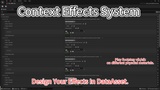
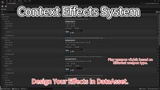
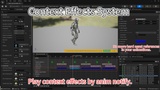
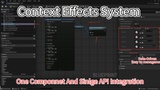
Context Effects use Gameplay Tags, physical surface mapping, optional tag providers, and effect libraries to select Niagara and audio feedback. Footsteps, landings, hits, abilities, or project events can share context rules instead of repeating checks across actors.
Organize view changes with camera modes
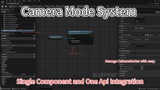
The Camera Component manages a blended Camera Mode stack and exposes active mode, blend weight, and extension points. Projects can provide modes for exploration, aiming, interaction, vehicles, or abilities. Penetration avoidance foundations are included, but the plugin does not ship a fixed third-person camera template.
Build CommonUI that can grow with gameplay
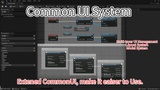
UI Policy, layouts, activatable widgets, modals, async UI actions, mobile input widgets, and tag-based extension points let HUDs, menus, prompts, and gameplay UI contributions cooperate around one layout. Gameplay features can register or remove UI content without directly coupling to the root widget.
Provide local-player settings with apply and cancel
Settings registries, providers, conditions, values, accessors, and CommonUI entries support video, audio, input, accessibility, and language preferences. Apply commits and saves changes; Cancel restores the tracked baseline. Your project decides how audio, input, subtitle, or accessibility preferences affect gameplay.
Structure Smart Object interaction
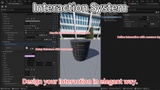
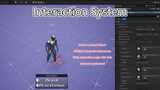
Interaction definitions provide display information and input data, while components manage candidates, selection, refresh, replicated presentation state, and server-owned state changes. Projects can provide search through traces, overlaps, tags, distance, or custom logic, then run claimed Smart Objects through Gameplay Behavior.
Add network-aware ragdoll and recovery
The ragdoll controller provides server requests, multicast state changes, replicated pose correction, and overridable get-up selection. Projects decide when ragdoll is allowed, choose front or back recovery, and keep their own animation and state machine.
Best Fit For
Third-person action, adventure, simulation, RPG, multiplayer, or character-driven projects
Teams using Gameplay Tags, Niagara, CommonUI, Smart Objects, Gameplay Abilities, or Targeting System
Projects needing reusable feedback, camera, settings, UI, interaction, or ragdoll infrastructure
Teams that want incremental module adoption rather than a complete character hierarchy, game mode, or UI skin pack
GGS is an infrastructure collection, not a complete game framework, character template, or art UI package. Each module can be adopted around an existing project architecture; your project still owns characters, rules, UI style, animation, and final presentation.