


Descripción
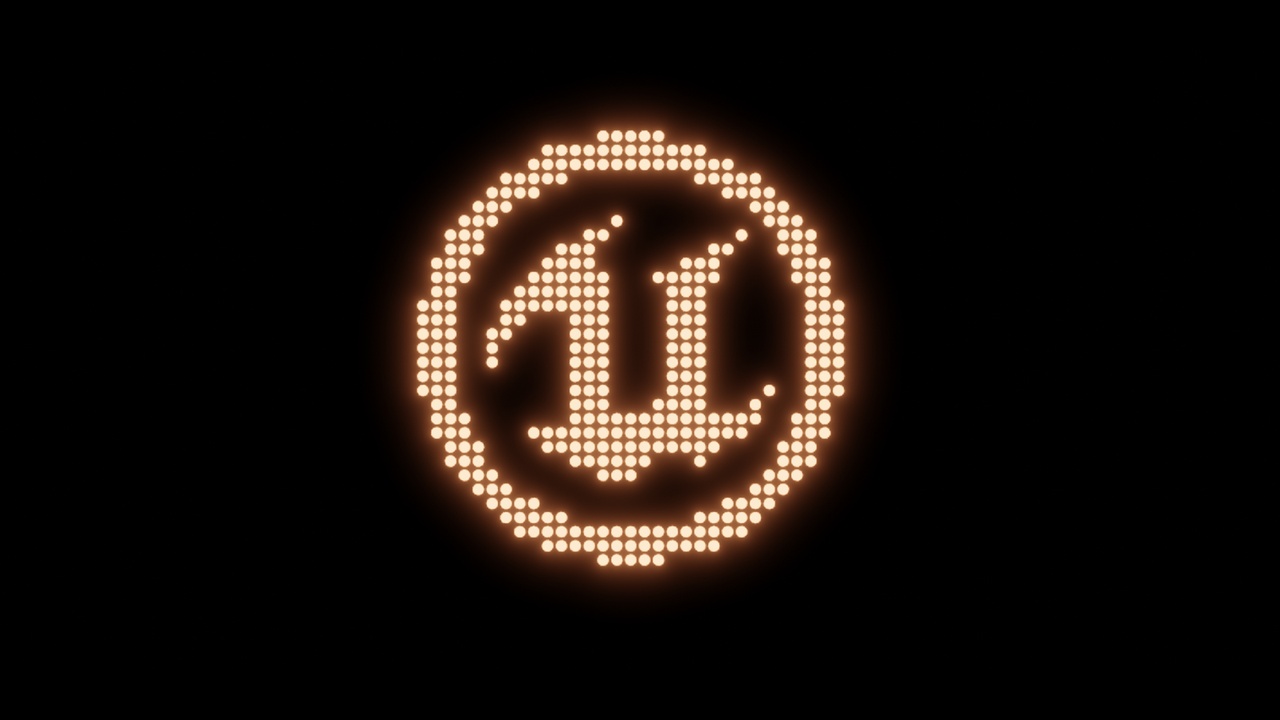
Create stunning LED signs in seconds — fully procedural, fully customizable.
Create realistic LED signs by simply typing your text in Blender, then export them to any game engine. No manual modeling, no complex setup.
Whether you're working on motion graphics, product visuals, cyberpunk scenes, or UI simulations, this tool gives you fast and flexible control over your signage.
The system is made entirely of plane objects. This means you can use the LEDs in any game engine(without animations). Whether you import them into Unreal, Unity, or Godot, it doesn’t matter. After importing into the game engine, there are two materials on the mesh: active and inactive. For the active one, you just need to increase the emission value. That’s all.
Just plug it into your scene, type your text, and render. Save time. Stay flexible. Create visually striking LED displays with ease.
Features:
• Type any text and instantly generate a LED display
• Fully procedural — no geometry editing required
• Adjustable LED size, spacing, brightness, and color
• Clean, scalable setup that works in any scene
• Ideal for animations, loops, and dynamic content
Perfect for
• Motion designers
• 3D artists
• Visual storytellers
• Anyone needing dynamic signage elements
The project was created in version 4.5. It supports all versions 4.5 and above. It may also work on lower versions, but this has not been tested.