Description
Stop spawning and destroying the same things over and over. PoolKit reuses them, and needs no setup.
Replace Spawn Actor from Class with Spawn Actor From Pool and Destroy Actor with Release Actor To Pool. There's no manager actor to place, no base class to inherit and no interface to implement. Reused actors behave like freshly spawned ones: visibility, collision, tick, Auto Activate components and Projectile Movement restart automatically; timers, Delay nodes, movement and physics stop on release.
Pool more than actors. Acquire and release UMG widgets (damage numbers, hit markers, list items): PoolKit removes them from the viewport or panel, stops animations and resets them, and keeps their Slate widget so reuse is cheap. Fire-and-forget sounds and Niagara systems return to their pool when they finish. Decals (with fade-out and a "keep the newest 100 bullet holes" cap) and static mesh components are pooled per asset.
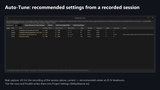
Auto-tune. Just play. PoolKit records each pool's peak, time near the peak, requests, failures and recycles in every Play In Editor session, then shows recommended Prewarm Count, Max Inactive and Max Active next to your current Project Settings, with a headroom slider. Tick the rows you want and it writes them for you.
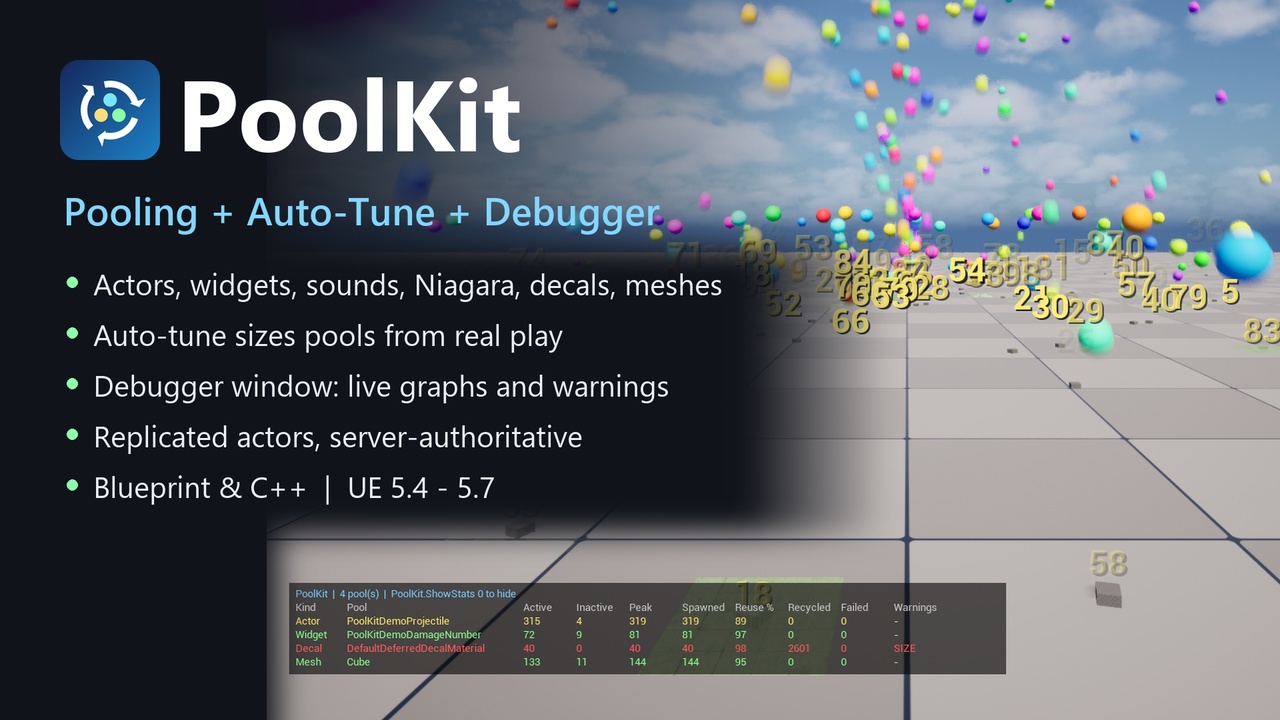
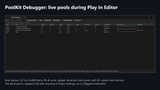
See your pools. The PoolKit Debugger tab shows every pool during PIE: active, inactive, peak, reuse %, failed, recycled, double releases, estimated memory, a 30-second graph and warnings for undersized pools, likely leaks and double releases. Prewarm, trim or release from the window. An in-game overlay and console commands show the same data.
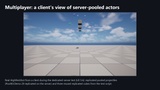
Multiplayer. Replicated actors are pooled server-authoritatively on listen and dedicated servers. Released actors are hidden and put to sleep (net dormancy); clients deactivate their copy, and on reuse teleport and reset it, so clients don't see ghosts at old positions. Late joiners don't receive inactive pooled actors, and clients can't release or destroy the server's pooled actors. Tested with a server and two clients (one joining late) as separate processes.
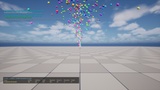
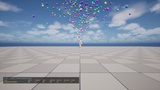
Try it with no content: press Play and type PoolKit.Demo 90 all for a fountain of pooled projectiles with pooled decals, meshes and damage numbers, then open Tools > Debug > PoolKit Debugger. PoolKit.Benchmark times SpawnActor + Destroy against pooling on your own machine (on our test machine: 6.1x less game-thread time for the demo projectile; your numbers depend on your actors).
FeaturesZero setup: a world subsystem, with no manager actor, base class or required interface
Actor pooling with automatic reset (transform, visibility, collision, tick, Auto Activate components, Projectile Movement, physics, timers and Delay nodes)
UMG widget pooling: removed from viewport/panel, animations stopped, visual state reset, Slate widget kept
Fire-and-forget sound and Niagara pooling (Niagara in its own module)
Decal pooling (fade-out, recycle oldest) and static mesh component pooling, one pool per asset
Auto-tune: records real play and writes recommended Prewarm Count and limits into Project Settings after you review a diff
PoolKit Debugger editor window: live rows, 30 s graphs, estimated memory, warnings (undersized, leak, double release)
Multiplayer: server-authoritative pooling of replicated actors, dormancy for inactive actors, late-joiner safe
Per-pool limits: Max Inactive, Max Active, Recycle Oldest When Full; prewarm from Project Settings or Blueprint
Optional PoolKit Poolable interface (actor, component or widget): On Acquired / On Released
Live stats overlay and console commands; content-free demo and built-in benchmark
27 automation tests included; full C++ API with a generic component pool
Code modules: PoolKit (Runtime), PoolKitNiagara (Runtime), PoolKitEditor (Editor)
Blueprints: 0. C++ classes: 14 (plus structs)
Network replicated: Yes (replicated actors pooled on the server; see the documentation for what is supported)
Engine versions: 5.4, 5.5, 5.6, 5.7
Development platform: Windows (tested). Mac: not tested
Target platforms: Win64 (compiled and tested). No platform-specific code; other platforms not tested
Console commands and the stats overlay are compiled out of Shipping builds. The PoolKitNiagara module uses the engine's Niagara plugin (on by default in UE5)
Documentation: https://github.com/AusomeA/cvc-poolkit-docs
Made with AI-assisted development; the code, tests and documentation were reviewed and tested on real engine builds.