Description
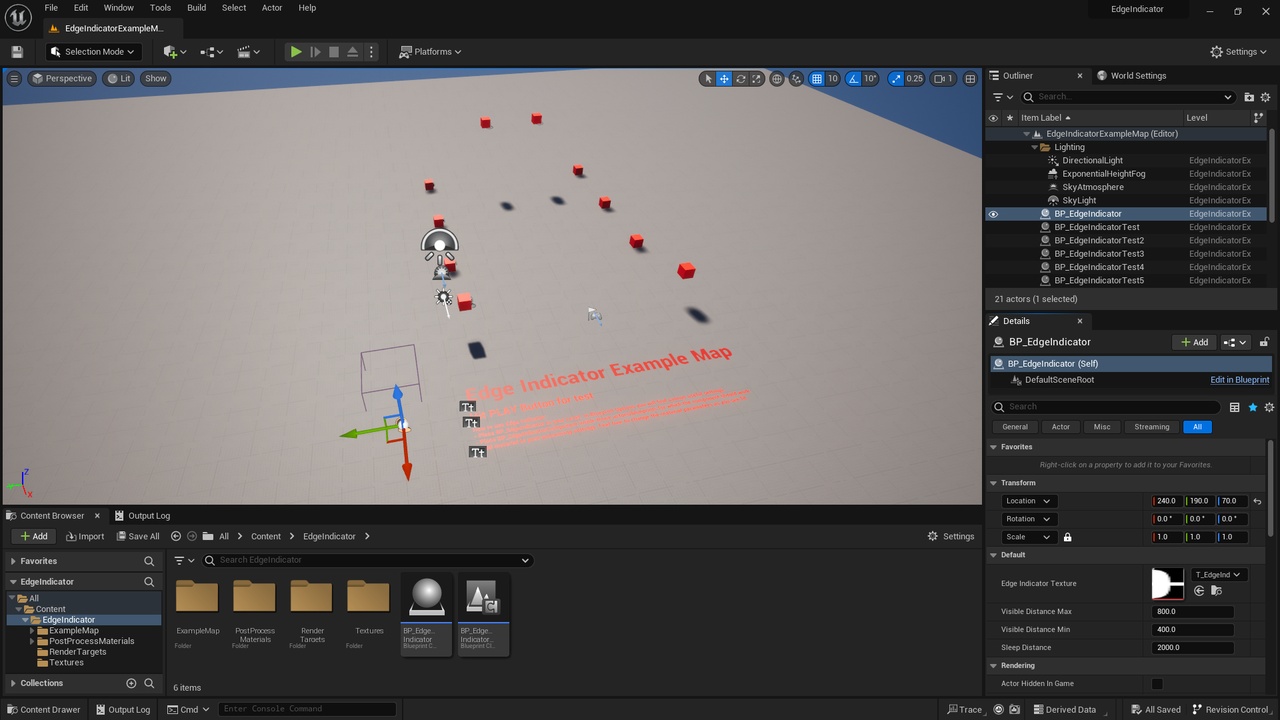
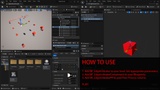
A set of Blueprints for indicating objects outside the player’s field of view. Indicators are located in the form of illuminated zones along the edges of the screen. Great for indicating enemies in Stealth or Horror games. Blueprints are very easy to use and configure.
Demonstration
Documentation
Possibilities
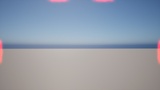
Indication of objects outside the player’s field of view along the edges of the screen.
The intensity of the indication depends on the distance and changes smoothly as the distance changes.
Blueprints are optimized for working with a large number of objects. BP_EdgeIndicatorComponent can sleep and wake up depending on distance, which significantly reduces the number of ticks.
BP_EdgeIndicatorComponents are automatically registered in BP_EdgeIndicator blueprint - this means that you do not have to worry about activating and deactivating them. Blueprints work without problems with World Partition.
You can easily customize the display style of the indicator, change its color, brightness, animation intensity, etc.
Blueprints are easy to use
Add BP_EdgeIndicator to your level, set appropriate parameters;
Add BP_EdgeIndicatorComponent to your Blueprints/Actors, move it to center it;
Add MI_EdgeIndicatorPP Material to your Post Process volume.
Play!