



説明
▶️ Video Demo | 📖 Documentation
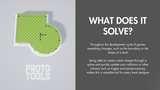
While using volumes you usually have one or two options. You place a volume cube down and scale it, or you model it and export it to the engine. Both are bothersome, it takes long and its annoying. It wastes time where we could be creative.
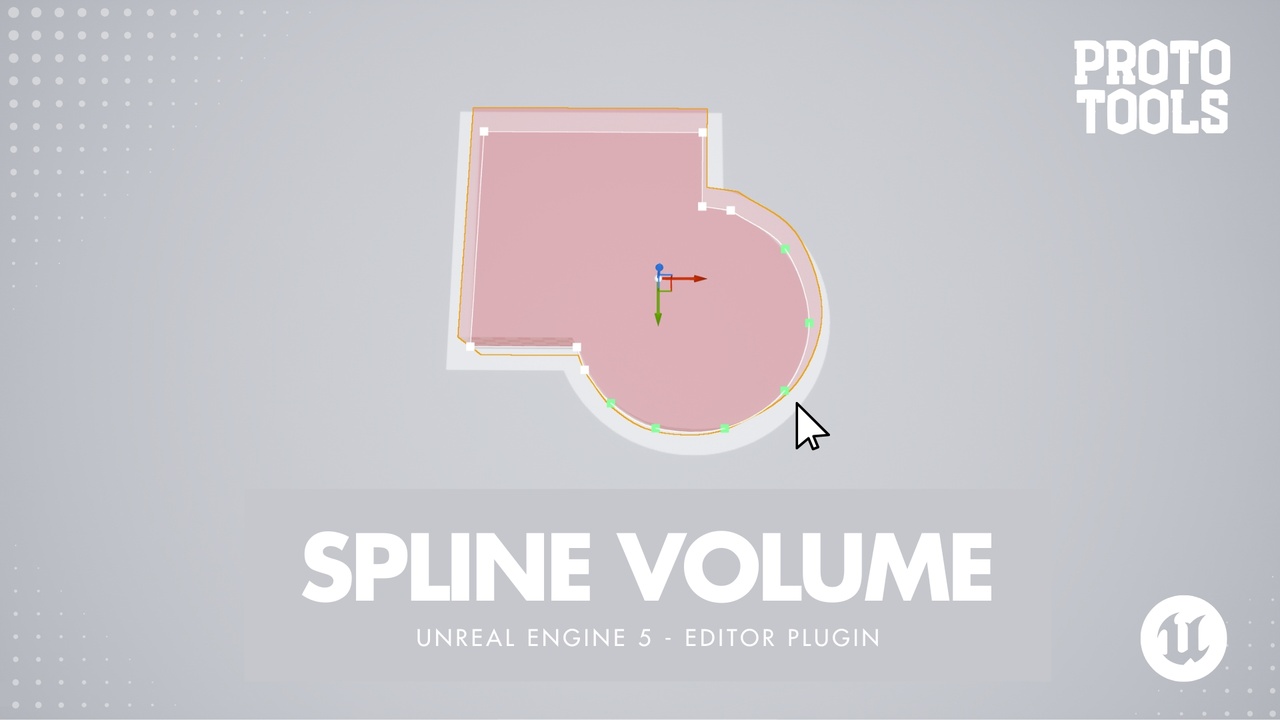
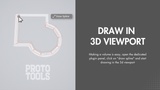
So instead of dragging cubes around, what if you could just draw them in the 3d viewport and adjust them however we want?
It is now possible with Proto:Tools • Spline Volume. Click points in the viewport and get a volume that follows your line. Every volume stays editable as a spline, so when the layout changes you grab a point or add another point and reshape it. Support for blocking, trigger, post process, nav volumes and level blockout, switchable at any time. It's fast and easy.
Features:
Draw spline-shaped volumes directly in the viewport blocking | trigger | post-process | navmesh modifier + 1 for level blockouts
Live-editable curves: linear | catmull-rom | bezier
Intuitive ways to add and adjust spline points in the viewport, add new points by clicking on the line & move spline point across world and local axis
Ability to close and fill the spline loop
Adjust height, width and offset inner | center | outer
Make spline follow mesh curvature or flatten to base
Support surface filtering to avoid spline points being drawn on unwanted objects
This plugin relies on "Geometry Processing" and is enabled with this plugin, (included with Unreal Engine - no separate installation required).
Disclaimer: Yes, I used AI to support me with creating this plugin. But the idea, UX design decisions are all mine. I made this plugin based on my own experience and frustrations as a level designer. The plugin is made by a dev for other devs. I believe the limit of AI is your own experience and knowledge. I want to leverage mine to make quality products that won't be seen as AI-SLOP