
説明
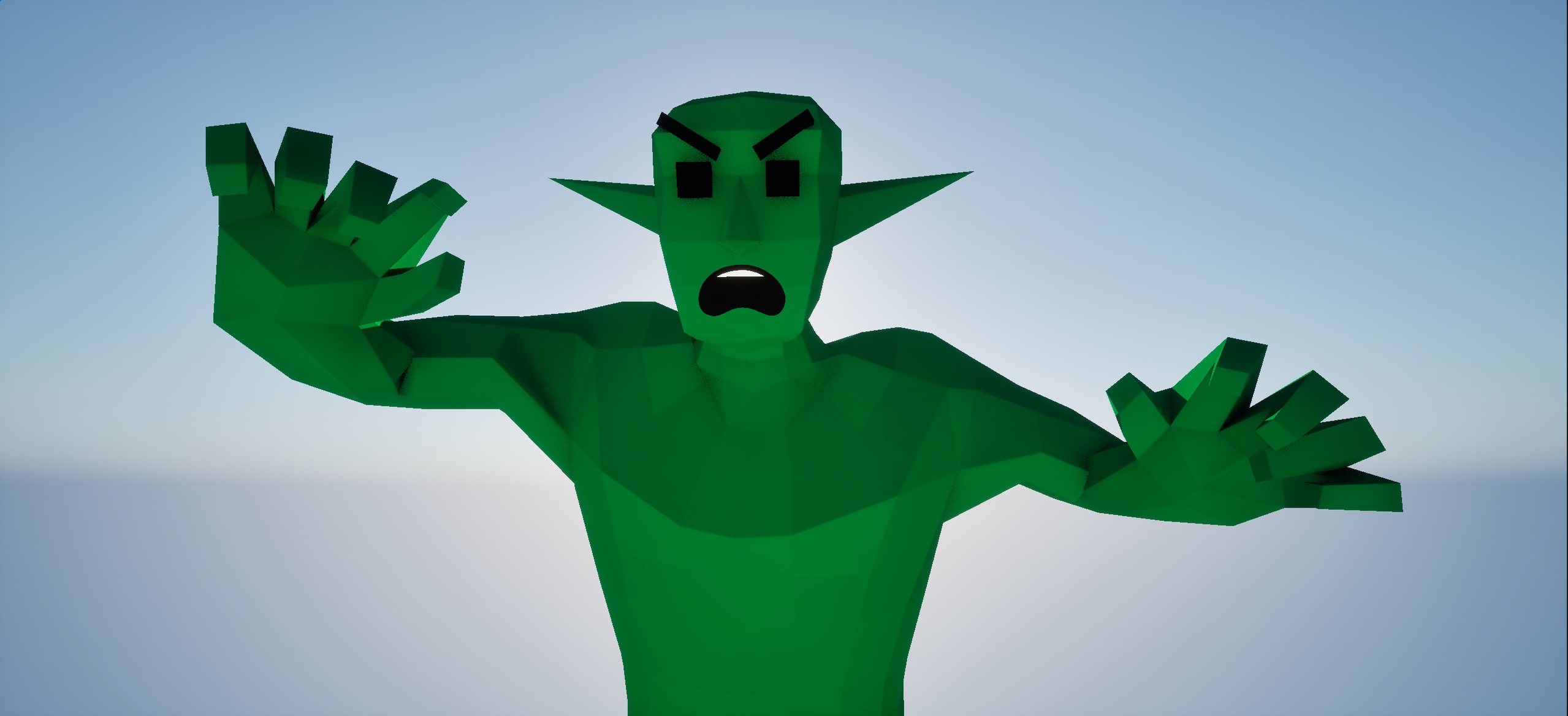
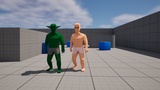
A ready-to-use, low-poly character designed for rapid prototyping or simple game in Unreal Engine 5.
Demonstration - Low Poly Guy
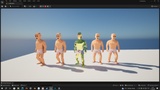
How to change Color ?
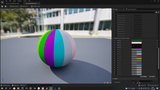
Right-click on the M_CustomMaterial material and select "Create Material Instance". Then, apply the newly created Material Instance to the BP or skeletal mesh.
In the Material Instance, you will see 16 layers. This was done to provide extra capacity for other assets. You can adjust the sliders as you see fit.
The Emission color will depend on the color you select; for example, Emission_Color_01 will take its color from Color_01.
Features:
Appearance Customization:
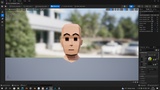
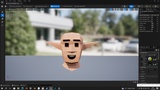
Face Morphs: Includes built-in morphs to change ear length, nose size, forehead height, and eyebrow position (expressions).
Mouth Expressions: Easily swap mouth expressions by choosing one of the included textures (smile, angry, excited, sad, poker face.).
Flexible Materials:
Body Material: Allows for easy customization of the main color, as well as Roughness, Metallic, Specular, and Emission.
Mouth Material: A separate material to control the mouth texture.