



الوصف
A C++ loading screen solution for Unreal Engine 5 covering both engine boot and in-game map travel.
Attention! The plugin is under development and may change. Stay tuned for updates and documentation (En/Ru).
The package includes only the plugin’s source code.
Supports:
Built for projects that need a polished first impression at startup and controlled loading feedback during level transitions — strategy games, RPGs, city builders, and any title where loading should feel intentional rather than accidental. The plugin splits cleanly into two phases: a Slate-based Startup PreLoad screen (before the engine is fully ready) and a Travel Loading Screen driven by a GameInstanceSubsystem with a custom UMG widget you own. All configuration lives in Project Settings — no code changes required for a working setup.
Key Features
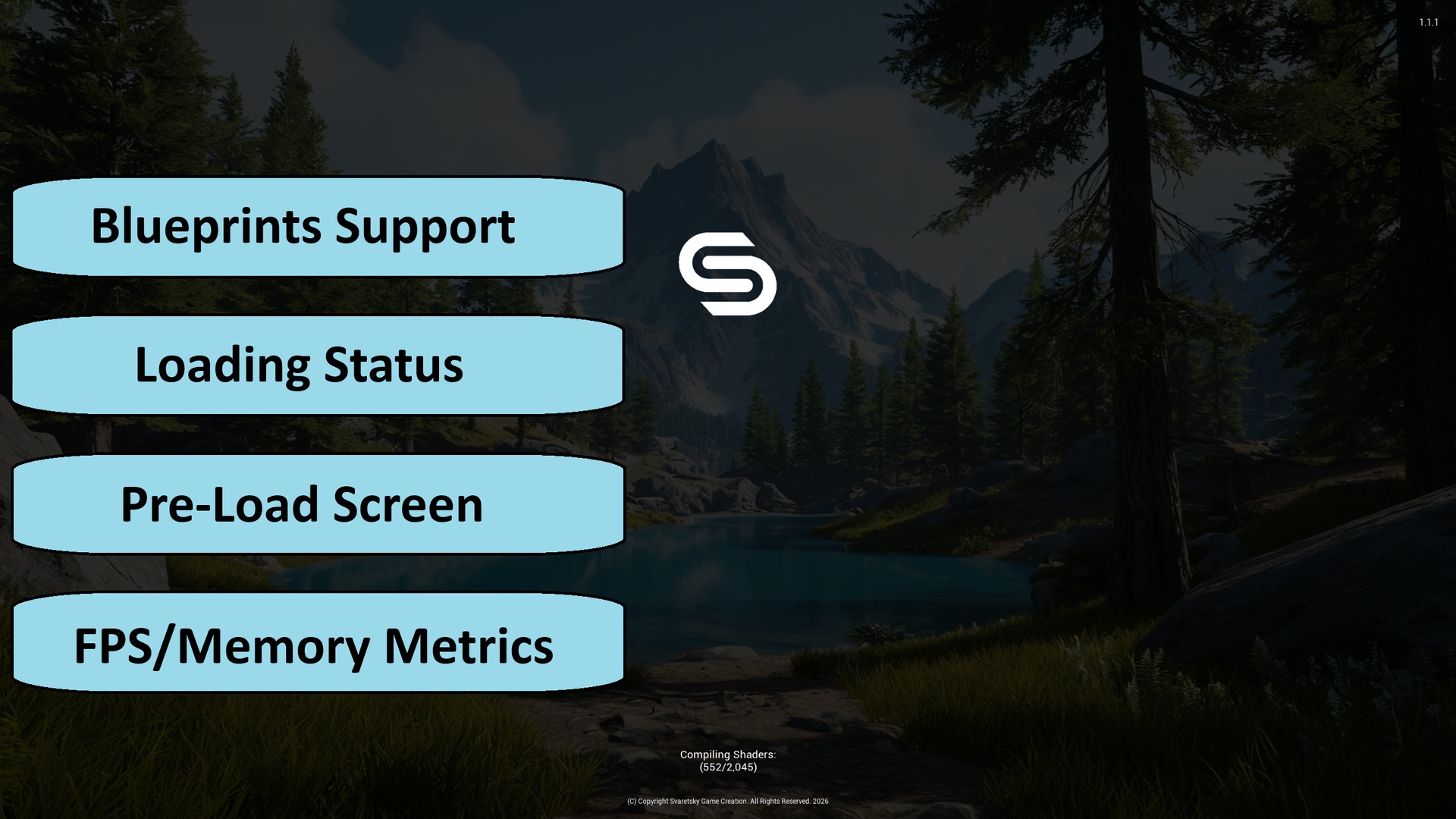
Startup PreLoad Screen — A native Slate screen integrated with UE’s PreLoadScreen pipeline. Appears during engine initialization on packaged builds, before your game world exists. Fully configurable from Project Settings → SGC Startup Loading Screen:
Branded Layout — Background (image or color), logo, tint, tip, version, and throbber. Independent placement, fonts, and drop shadows.
Live Load Status — Real-time package, asset, shader, and PSO remaining counts. Hidden when idle.
Hold Time — Optional extra display duration after engine loading completes, so the screen doesn’t flash away instantly.
Startup Movies — Play before or after the status page; skippable. Plugin playlist in Content/Movies. Enabling this screen disables Project → Movies.
Packaging-Ready Assets — Startup images live in a dedicated StartupLoading folder, automatically staged as non-UFS. Editor tooling provides image pickers with live preview.
Travel Loading Screen — A GameInstanceSubsystem that manages your loading UI during map transitions:
Automatic or Manual Show — Default: appear on PreLoadMap and stay until you dismiss. Manual mode: Push Loading Screen only.
Manual Dismiss — You control when loading ends. Call DismissLoadingScreen from Blueprint or C++ when your game is ready — ideal for async initialization, experience loading, or menu transitions.
Custom UMG Widget — Assign any Blueprint subclass of USGCLoadingScreenWidget. Implement its events (do not bind). Full visual freedom: animations, progress bars, lore tips.
Shader Pipeline Boost — Enables fast shader pipeline cache batching while the loading screen is visible, reducing hitch when gameplay starts.
Optional Input Blocking — Configurable input swallowing while the screen is up. Optional world-render disable.
Robust Viewport Handling — Automatic retry if the viewport isn’t ready yet; async preloading of the widget class before travel.
Blueprint Integration
Level Load Status — Widget event while visible: waiting text, then package/level/asset/shader/PSO, then complete. Empty channel = hide.
Debug Metrics Overlay — FPS, memory, or both. Corner, font, color, z-order, interval in Settings; enable/mode/corner/color at runtime without writing .ini. Independent from the loading screen lifecycle.
Architecture
Three focused modules — Startup (ClientOnly, PreEarlyLoadingScreen), Runtime (travel loading + debug), Editor (Win64).
C++ core, Blueprint surface — Performance-sensitive boot rendering in Slate; travel UI in UMG where designers work.
No plugin content dependency — Bring your own images and widget Blueprints.
Multi-platform — Win64, Mac, Linux, Android, iOS.
Blueprint-Friendly — Create a Widget Blueprint based on USGCLoadingScreenWidget, assign it in Project Settings → SGC Loading Screen, configure startup branding in SGC Startup Loading Screen, call DismissLoadingScreen when ready to play.