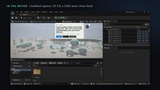
Description
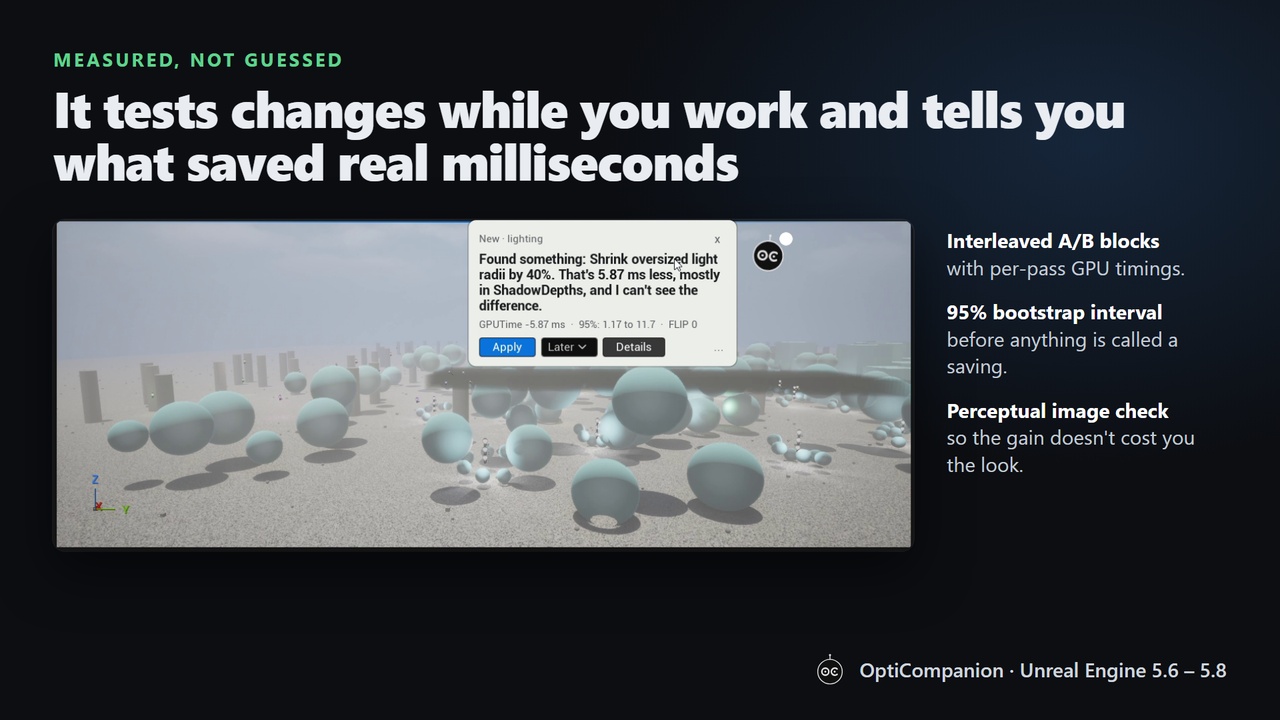
OptiCompanion is an editor-only performance copilot for Unreal Engine. It runs short, interleaved A/B experiments in your own project, on your own hardware, and only reports a change when the saving is statistically significant and the image does not visibly change. Nothing is applied without your approval, and every change can be undone.
What it does
• Experiments while you work: when the viewport camera is still, it tests one change at a time with per-pass GPU timings. Moving the camera discards the measurement; compiling or playing pauses it.
• Findings, not rules of thumb: a 95% bootstrap confidence interval plus a perceptual image check before anything becomes a finding.
• 78 catalogued actions: 65 rendering settings (shadows, Lumen, reflections, translucency, post process, sky, clouds and fog, geometry, CPU), 12 level rules (tiny shadow casters, oversized light radii, lights without draw distance and more) and Blueprint Tick intervals measured in Play.
• Blueprint Tick profiler: in Play and Simulate it samples the engine's CPU trace and ranks Blueprint classes by Tick cost.
• Save reflex: tells you which asset save made the frame slower.
• Notebook: new, postponed, applied (with Undo), stale and dismissed findings, a Tested page with every experiment, and an Inventory page with the expensive meshes, textures, materials, lights and sounds in view.
• Learns from your own changes and adapts to your project, using a small learning model wired with the real FlyWire fruit fly connectome.
• Calm by design: it talks only at natural pauses, with quiet, do-not-disturb and professional (no mascot) modes. English and Spanish.
How changes reach your project
Rendering findings are written to Config/DefaultEngine.ini [SystemSettings] (checked out first under source control). Level and Blueprint findings are editor transactions (Ctrl+Z) that you save yourself. The plugin is Editor-only and never ships with a packaged game.
Requirements and limits
• Unreal Engine 5.6, 5.7 and 5.8. Windows 64-bit. Editor only.
• Measurements are taken in the editor viewport and include editor overhead; each finding says where it was measured.
• Applied rendering settings affect every scalability level.
Documentation and support
The included README covers setup, settings, console commands and how the measurements work. Support: [email protected]
Third-party data: Resources/Connectome/pn_kc.csv is derived from the FlyWire FAFB release 783 connectome and is licensed CC BY 4.0 (credits in Resources/Connectome/CREDITS file). OptiCompanion is not affiliated with Epic Games.