Descripción
Renderer Settings Plugin
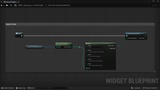
Renderer Settings Plugin lets you control professional rendering settings. Found only in the "Project Settings" menu, directly with Blueprints. You can easily Get or Set your project's visual settings.
Key Features
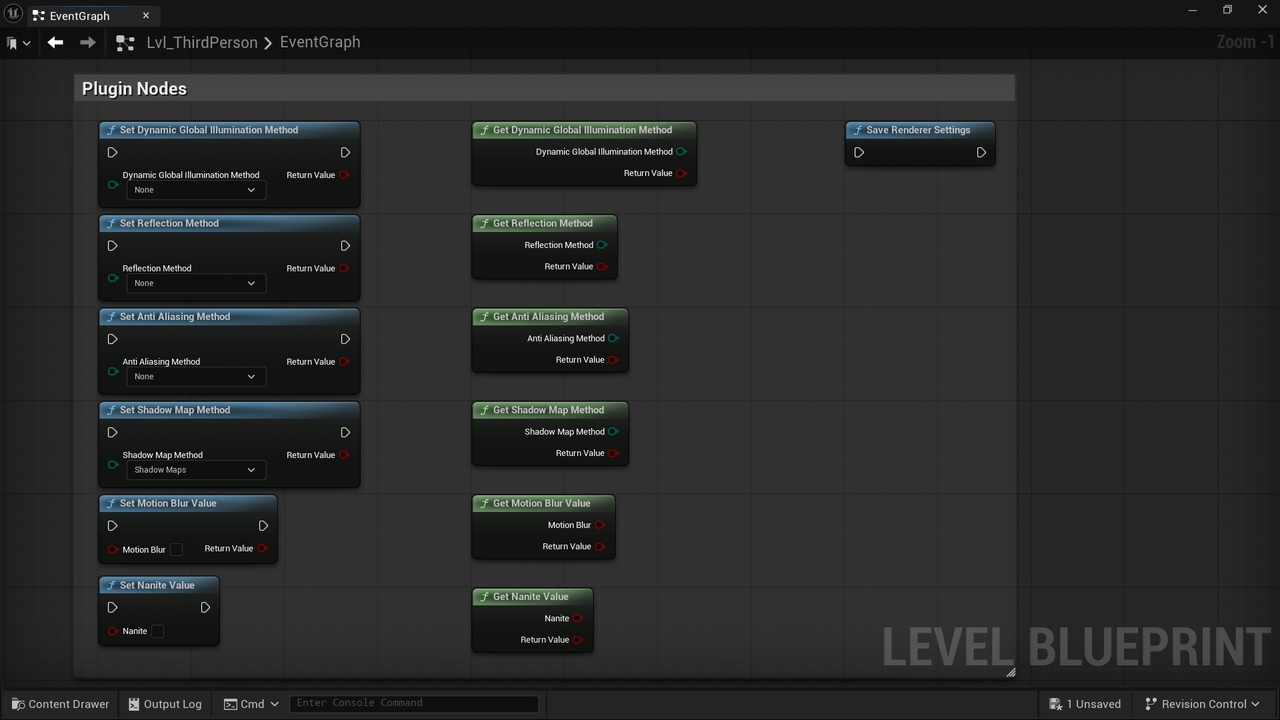
The plugin includes easy-to-use Blueprint nodes for these settings:
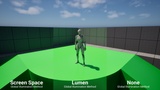
Global Illumination Method: Check or change your lighting method (Lumen, Screen Space, or None) while the game is running.
Reflection Method: Switch between different reflection types (Lumen, Screen Space, or None).
Nanite: Turn Nanite on or off via Blueprints to help your game run better on different hardware.
Shadow Map Method: Switch between Virtual Shadow Maps and Shadow Maps to balance quality and performance.
Anti-Aliasing Method: Change anti-aliasing settings to make your game look sharper or run faster.
Motion Blur: Easily control the motion blur (enable / disable) with simple Blueprint nodes.
Default RHI (Bonus): Change the default graphics API (DirectX 11 or DirectX 12). This node is not part of the renderer settings category but it is perfect for creating a professional settings menu for your players.
Why Use This Plugin?
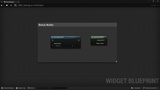
Changing these project settings requires C++ coding. This plugin removes that requirement. Now, any developer can manage high-level rendering settings using only Blueprints. It is the perfect tool for creating advanced graphics menus and optimizing your game.
Showcase
Playable Demo
Update Notes
1.1
Added New Blueprint Nodes
Get Nanite Value
Set Nanite Value
Get Shadow Map Method
Set Shadow Map Method
Added support for:
Unreal Engine 5.5
Unreal Engine 5.4