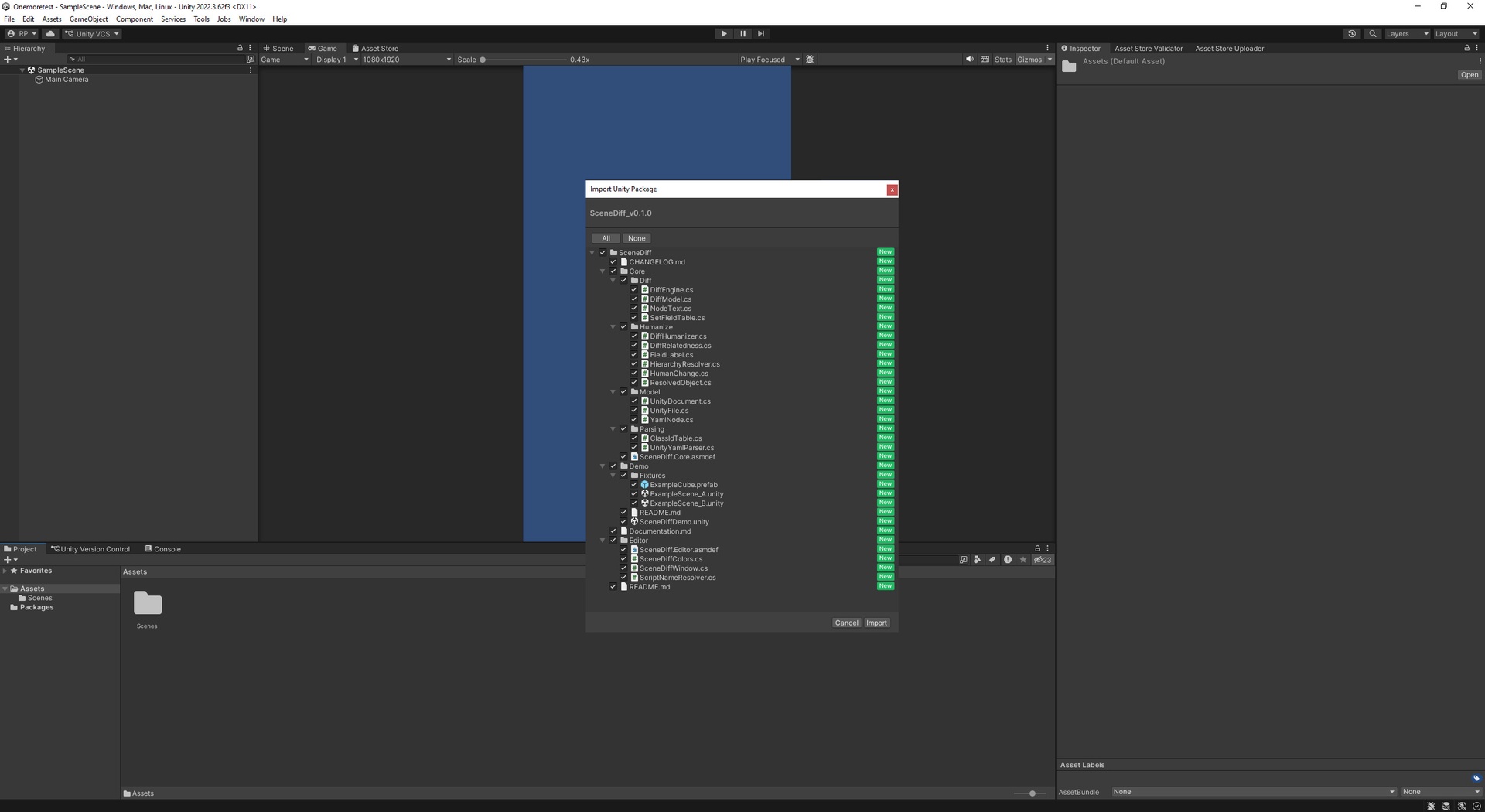
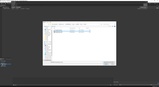
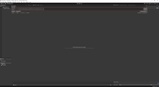
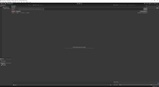
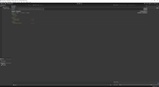
설명
Stop reading raw YAML to figure out what changed in your Unity scene.
Unity scenes and prefabs are stored as YAML that is painful to diff in a normal text tool: non-deterministic ordering, raw fileIDs, and serialization noise bury the one change you actually care about. Scene Diff parses the file semantically and shows you a clean, inspector-style list of what was added, removed, or changed.
Why it's correct where other tools aren't:
Scene Diff matches objects across versions by their stable fileID / GUID identity — not by name or position. Name-based comparison breaks the moment an object is renamed or reordered, producing false "removed + added" noise. By keying on identity, Scene Diff reports a renamed object as the same object, and an actually-changed property as a single, readable line.
What you get:
- Semantic, hierarchical diff grouped by GameObject, with inspector-style names
- Added / removed / changed, color-coded, with old → new values
- Correct prefab override diffing
- Serialization-migration noise collapsed into a single expandable line
- A warning when two files look unrelated
- Pure read-only: it never modifies your files
Recommended workflow: compare two versions of the same scene file (e.g. from git history), not two different scenes. For best results, compare versions saved by the same Unity version.
Supported: Unity 2022.3 LTS and Unity 6. All render pipelines. No external dependencies.
AI disclosure: this asset's code was written with AI assistance and fully reviewed, tested, and validated by the developer.