Opis
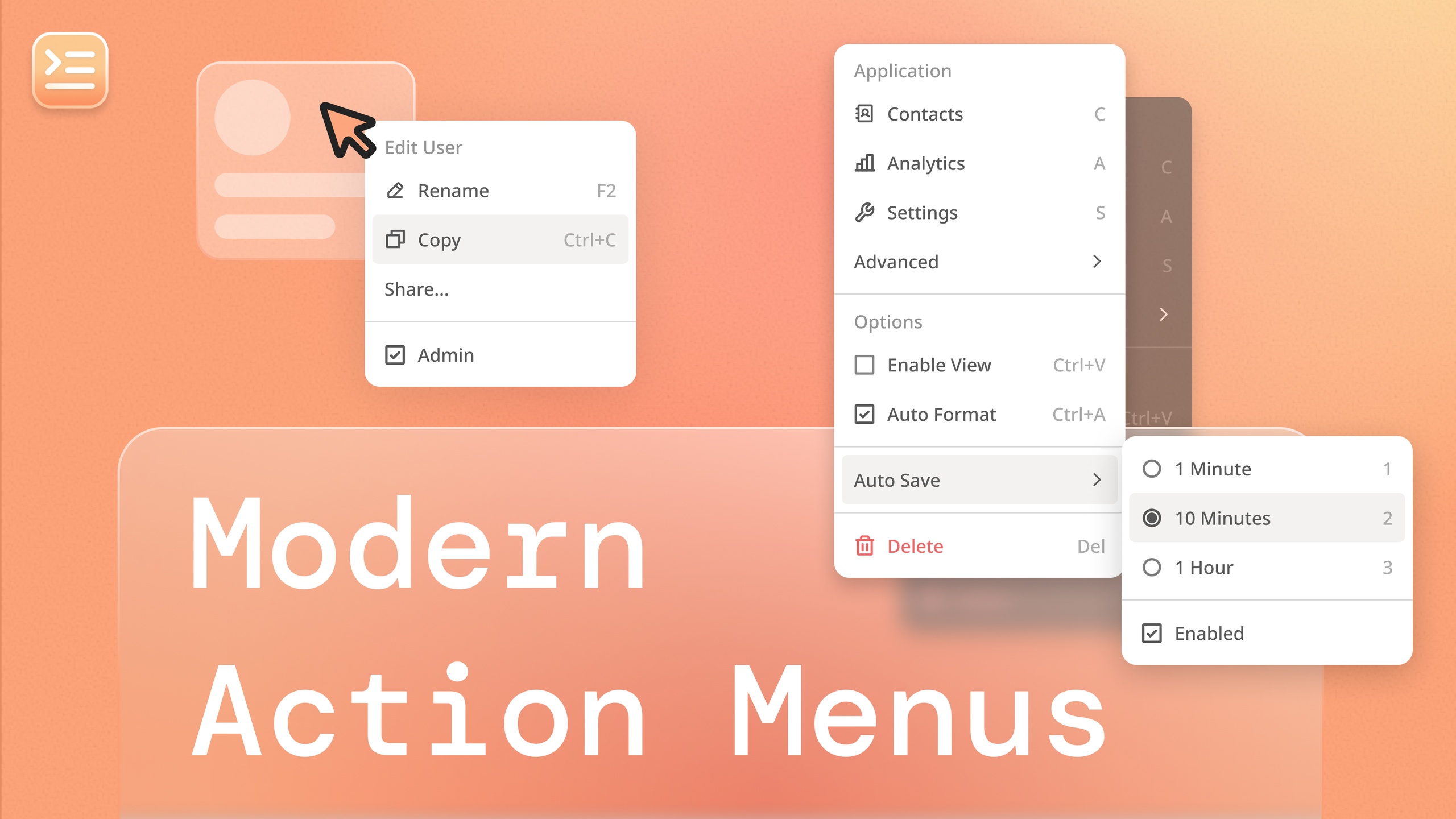
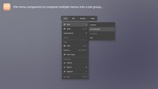
Modern Action Menus is a UMG based system for building functional & dynamic in game menus. Includes 7 fully-featured menu components that can be arranged, re-styled, and scripted within a custom User Widget Blueprint. Created menus can be displayed through various anchor configurations, and can be completely modified at runtime. This plugin is great for:
Management Sims
Strategy Games
UE5-based Apps
or any other UI intensive project!
Check out the documentation to see if this is the right plugin for you!
Or visit our support discord 💬
**COMPATABILITY NOTE** - The source code and system are compatible with 5.2 - 5.5, but the example usage map and content are only compatible with UE 5.5.
Base User Widget Class
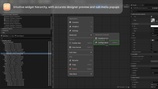
Modern Action Menu - Start by sub-classing this user widget to benefit from controlled widget tree style inheritance along with the ability to pass in custom context objects and arrays to dynamically update the menu. Also contains helpers for routing keyboard input to defined shortcut actions in child components.
🎨 Menu Component Widgets
Modern Action Component - a clickable button that executes a given action, customized with an icon and keyboard shortcut.
Modern Checkbox Component - a toggleable checkbox button that is perfect to reflect true/false configuration values.
Modern Radio Component - creates a group of controlled "radio button" inputs that can reflect enum or single-option selections.
Modern Root Component - adjusts base menu interaction and styling behaviors.
Modern Section Component - groups components within a menu under a common title and parent panel.
Modern Separator Component - creates consistent dividing lines between areas in the menu to ease user parsing.
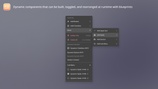
Modern Sub Menu Component - opens a dropdown with another menu nested inside.
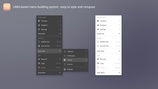
The menu and its component styles are completely customized using a style asset system (similar to CommonUI). Easily extend the built in styles or create your own from scratch.
⚓ Menu Anchor Widgets
Once you've built a custom menu, display it either directly inline or by using one of the anchors to open it as a popup:
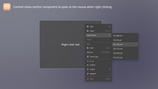
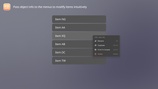
Modern Context Menu Anchor - opens a menu at the cursor position when right-clicking.
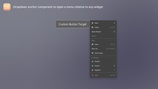
Modern Dropdown Menu Anchor - opens a menu relative to a given widget when clicked.
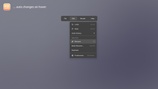
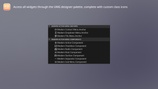
Modern File Menu Anchor - controls of group of buttons that each spawn a menu for its given category, i.e. file menu functionality found in many software programs.