Description
OVERVIEW VIDEO | DOCUMENTATION | DOWNLOAD DEMO
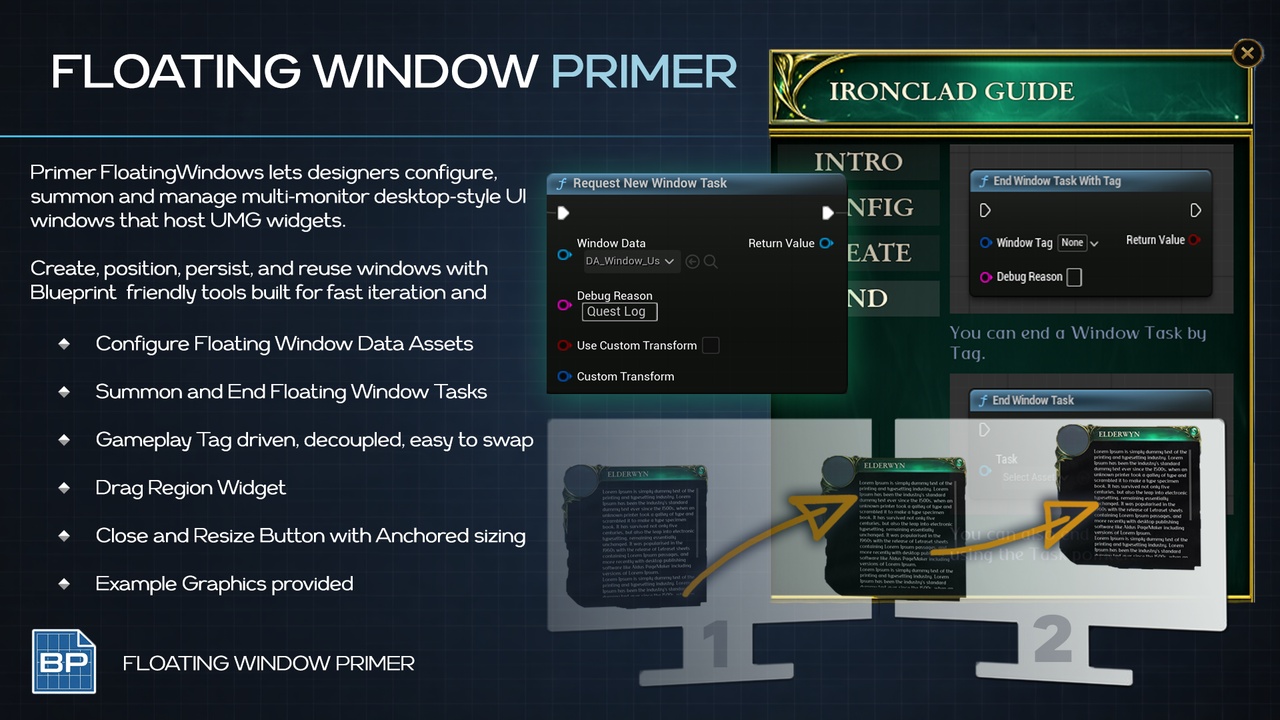
Primer Floating Windows enables cross‑monitor floating UMG widget windows for the Windows OS on DirectX 11 projects.
A window UI framework with data‑asset driven configuration, translucent borderless Slate windows, and runtime control.
CORE FEATURES
UMG Widgets in floating windows on multiple screens
Data Asset Configured Window Behaviors
Borderless, topmost, and masked translucency window options
Drag and Resize handle widgets for designer friendly setup
Fixed, Auto and User Sized options
Optional Saved Placement
Safe Boundary nudge system on Re-open
Runtime creation, pooling, and lifecycle management
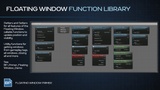
Function Library for all window features
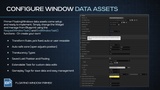
Start and End multiple Window Tasks
How To
Create a Data Asset
Start and End Window Task
UMG Floating Windows
UMG content rendered inside SWindow
Designer‑authored UI without extra fluff
Don’t steal game focus
Window Movement & Sizing
Drag region widgets for precise movement
Resize region widgets with anchor control
Min/max size constraints per window
Configurable resize ghost visuals
Placement & Persistence
Optional Saved positions and sizes per window tag
Optional Persistence between levels
Safe margin clamping across monitors
Default transforms with anchor/pivot/padding
Data‑Driven Styling
Window Data assets control:
sizing rules
masked translucency mode
topmost / borderless
resize preview style
Use Cases
MMO Multi Monitor Windows!
Hacker Man Games!
Inventory, Maps, Quest logs on a second monitor!
PRIMERS
Part of the Primer series, this plugin prioritizes clarity, control, and practical workflows.