설명
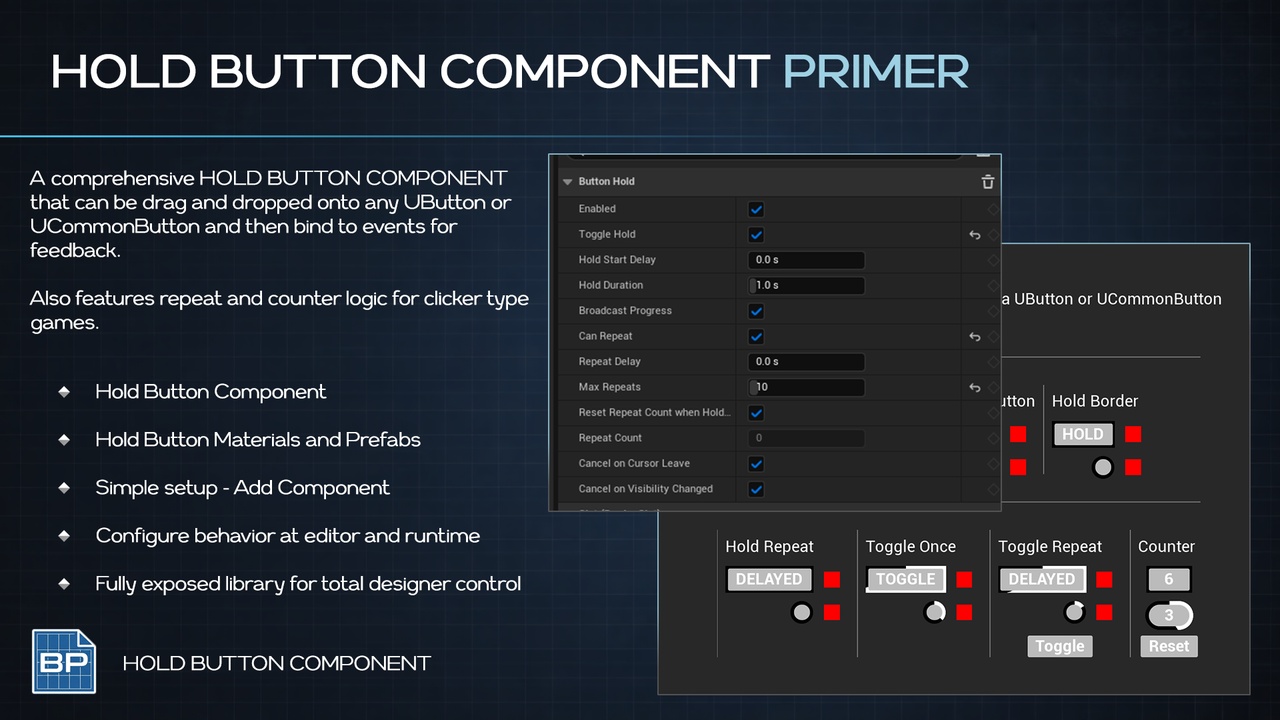
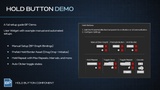
Primer Button Hold adds press-and-hold behavior to any UMG element that is hit testable, straight from the UMG Designer’s Add Component list.
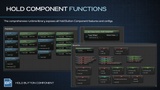
Select any widget in the Designer
Add a Button Hold component
Set the duration
Bind the Blueprint events
The plugin owns the hold timing and the input binding; your Blueprint owns what a completed hold means.
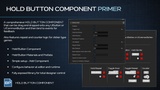
Works on and widget, with mouse, touch, and gamepad.
CORE FEATURES
Press-and-hold on any UMG widget that is hit-testable
Added from the UMG Designer’s Add Component list
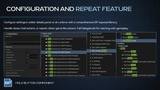
Configurable hold duration and optional start (arming) delay
Toggle Hold (click-to-toggle) mode for clicker / auto-repeat mechanics
Repeating holds with configurable delay and max-repeat cap
Started, progress, completed, repeated, ended (with cancelled flag), and repeat-count-changed events
Normalized 0..1 hold progress plus elapsed / remaining seconds accessors
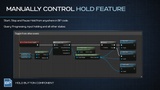
Manual Start / Pause / Stop control of the hold timer
Force-complete and progress-scrub functions
Cancels on cursor leave or when the button is hidden
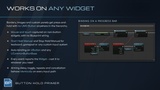
Runtime setter for every property
Blueprint gate to reject a press
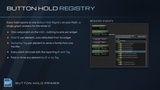
Blueprint node to fetch the component from a widget
Mouse, touch, and gamepad support
Holds continue while the game is paused
How To
Select a widget in the UMG Designer
Click Add Component and pick Button Hold
Set Hold Duration in the Details panel
Call Get Primer Button Hold Component and bind the delegates
USE CASES
Hold to confirm
Hold to quit on a pause menu
Hold and click on one button
Clicker / auto-repeat
Stepper / hold to increment
Clicker Games
PRIMERS
Part of the Primer series, this plugin prioritizes clarity, control, and practical workflows.