

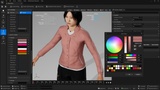
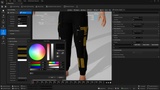
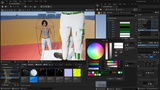
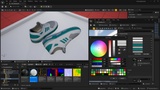
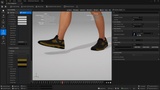
Description
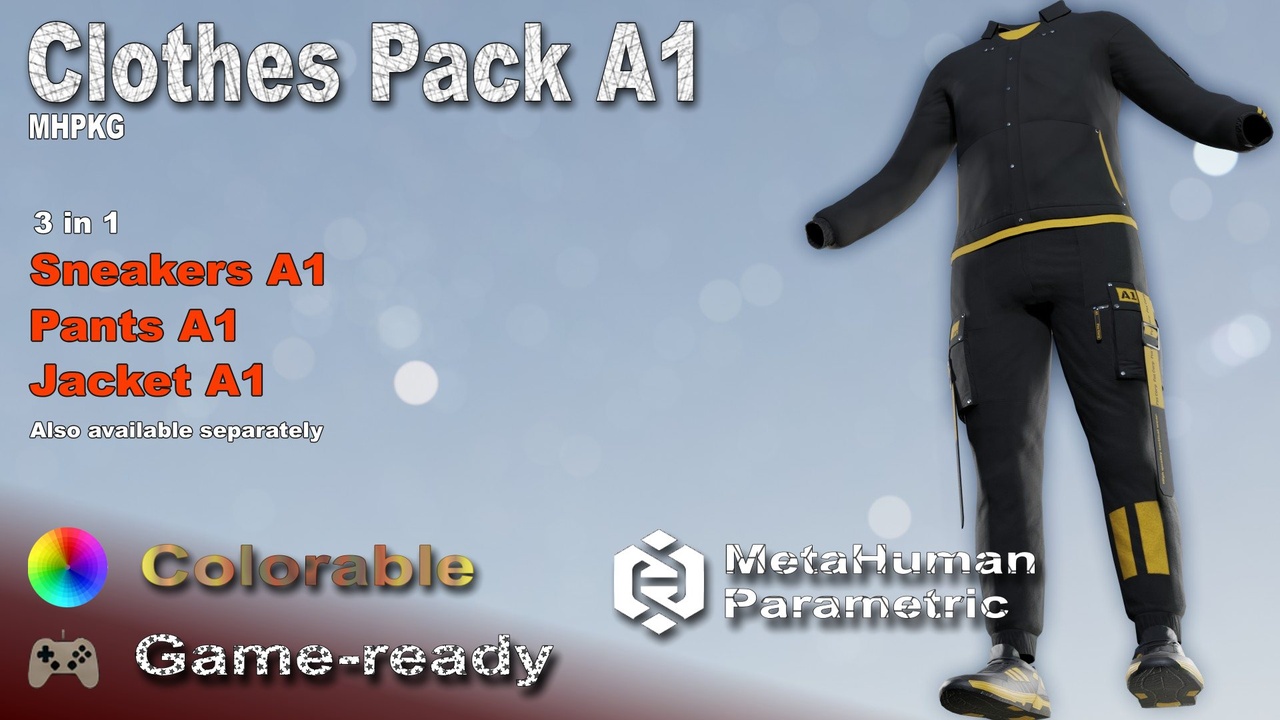
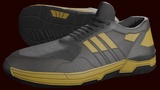
Game-ready, low-poly clothes pack compatible with MetaHuman characters.
Video presentation is available here.
All MHPKG packages of this clothes pack is in additional files ClothPackA1_MHPKGs.zip!
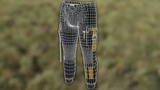
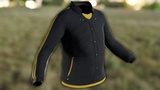
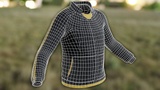
Also available separately here on FAB: Sneakers A1, Pants A1, Jacket A1.
Use them in MetaHuman Creator like any other wardrobe items. All assets includes adjustable color set for easy customization to match your project's needs and style.
Parametric — the clothing automatically resizes to fit the MetaHuman body when customizing the character in MetaHuman Creator.
More complete information and guides are available on my website - Sneakers A1, Pants A1, Jacket A1.
How to use
- Download "*.mhpkg" packages corresponding to your Unreal Engine version(5.6, 5.7 or 5.8+), or bare "*.uasset" files from "additional files"(ClothPackA1_uassets.zip). For other engines or use cases, an FBX version with textures is also included.
- Create, if not exists "Outfits/SneakersA1", "Outfits/PantsA1", "Outfits/JacketA1" folders in your project's "content" folder
- Drag and drop "*.mhpkg" packages, or the files corresponding to your UE version, into the folders(all MHPKG packages is in additional files ClothPackA1_MHPKGs.zip).
- Open MetaHuman creator and in cloth section drag and drop new wardrobe items "WI_SneakersA1", "WI_PantsA1", "WI_JacketA1" from those folders.
- After assemble can be necessary to fix some assembling issues, guide is in this video.
Details
- The source textures are 4K (4096 × 4096 px), PBR. For game-ready optimization, the maximum resolution has been reduced in the individual texture asset settings. If you need higher texture quality, you can increase these settings manually.
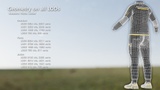
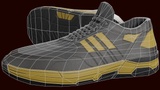
- 4 LODs are included for all assets. They are automatically generated in Unreal Engine and manually adjusted for game-ready performance. The overall triangle count ranges from 19174 to 2676 tris. Sneakers - 3004 to 750 tris, pants - 8034 to 1113 tris, jacket - 8136 to 813 tris.
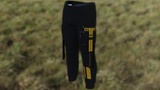
Cloth simulation available for pants - can be easy enabled with video guide. Optional available for jacket(vertex painted), maybe can be useful by limiting anim drive around 1 in cloth simulation settings.
Notes
Cloth simulation not work after assembling MetaHuman character in MetaHumanCreator, but I made video guide on how to enable it by two ways for Pants A1, it is much easier by my vertex painted models, it can be enabled for Pants A1, experimental for Jacket A1(but not recommended), something suitable look of simulation is with Сloth Сonfigs -> СhaosСlothСonfigs -> Animation Properties - all Anim Drives ... around 1.
In UE 5.6, only one body-hide mask can be used at a time. Therefore, if this asset is used together with other wardrobe items that also use a body-hide mask, a unified mask must be used. In additional "*.uasset" files(ClothPackA1_uassets.zip) this mask allready configured in every "WI_*" item, in other cases it must configured mannualy for all "WI_*"(Sneakers, Pants, Jacket) in Pipeline → Pipeline → Editor Pipeline → Outfit → Body Hidden Face Map, this mask image is in additional files in root of ClothPackA1_uassets.zip or ClothPackA1_MHPKGs.zip - ClothOverallMaskForUE56.PNG.
The mask can be found by selecting the wardrobe item in MetaHuman Creator and opening Accessory Properties in the Accessory section. In the wardrobe properties, go to: Pipeline → Pipeline → Editor Pipeline → Outfit → Body Hidden Face Map
Disclaimer
The character and scene shown in the screenshots and promotional images are not included in the package. The asset files must be imported into your own project and used with your own scene and MetaHuman Creator character.
Contacts
EMAIL | DISCORD | SITE | TWITCH | YOUTUBE