
Описание
A physics based wind system with multiple calculation and usage methods.
Designed specifically for racing games and high-velocity, physics-driven characters and pawns. In Directional Force mode, headwinds and tailwinds can still produce sideways influence without applying forward or backward force along the actor’s current direction of travel.
Full explanation in documentation PDF.
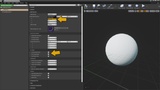
Add Wind Force Component / Wind Zones → Configure → Enable Physics
Physical Wind System is a compact physics-driven wind plugin. At runtime, it checks that an actor’s root component is a physics-simulating primitive, then applies force, torque, or both according to the selected wind calculation method.
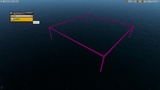
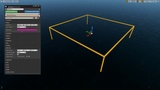
Add Wind Force (UWindForceComponent) to each affected actor for global wind, then place optional Wind Zones (AWindZone) to create local wind pockets, tunnels, lanes, or gust strips. Each zone has an adjustable Priority value. Where zones overlap, the highest-priority eligible zone combines with the actor’s global wind.
PLEASE PURCHASE THE PROFESSIONAL VERSION OF THE PLUGIN AS THE PRICE IS THE SAME AS THE PERSONAL VERSION
Calculation
Use a single calculation method, or select Combined mode to enable two or all three methods together. Each method has its own adjustable strength multiplier.
Directional Force
Torque Based
Simple Push
Usage
Add Wind Force to each affected physics actor. Use it on its own for global wind, or add Wind Zones for local wind influence.
(1) Wind Force — Component, required on each affected actor.
(2) Wind Zone — Scene actor, optional. Requires Wind Force on the actors it affects.
Features
Supports physics actors and Blueprint actors with a physics-simulating Static Mesh or Skeletal Mesh root.
Configurable world-space wind direction.
Adjustable wind strength and individual calculation-method multipliers.
Wind direction oscillation with adjustable speed and range.
Curve-driven global wind strength, both inside and outside wind zones.
Local wind zones with Affect All Actors or Specific Actors targeting.
Adjustable Priority on each zone to control overlapping zones.
Automatic fallback to the next eligible zone when the active zone is exited or destroyed.
Global wind combines with the highest-priority eligible zone, with an adjustable zone influence multiplier.
Wind settings can be changed during play.
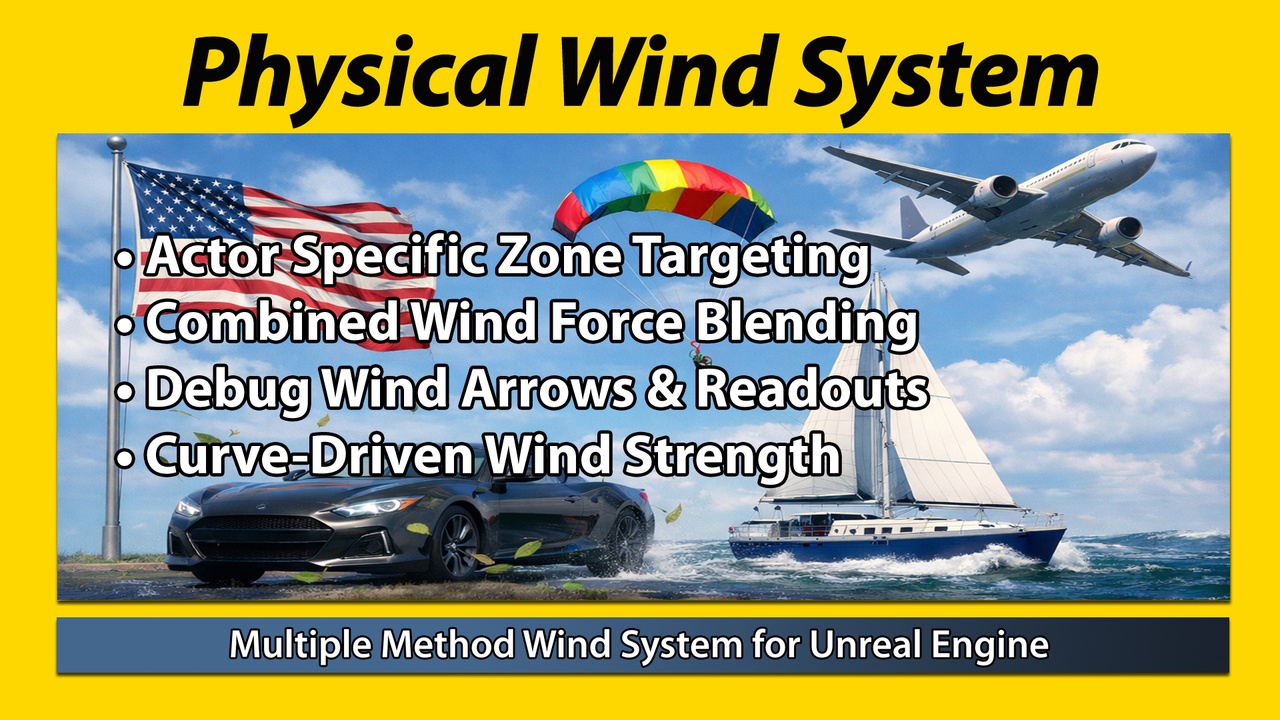
Debug wind arrows and optional on-screen readouts.
Wind values can drive Niagara user parameters through your own Blueprint or C++ integration.
Optional water and buoyancy example using Unreal Engine’s Water plugin.
Included example maps, Blueprints, curves, and detailed documentation.
Wind calculations implemented in C++, with Blueprint-callable controls.
Note: Most issues arise from incorrect collisions setup, mass values, object shape, or wind strength values.
Basic Example: https://youtu.be/vfOA0T728HQ
Water Example: https://youtu.be/rPvTZOQvgIo
You must enable the native Unreal Engine Water Plugin! This is an example of integration. The water plugin is included with Unreal Engine.
Helicopter Example: https://youtu.be/CVB0LANvKPQ
Helicopter not included with Physical Wind System plugin! This is an example of integration. Helicopter asset can be found here.
Race Boat Example: https://youtu.be/DnD26gBmJYg
Race Boat not included with Physical Wind System plugin! This is an example of integration. Race Boat from the upcoming game Tunnel Boat Terror.