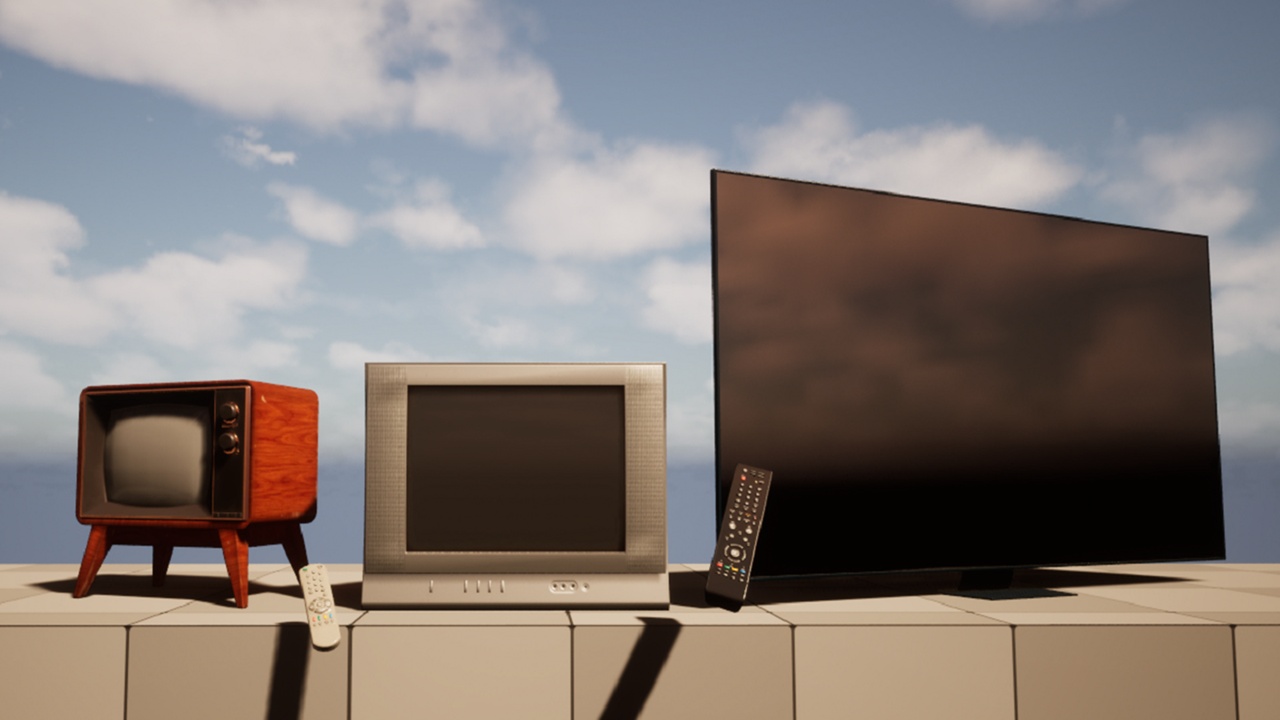
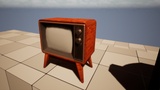
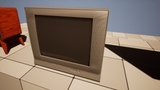
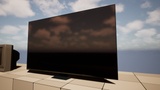
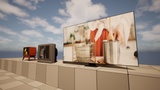
Descripción
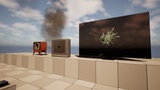
Working Televisions for your living rooms !
Turn them ON, OFF, change the channel even break them,
do what ever you want !
Trailer & Tutorial: https://youtu.be/Y8tXmWVsc4Q
Setup before use: ( This is super important to do !!! )
Make a "Movies"-folder inside "Content"-folder
Inside "MediaFiles"-folder, right click any of the files & click "Show in Explorer", there you see .mp4 files...
Copy those .mp4 files to the "Movies"-folder you just made ( ../Content/Movies/ >copy here< )
All your videos MUST be inside "Movies"-folder ---> ( ../"yourGameProjectsName"/Content/Movies/ put your .mp4 files here )
How to use:
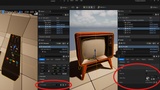
drag TV-blueprints to level + ( drag media source(s) to tv-blueprints "Videos"-array [add as many array elements you want])
drag Remote-blueprint to level + ( drag tv reference [tv in your level] to your remotes blueprint )
Walk near remotes or TVs
Hold "F" to turn tv ON or OFF ( hold until video starts when turning ON)
Tap "F" to change the channel ( video clip that is playing )
Lower tv's HP to 0 to break them
Tick "Static ON" to only use tv static effect (drag media source to "Static Video" on tv-blueprint)
Included:
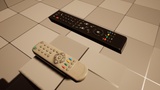
5 Blueprints (2 remotes, 3 TVs)
Demo scene
5 videos (3 for demo + 2 tv_static -videos)
2 particles (sparks & smoke) + 1 smoke texture
4K textures