描述
Primer Niagara UI renders Niagara particle systems directly into UMG via Slate MakeCustomVerts.
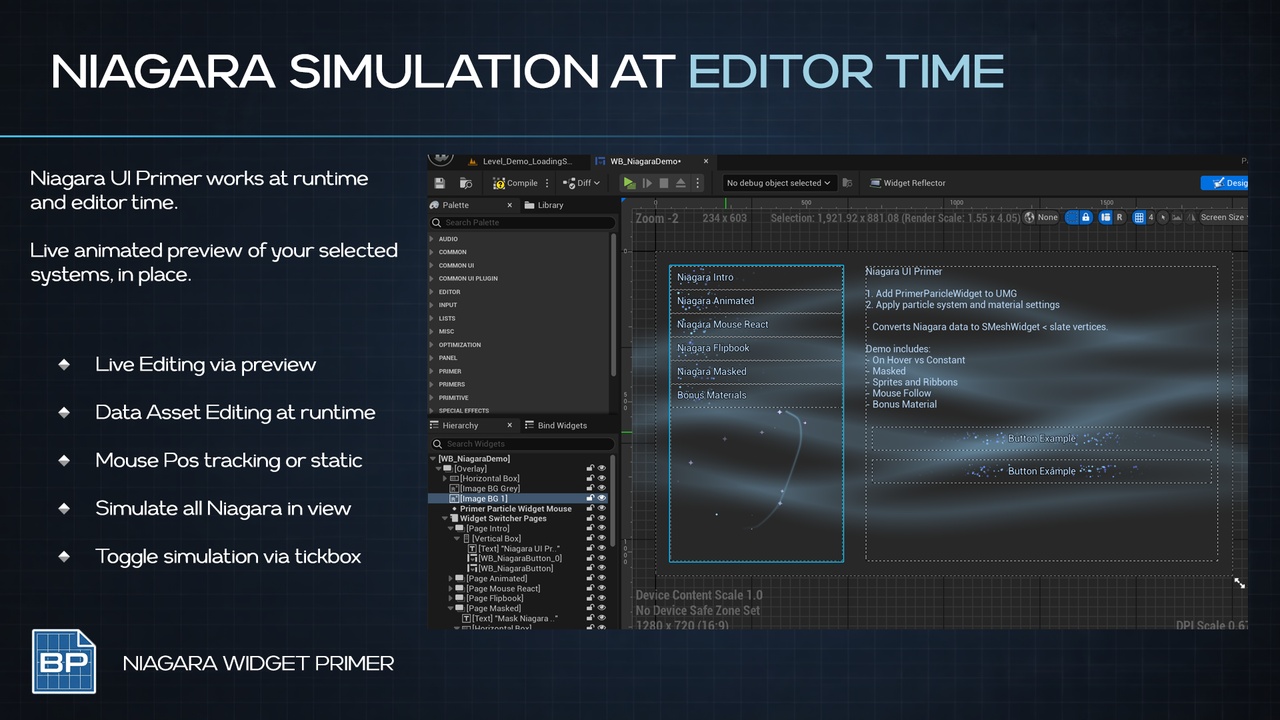
At Editor Time
At Runtime
Author the effect in Niagara, drop a widget in, done:
Drop in the widget
Assign a Niagara System
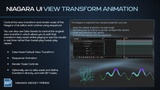
Setup and Animate View Transform
Hit play!
A faithful Niagara-to-UMG bridge: no render targets, no Scene Capture, no extra composited pass.
CORE FEATURES
Direct Niagara-to-Slate vertex translation
Sprite and Ribbon renderer translator pattern, add more yourself
Automatic mouse-to-Niagara-space tracking, live in the Designer canvas
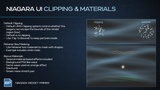
Per-widget Dynamic Material Instances with source-to-UI material remapping
Data Asset View Transform setup (allows runtime tweaking of view for easy setup)
Editor-only live Designer preview
Debug overlay and ribbon bucketing stats log
Demo level with sample widget and effects
Bonus material based effects
How To
Drop a Primer Particle Widget into a UMG widget blueprint
Assign a Niagara System and Widget Size
Adjust Render Scale / View Transform to frame the effect
Activate / Deactivate / Set Niagara Paused from Blueprint
Use Cases
Animated UMG buttons and hover effects driven by real Niagara systems
Cursor-following particle effects in menus and HUDs
Decorative UI flourishes without a SceneCapture pass
Reusing existing world-space Niagara art directly in UI
PRIMERS
Part of the Primer series, this plugin prioritizes clarity, control, and practical workflows.