Opis
Documentation - https://github.com/vitalyrush3d/Extra-Color-Tools
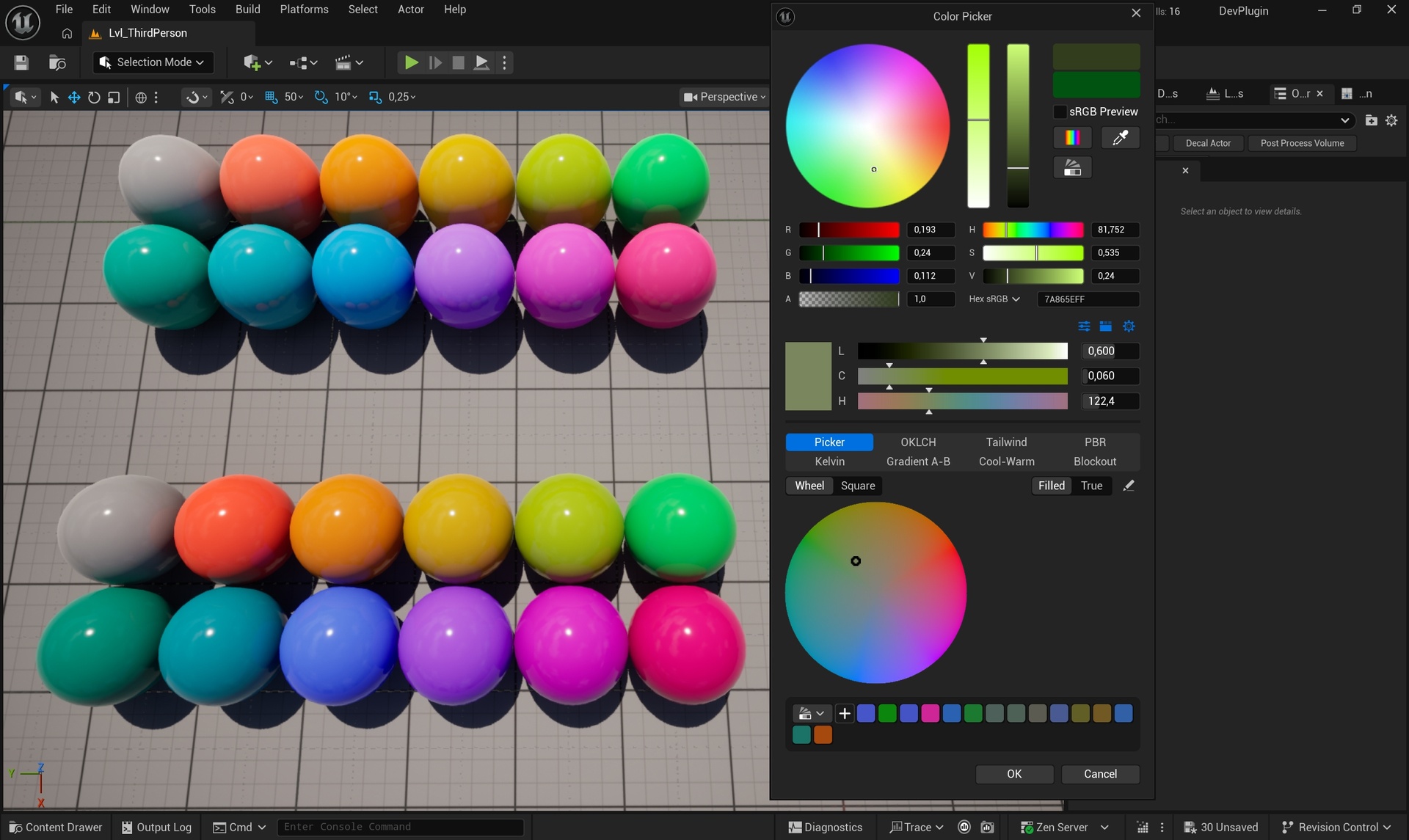
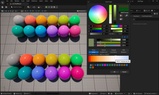
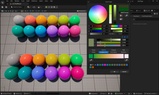
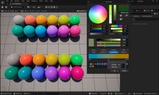
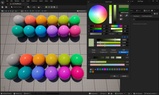
Perceptual color picking for the Unreal Editor. The plugin adds OKLCH controls wherever a color is picked:
Inside the standard Color Picker
Behind an LCH button next to every color property
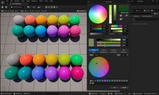
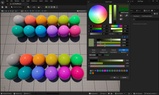
And in a dockable tab
OKLCH describes a color by lightness (L), chroma (C) and hue (H) the way the eye reads them: two colors with the same L look equally light whatever their hue, which RGB and HSV do not give you.
Picker - a color wheel (hue around, chroma outwards) or a square over two channels with the third kept fixed.
Filled stretches the field edge to edge; True shows the real outline of the sRGB gamut.
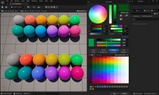
OKLCH - a generated table: lightness in rows, hue in columns, one chroma for all. Rows, columns, lightness range,
hue offset and a neutral column are set in the tab's menu.
Tailwind - the default colors of Tailwind CSS v4, as one table or by family with the shades of the chosen one.
PBR - checks the picked color against commonly used base color limits for non-metals (sRGB 30 - 240, or the
stricter 50 - 243) and metals (180 - 255). The L slider cannot leave the allowed span; Fit to Range moves a color in.
Kelvin - colors of light from 1000 K to 12000 K, using the engine's own black body conversion.
Gradient A-B - a smooth strip between two colors, mixed in OKLCH. Click A or B to make it follow whatever you pick
next (also from another tab), or take either from the screen with its eye dropper. Drag on the strip to pick.
Cool-Warm - the picked color in the middle of a strip, cooler to the left and warmer to the right, lightness kept.
Strength and the warm hue are set in the tab's menu.
Blockout - lightness tiers that keep the roles of a level apart (walls, floor, props, accents...). One lightness
scale carries a short slider per role; the C and H sliders below stay inside the chroma budget of the picked role.
Roles are edited on the settings page: name, lightness band, chroma budget and an optional hue of their own. The tab's
menu can also keep the sliders inside the PBR limits.