





Description
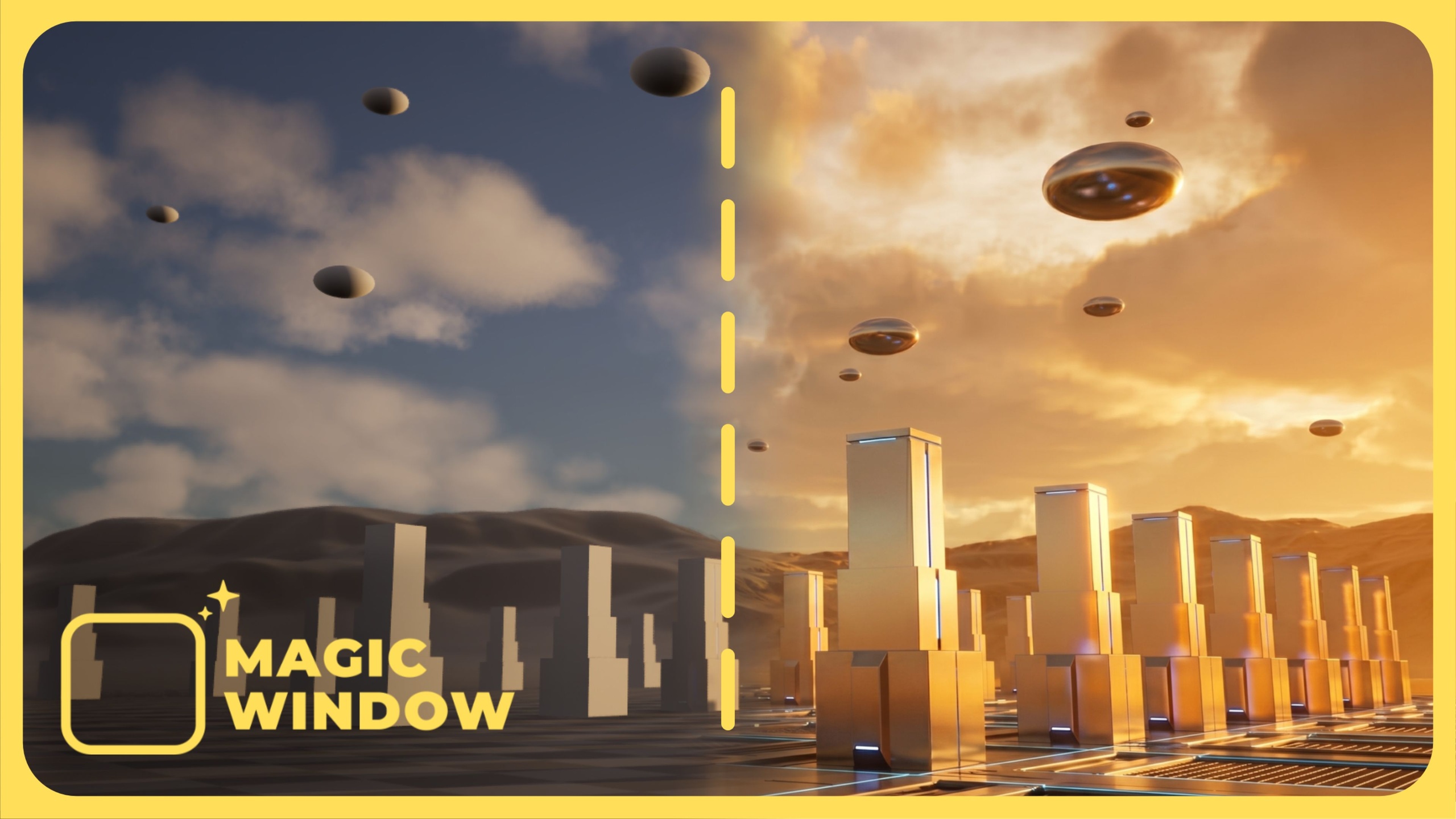
Capture your Unreal viewport, explore directed image edits and turn selected frames into short video studies from one editor panel.
FEATURES
Viewport capture, region capture, painted guidance and explicit Capture / Iteration / Reference source selection.
Image editing through Google Gemini, OpenAI, fal AI and Pika, using your own provider access.
Nano Banana 2.1 through Google, fal AI or Pika; Ideogram 4.5 through fal AI or Pika.
Frame, Start-End and reference-video workflows where supported by the chosen model.
Camera, lens, lighting and mood presets, including Orbital Dolly and straightforward dolly, pan and tilt guidance.
Optional local audio removal for routes that may return audio; keep the original provider video alongside the silent copy.
Generation history, recipes, source/result comparisons, output folders and provider-cost estimates.
Movie Render Queue sequence-frame input for guided still/video work.
SCOPE AND REQUIREMENTS
Unreal Engine 5.7 or 5.8; Windows 64-bit editor. Use the matching engine package. Source packages require a compatible C++ toolchain when built locally. Editor-only plugin; no runtime game module.
Cloud generation requires an internet connection, your own provider API credentials and any provider billing/access requirements. No generation credits are included. Provider/model availability, pricing and regional access may change. A subscription for every provider is not required: use a supported route with the account you already have. Prompts guide the model; exact pixels, motion, timing and source preservation are not guaranteed. The direct Google video route is Gemini Omni; retired direct Veo preview IDs are unavailable. Omni remains opt-in. Native generated audio is preserved by Keep original audio, or removed locally where supported. Removal does not reduce provider billing. No local image/video generation backend is included.
Documentation: bundled User Guide and versioned PDF manual. Support and suggestions: Magic Tools Studio website, Roadmap section.
Magic Window 2.1.7 User Manual: OPEN PDF MANUAL