

설명
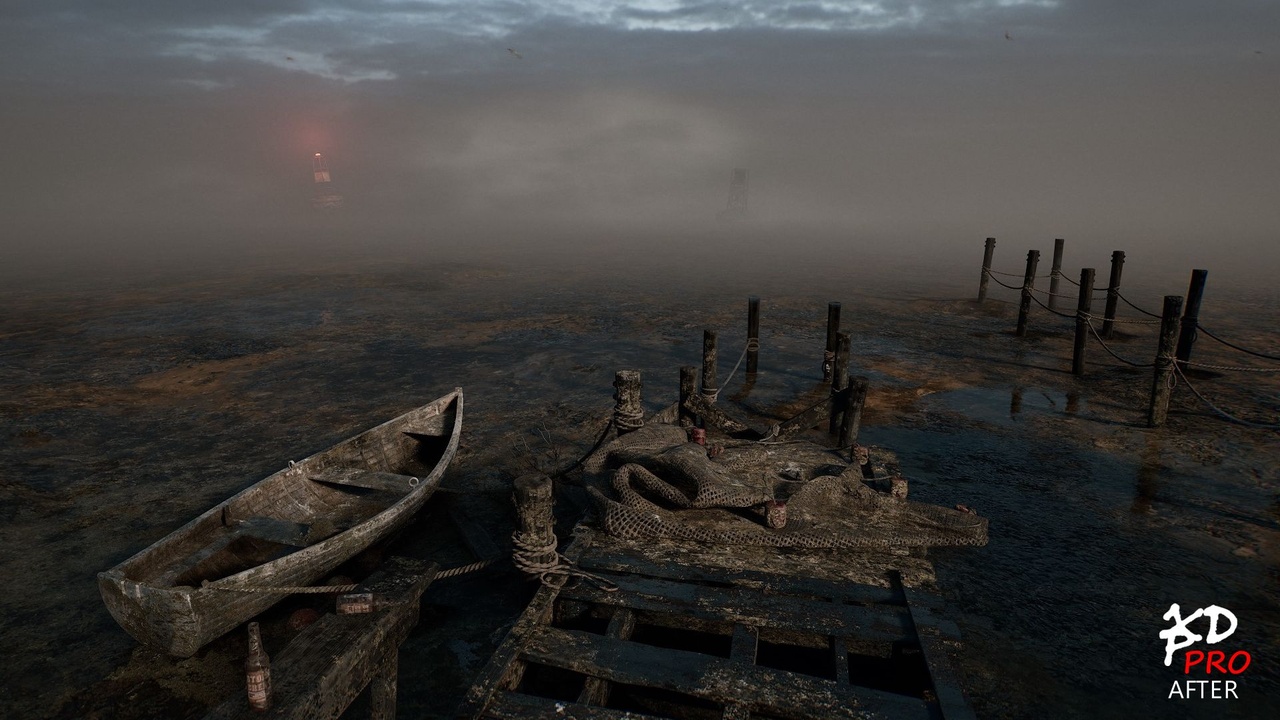
XDP_PRO – XDecal Painter PRO turns decal placement into a real workflow instead of a chore. Paint decals like foliage, spray them in bursts, lay them along paths, or fill entire regions — with live preview, tagging, grouping, and a full Optimization/Cleanup system to keep dense scenes clean and fast. Now includes XDM+, our exclusive generative mask material with triplanar projection, procedural Dirt/Leaks/Damage/Blobs masking, selective mesh ID masking, and more — built in at no extra cost. Built by an environment artist for environment artists, level designers, and tech artists who care about speed, control, and natural-looking results.
🎨 Core Painting Tools
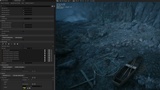
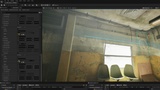
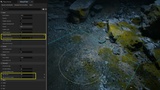
Paint, Spray, Draw, Fill, and Mesh Edge/Ring decals in one plugin. Live viewport previews (ghost decals, brush rings, spacing guides), smart erasing, randomized scale/rotation/material weighting, height/slope/edge filters, overlap prevention with per-stroke/global limits, projection axis selector (X/Y/Z), and a Landscape/Terrain exclusion toggle to keep decals off landscapes or tagged "Terrain" meshes. Erase Enable Slots Only and Erase Visible Slots Only control what the eraser can touch.
🌀 Spray Paint Mode
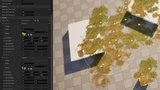
One-click bursts of randomized decals in your brush radius — Ring for rim placement or Poisson (blue-noise) distribution for natural, non-repeating sprays.
🛤️ Path Layout
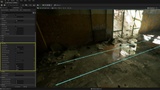
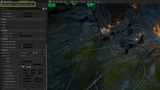
Evenly spaced decals along a guide line with Spacing/Stretch/Even Count fit modes, multi-lane stamping, jitter, angle snap, and Vertex Magnet Snap. Drag Draw for smooth spline paths (hold E to reshape live). Full live preview with a Commit Impact counter before anything is placed.
📐 Region Fill
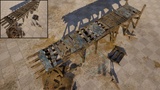
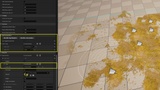
Draw Add (blue) and Subtract (orange) loops to define precise decal areas — ideal for puddles, dirt patches, debris, moss, and more. Density, Clustering, and Boundary Padding controls; seed-based repeatability; import from JSON/DXF or level splines; save/load regions as reusable Data Assets; fully integrated with material slots, object filtering, and overdraw gating.
🔵 Mesh Edge & Ring Decals
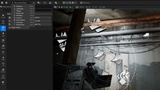
Edge Decals — select individual/chain/loop edges, carousel-style material with real-time scale/lift preview, quick cycle/flip for misplaced edges, bake to HISM per-actor or single-actor for optimized draw calls. Ring Decals — mesh-based rings that wrap pipes and curved surfaces with auto radius detection, adjustable alignment, trim, offset, and material overrides — ideal for clean circular grime, paint, or wear.
🧹 Cleanup / Optimize Tool
Instantly preview, inspect, and safely remove redundant decals inside an adjustable volume — keeping dense scenes cleaner and faster. The tool is preview-first, so nothing is deleted until you apply it. Adjustable strength and scale-similarity settings control how aggressively decals are flagged, while protected material slots keep the cleanup safe. A built-in safety cap limits how much can be removed in a single pass, and everything supports full undo.
🏷️ Tagging, Grouping & Shuffle
Tag material slots for fast filtering; group decals By Label or From Tags (Active/Forced) with custom prefixes; Shuffle and Shuffle+Normalize to reduce repetition; auto-naming slots from assigned materials, sortable alphabetically or newest-first; tag names shown beside decal names.
🎯 Object Filtering
Control where decals can and can't go. Add actors via viewport eyedropper or Outliner selection, extend filtering to tagged groups, switch between Avoid Listed / Only Listed modes, and fine-tune with adjustable padding. Entries auto-purge when actors are deleted or renamed.
🔥 Debug | Overdraw Monitor
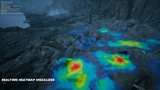
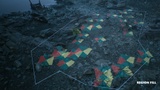
Live heatmap of decal stack density (blue = safe, red = over-threshold), adjustable cell size and Hot At thresholds, optional wireframe helper grid, and Soft/Hard gate modes to warn or block excessive stacking. Editor-only — zero runtime impact.
⚙️ Precision & Quality-of-Life
9-point anchor scaling, Binary Yaw/Scale for controlled two-state randomization, per-slot Max Spawns, aspect-ratio preservation on random scale, live decal counter (accurate per level/sub-level) and global Max Decals cap, full config management (Reset to Defaults / Reload from Config / Save), presets savable in any folder structure for versioned, team-shared projects, drag-and-drop material slot auto-sorting, and streamlined XDecal Material integration (V2.1+) that corrects normal "swirling" on randomly rotated scatter with randomizable per-decal brightness and density.
🎨 XDecal Material+
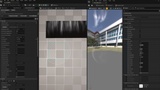
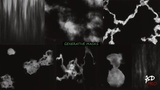
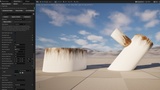
XDM+ is an advanced version of XDecal Material that generates procedural opacity masks — Dirt, Leaks, Damage, and Blobs — for infinite decal variation on the fly, with the option to bake textures for fixed results.
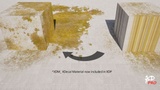
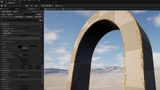
Full triplanar projection eliminates stretching and streaking on non-flat surfaces or odd intersections — apply one decal across a whole mesh. Precise mesh ID masking targets which surfaces receive which decals, edge masking controls clean or visible boundaries, and channel/axis controls cover roughness, normals, and orientation. Paired with XDP, it unlocks random brightness, density, and edge-shape variation for natural, non-repetitive placement from a single decal.
*Included exclusively with XDP — not sold separately.
💡 Why Xdecal Painter?
Paint dozens of non-repetitive randomized decals in seconds, stay organized with automatic tagging and grouping, and get natural, varied results without fighting the tools — fully undo/redo compatible and non-destructive.
HELP_PDF
XDecalPainterHelp.pdf
XDP PRO (Generative masks)
https://youtu.be/c-PlWQztaNw
XDP Features Overview:
https://youtu.be/Yi8a2R7eDuU
NEW in XDP V2.0.2 — Tagging & Grouping System!:
https://youtu.be/LyFrTbbHP9s
NEW XDP features (incl. Heatmap, Object Filtering, Region Fill, Spray Paint etc.):
https://youtu.be/b7Pszbwl4ak
New Drag & Drop Feature:
XDP & XP Major New Feature Update - YouTube
Edge mesh Decals:
https://www.youtube.com/watch?v=kKlzruZWKNA
New Features (V4.1.5):
https://www.youtube.com/watch?v=CEz8Wkoyzkk
New Optimization Feature (V4.3.9)
https://youtu.be/23TYhvwMICc
Quick Previews:
https://youtube.com/shorts/qzr0IMJzZVg
https://youtube.com/shorts/g5pTFhX-dMw
Discord:
Other Products:
X-DECAL
Tri-planar Decal Projection (with mesh selecting-not including in Extile Plus bonus version)
XPLACER
Advanced Mesh Placement & Scattering Tool
Advanced non-repetitive tiling material
Search & locate actors around you
Base non-repetitive tiling material
Landscape non-repetitive tiling material
Procedural generated material shapes
Non-repetitive environment toolset
Non-repetitive prop materials