














Description
| Tutorials 🎥
No more edit time gizmo, jump into PIE and do everything the gizmo used to do only better, faster and with greater precision.
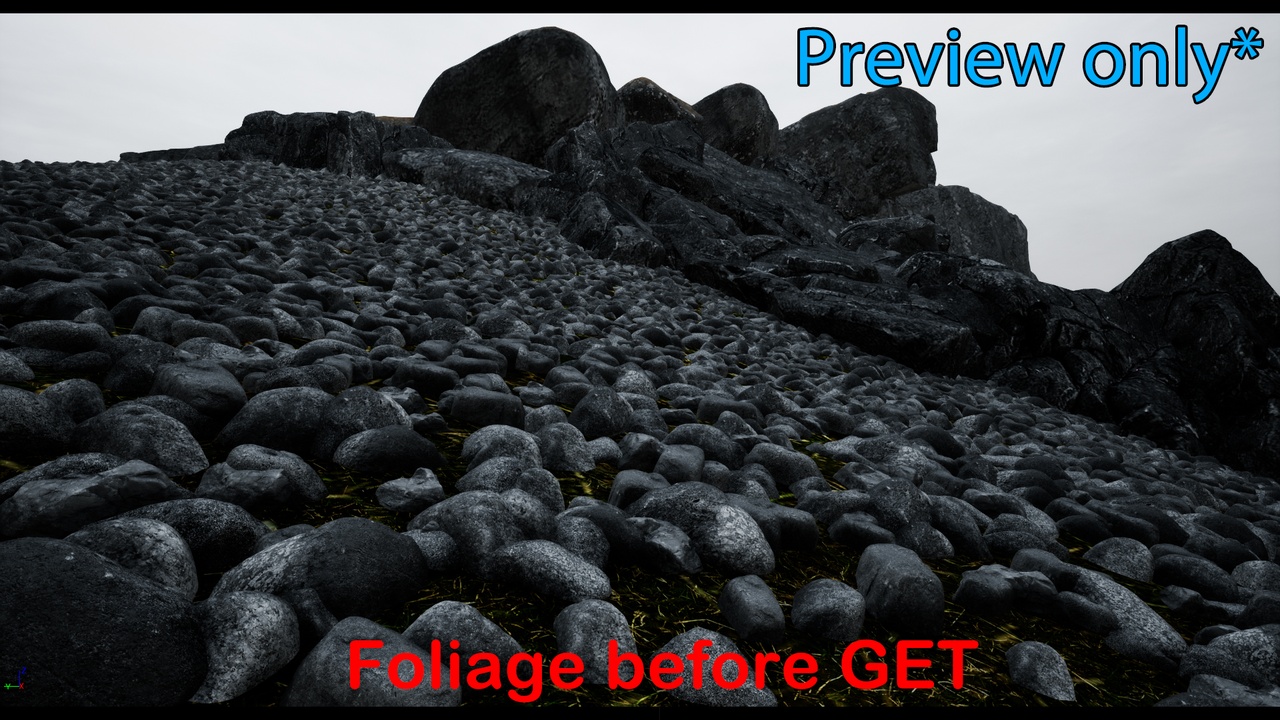
Spawning things in Unreal Engine is just a simple drag and drop into the level during edit time with the world gizmo or through the foliage placement tool, both of which offers little freedom for the technical artists, not to mention all inaccuracies of clipping and strenuous work of cleaning up the extra left behind by the foliage tool. With GET, you can mix and match different meshes and spawn them in the level through volumes, splines, foliage tool, Niagara or one by one just as before and it can all happen during PIE which allows you to utilize physics for packing and realistic environments by cleaning up clipping instances efficiently, GET allows you to save all work being done in the level during PIE including the settings of all spawners making it easy and convenient to carry the work into other levels or projects as needed
after all edits have been committed and upon exiting PIE, work done will disappear and will need to be loaded into the level through the Editor Utility Widget, after loading all the work done during PIE, the instances can be baked down into a single HISM. this allows incremental workflows for large scale environments requiring thousands of instances.
easily create complex environments by utilizing GET's hands on mesh by mesh editing, runtime packing, spline creation, foliage converter, foliage cleaner, niagara converter, niagara cleaner, volume populating, physics simulation, flipbook / atlas maker and cursor snapping. Made in mind for smooth migration into original project leaving all unnecessary data behind.
+ V1.5 Flipbook / Atlas maker
+ V1.4 Niagara converter & cleaner
+ V1.3 Foliage converter & cleaner
+ V 1.1 Latch and friction for physics (runtime packer) + UI overhaul
Features:
Powerful runtime hands on mesh transform editing
ZERO clipping, MAX packing
Flipbook / Atlaser (Fast, no GPU crash, auto blender)
Foliage manipulation
Intuitive Spline Creation
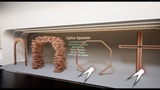
Spline spawning (custom methods for aligning correct rotation)
Niagara Spawning
Volume Brushes (Spawners, block outs, physics toggling)
Baker (easy HISM converter for smooth migration)
Flexible saving & loading for created splines, settings, static mesh rig etc...
More features to be included in future updates
Number of Blueprints: 35 ( 1 Component, 10 UMGs, 11 Save Data)
Input: (Keyboard & Mouse)
Supported Development Platforms:
Windows: YES
Mac: (NO)
Demo Room provided by Epic's Content Example project
Documentation: Link 📄 - for access please use support email