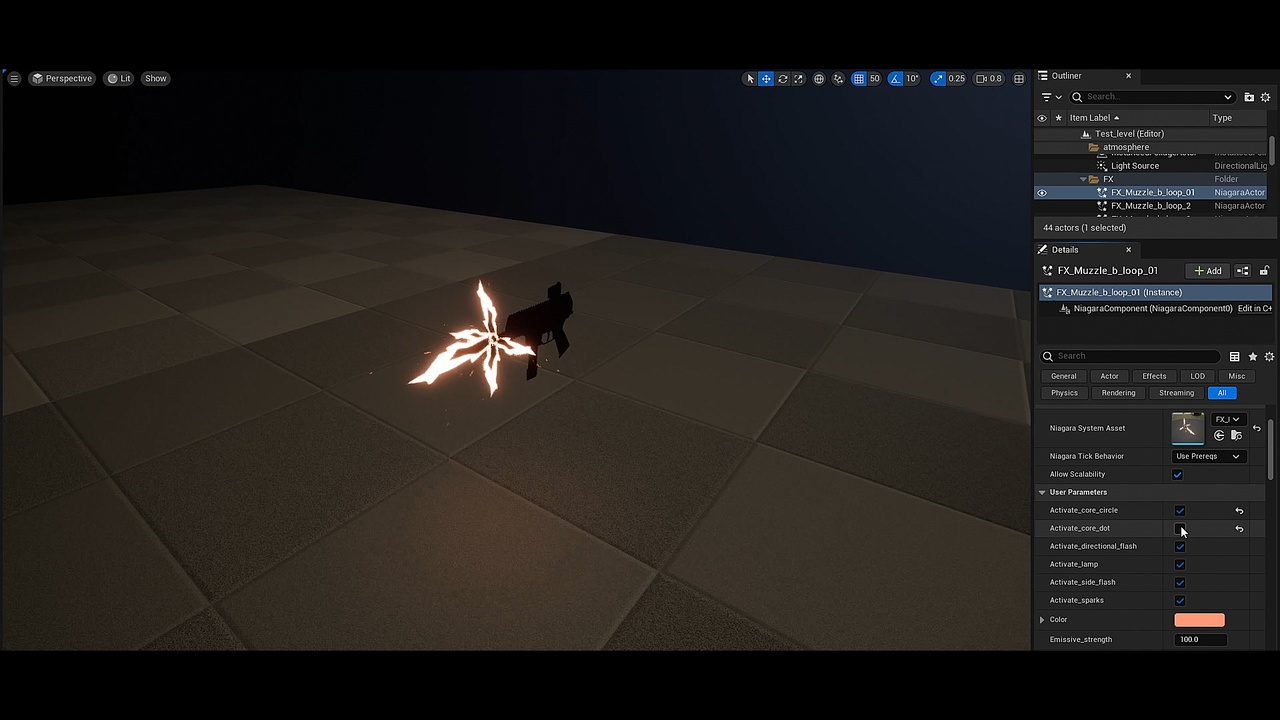
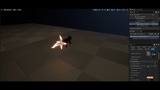
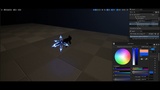
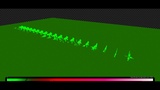
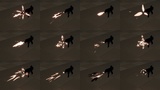
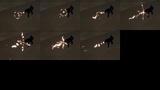
Descrizione
UE5 version
My Muzzle-flashes vfx pack (stylized) is back with this UE5 Niagara update
The new Niagara effects now have very convenient exposed parameters
- Activate_directional_flash - directional muzzle-flash element on/off
- Activate_side_flash - side muzzle-flash element on/off
- Activate_core_circle - deactivate circle element of the muzzle-flash
- Activate_lamp - lamps can be expensive
- Activate_core_dot - deactivate dot element of the muzzle-flash
- Activate_sparks - on/off the velocity aligned sparks
- Emissive_strength - amount of glow
- Muzzle_flash_scale - scale of the flash elements
- Sparks_spawn_number - number of the velocity aligned sparks
- Color - color of the effect
The effects are located inside the "Particles" folder and all start with FX_ prefix
YouTube videos of new effects
Niagara VFX showcase - muzzleflash
Exposed parameters showcase - muzzleflash
The pack consist of the following types of muzzle-flash effects
- Type_1 - Looping muzzle-flashes
- Type_2 - Single shots
_______________________________________________________________________
UE4 version (Legacy)
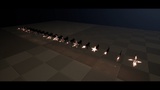
The FX demonstration:
Open level called Test_level to review the effects placed on the level.
The pack consist of the following types of muzzle-flash effects
- Type_1 - Looping muzzle-flashes
- Type_2 - Single shots
E.g.
P_Muzzle_b_loop_01 - (Type_1)
P_Muzzle_b_01 - (Type_2)
If you want to change the color of the muzzle-flash you should change the value of the "Color_setup" parameter.
- The parameter can be found in the "details" menu of the selected particle system. If you can not see the parameter, click on "expose parameter" first. Here is a quick tutorial https://youtu.be/4GEFJuRXrRo?t=20
- You can also access the parameter via blueprint
- Or you can simply change the color value in the particle emitters
Feel free to contact me if you have questions or issues.