Descrizione
Give every Unreal project its own visual language.
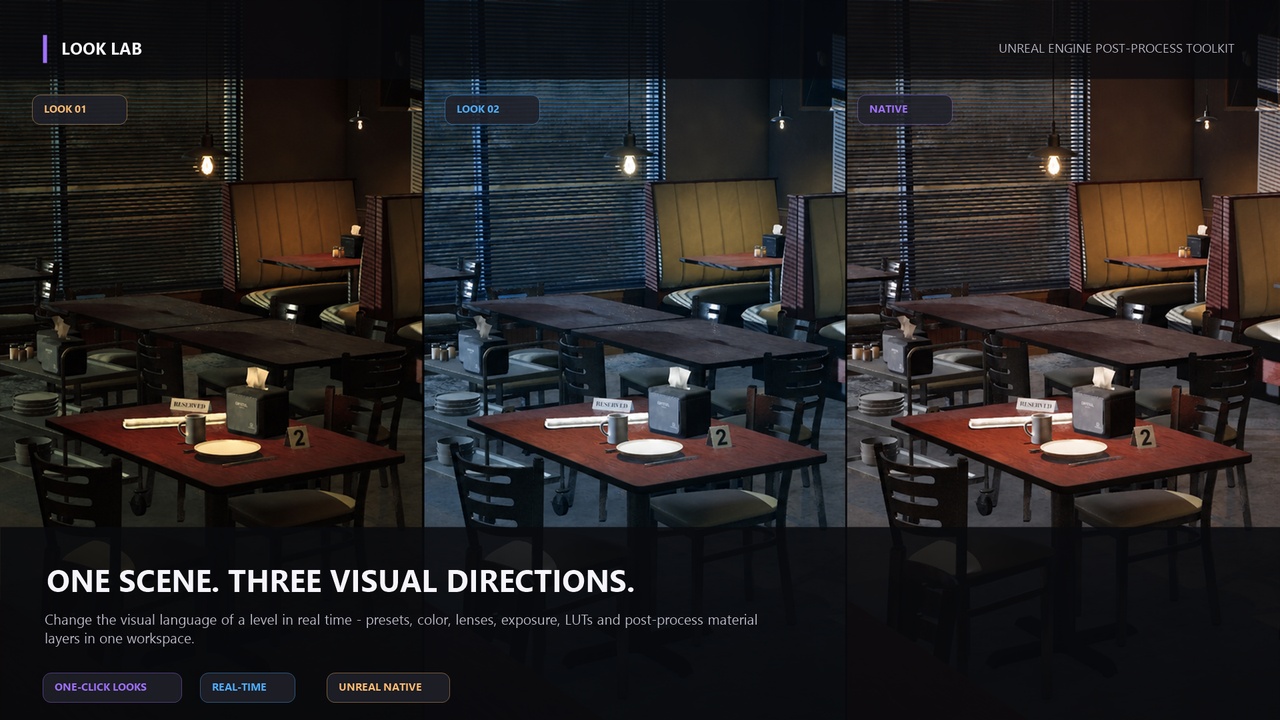
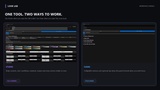
Look Lab turns Unreal Engine post-process work into a focused, real-time art-direction workflow.
Build a complete visual direction while looking at the scene, compare alternatives without losing your work, refine color and finishing with purpose, then save or share the result when it feels right.
One scene. Many directions.
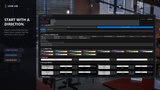
Start from the captured Native baseline or from a ready-made visual direction. Create complete Looks for the same level, switch between them instantly, and keep each Look's presets, color tools, LUTs, material layers, and native post-process values together.
This is not a replacement for lighting, composition, fog, or material authoring. It is the space where those choices come together into a deliberate final image.
From broad mood to final finish.
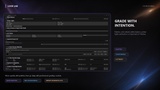
Start with visual color palettes, then go deeper with:
Color Lab tints for Shadows, Midtones, and Highlights
Professional color wheels for Global, Shadows, Midtones, and Highlights
White Balance and Printer Lights
Built-in LUT finishes and imported project LUTs
Adjustable LUT intensity and quick LUT removal
Bloom, exposure, contrast, saturation, vignette, and film grain
Min EV100, Max EV100, and exposure adaptation controls
Lens character: chromatic aberration, flare, thresholds, and more
Advanced tone, local exposure, and Path Tracer development controls
Your materials remain yours.
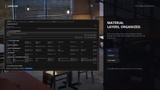
Look Lab works with compatible Unreal Engine Post Process-domain materials already in your project.
Add them as editable layers, set their order, enable or disable them individually, choose any Strength value, and double-click the asset to open it in Unreal's familiar Material Editor.
Look Lab organizes the workflow. It does not hide your assets behind a locked effect browser.
Built for creative iteration.
Multiple complete Looks per level
Starting look presets and visual color palettes
Project recipes and Personal Look Lab Library
.looklabrecipe import/export for other Look Lab users
Studio and Clean UI modes
Themes, grid density options, collapsible sections, and optional guidance
Save once. Reuse everywhere. Share fairly.
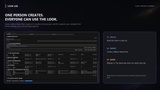
Save a look inside the project, store it in your Personal Look Lab Library for future projects, or export a .looklabrecipe to another Look Lab user.
For collaborators who do not own Look Lab, create a Native Share Pack. It generates a standard Unreal Blueprint based on a Post Process Volume. Migrate it to another project and the recipient can use the final look without owning Look Lab.
If the look uses LUTs, textures, or post-process materials, migrate those dependencies too
Compatibility
Look Lab supports Unreal Engine 5.1 through 5.8
Important notes
Example environments and third-party assets shown in media are not included.
Only Unreal materials using the Post Process material domain can be used as full-frame material layers.
Path Tracer controls affect Path Tracer settings; they do not make the raster viewport physically identical to a path-traced image.