Description
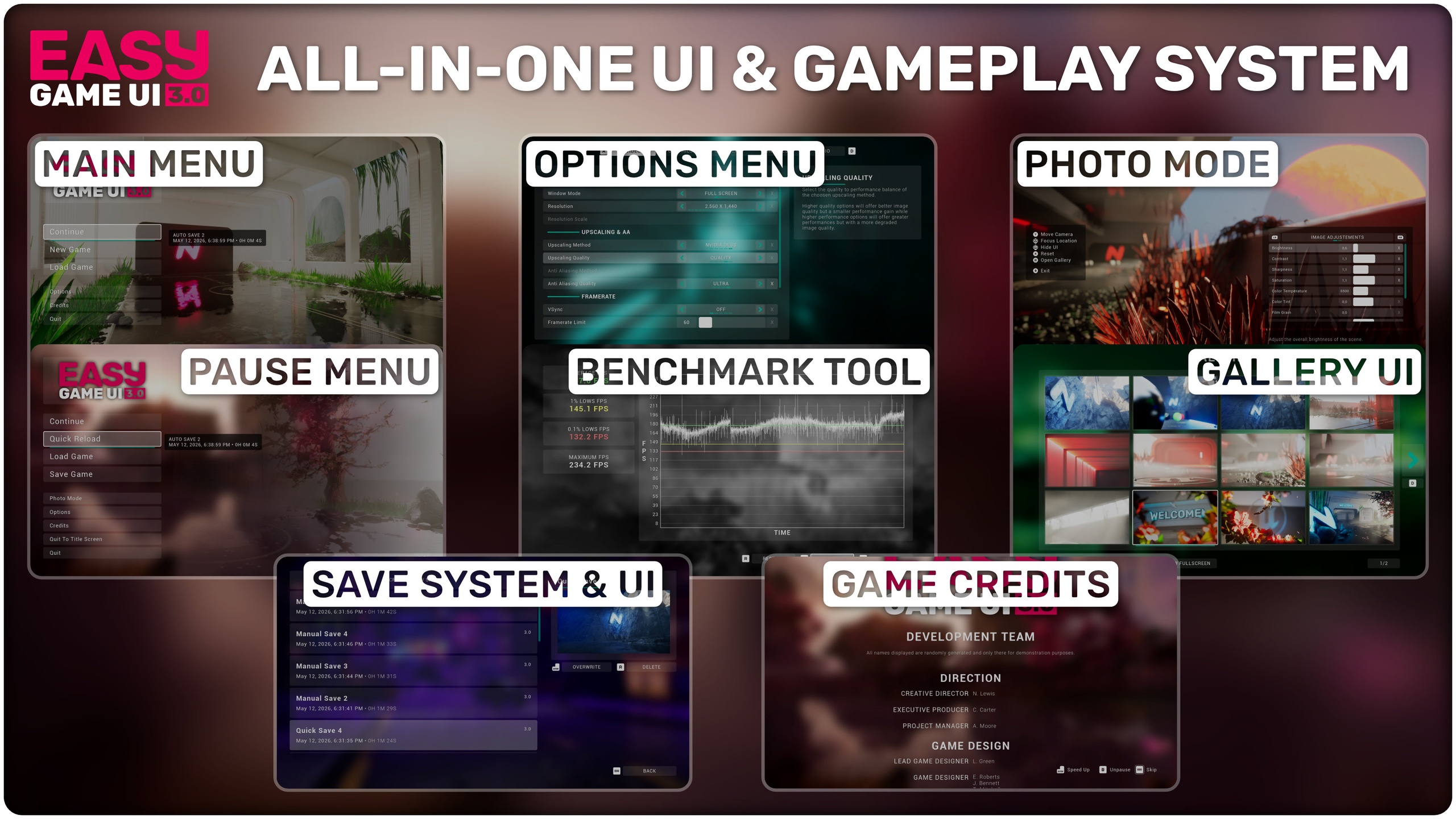
Easy Game UI is a quick and simple way to add a complete UI system to your game with a main menu, pause menu, an extensive options menu, an high quality photo mode and more! You can also easily build your own widgets with the provided systems and use the deep customization to fit your project.
test
Check out the documentation to get started and quickly implement Easy Game UI!
Multiple engine plugins need to be enabled for the pack to work properly: JSON, File Utilities and Common UI (5.1/5.2 only), more details in the documentation.
Update 1.5 is available right now! It includes a brand new Save Game system pack, new features for the options menu and photo mode, alongside many improvements to most parts of the pack!
Check out all the details in this blog post!
What to expect right out of the box
1/ Extensive and High Quality Options Menu from the Easy Options Menu pack
In-depth video and graphics settings with many advanced options such as external upscaling technologies
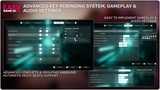
Extensive key rebinding system with support for both gamepad and mouse & keyboard
Easily load and save custom settings using the built-in JSON plugin and functions
2/ Advanced and easy to implement Save Game System from the Easy Save Game UI pack
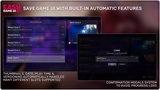
Save Game UI with extensive and automatic features to display many save slots effortlessly in a clean interface
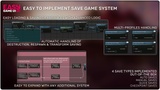
Advanced Save Game Systems to handle the saving and loading of many actors and their variables
4 types of saves implemented out of the box: Auto Saves, Manual Saves, Quick Saves & Checkpoint Saves
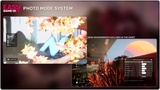
3/ Complete and intuitive Photo Mode from the Easy Photo Mode pack
Free Camera perspective with high quality controls
Wide amount of camera and image settings to tweak
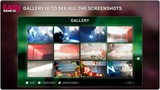
Gallery UI to see all the captured screenshots directly in game
4/ Dynamic input prompts system from the Easy Input Prompts pack
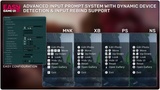
All 161 gamepad, keyboard and mouse keys supported by Unreal are included and have a dedicated icon
Can display Keyboard, Mouse and 3 types of gamepads icons
Support dynamic detection of device changes and input rebinding. The gamepad icons type can also be changed by the user inside the options menu
5/ Many more features...
Main Menu System with easy placement in the world for 3D menus. Support for multiple camera angles based on player inputs or static background image if preferred
Pause Menu UI with native implementation of all included features (photo mode, options menu, save game systems)
Easy integration in a just a few steps and with minimal character implementation
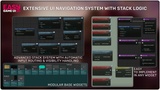
Seamless UI navigation with gamepad, keyboard or mouse using the native UMG navigation system. This system can also be easily expanded to your own widgets!
All UIs are built with modular widgets to allow for easy reusability. These modular widgets can be used to expand or build all your custom UIs
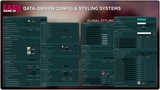
Easy customization through data assets to tweak the style of the menus to your liking! You can also easily change the layout of menus thanks to the modular UI system
Complete localization support with an included French translation
Join the discord for any assistance or to get the latest news!