Beschreibung
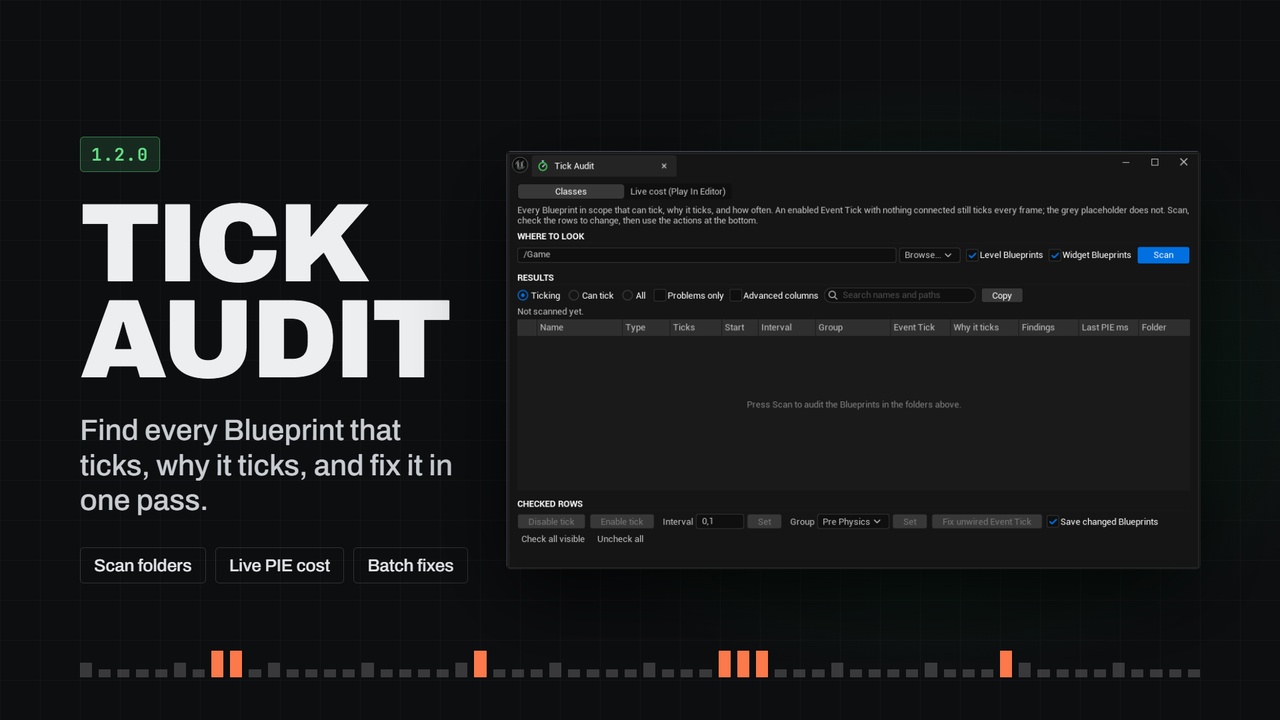
Every Blueprint that ticks, why it ticks, and what it costs. Find the Event Ticks that run every frame for nothing, fix them in bulk, and measure tick cost per class live in Play In Editor.
Documentation
You can find plugin docs here, along with docs for all other plugins i made.
An Event Tick with nothing connected still ticks every frame.
A new Blueprint starts with a grey Event Tick placeholder that costs nothing. Drag a wire off it once and it becomes a real node. Delete the wire and it stays real, and the class now compiles a tick function that runs on every instance, every frame, to do nothing. In our test scene 500 such actors cost 0.9 ms per frame. Unreal gives you no way to see this. DumpTicks prints a log at runtime, with no costs and no reasons.
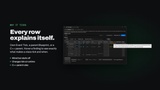
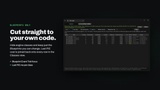
Tick Audit shows you every Blueprint that ticks, and why. One panel lists each Actor and Actor Component Blueprint and its components. For each it shows whether it ticks, its interval and tick group, and its Event Tick exactly as the compiler sees it: placeholder, disabled, unwired, only calling Parent: Tick, or wired. It says what makes each class tick: its own Event Tick, a parent Blueprint's, or a C++ parent (every Character ticks). It flags what deserves a look: ticks for nothing, an Event Tick that can never run, a component whose Auto Activate quietly overrides "Start with Tick Enabled".
Fix it in bulk, safely. Check rows and turn their tick off or on, slow it down with a tick interval, move it to another tick group, or turn unwired Event Ticks back into placeholders. Every action shows what it will do first, is one Ctrl+Z to undo, and updates child Blueprints and placed actors the way the Details panel would. Every Blueprint it changes is compiled, and then saved, so none is left needing a compile. C++ components like Character Movement stay read-only, because their tick is the engine's own work.
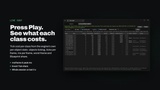
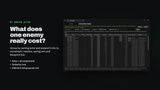
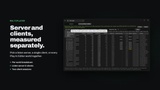
Then measure. Press Play and the Live view shows tick cost per class, straight from the engine's own per-object stats. It shows how many objects tick, how often, how many milliseconds per frame, the worst frame, and how much of it is Blueprint Event Tick. Group by owning actor to see what a whole enemy costs, including its movement and mesh. When you stop, every Blueprint in the audit shows what it cost in that session.
Features:
Classes view over content folders, Content Browser selections, open Level Blueprints and Widget Blueprints
Event Tick classification matching the Kismet compiler, including reroutes, disabled nodes and inheritance
Why-it-ticks for every class and component template, with the engine's rules for C++ parents and Auto Activate
Findings: ticks for nothing, Event Tick never runs, wired but starts off, Auto Activate overrides, changes tick at runtime, needs compile
Bulk disable/enable tick, set interval, set tick group, and fix unwired Event Tick, with preview, one-step undo, Details-panel propagation to children and placed actors, and a compile of every changed Blueprint before it is saved
Read-only protection for C++ components and for Blueprints of C++ classes that do real work in Tick (configurable)
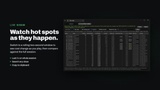
Live tick cost per class in Play In Editor: by class or owning actor, per server/client, live window or whole session, worst frame, Blueprint Event Tick share
Last PIE cost joined back onto every class and component row