


Opis
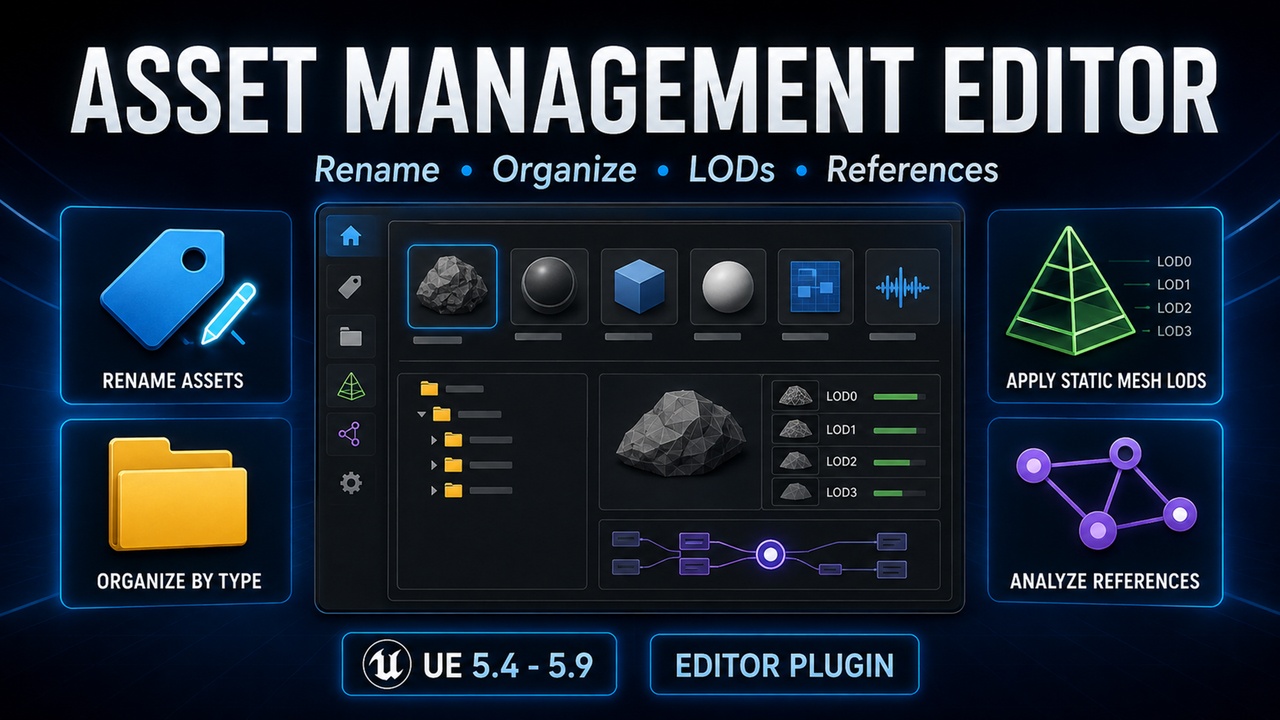
Asset Management Editor is an editor-only Unreal Engine plugin that adds practical batch asset-management tools directly to the Content Browser and a dockable editor panel.
Documentation:
https://github.com/givecode/AssetManagementEditor
Support:
https://github.com/givecode/AssetManagementEditor/issues
Key Features
• Batch Asset Renaming
Rename selected assets using configurable class-based prefixes, suffixes, and search-and-replace rules. Exact asset-class rules take priority over parent-class rules.
• Organize by Asset Type
Move selected assets into class-named subfolders under their current directories. Existing destination conflicts are detected and never overwritten.
• Static Mesh LOD Setup
Apply a configurable LOD reduction recipe to multiple Static Mesh assets. Triangle percentages, screen sizes, and automatic screen-size calculation can be configured in Project Settings.
• Reference Analysis
Inspect package-level referencers and dependencies for the first selected asset using Asset Registry data.
• Project-Specific Naming Rules
Create an AssetNamingRuleData Data Asset to define reusable project-owned naming rules that take priority over the built-in defaults.
• Safer Batch Operations
Confirmation dialogs, excluded directories, naming and move conflict checks, operation summaries, and editor transactions help protect project assets.
How to Use
Select one or more assets in the Content Browser, then right-click and use the Asset Management section. You can also open the dockable tool panel from Window > Asset Management.
Configure naming rules, excluded directories, confirmation behavior, and the default Static Mesh LOD recipe from:
Edit > Project Settings > Plugins > Asset Management Editor
Important Information
• Editor-only plugin; no runtime module is included.
• Static Mesh LOD changes mark packages as modified but do not save them automatically.
• Reference analysis reports package relationships currently available to the Asset Registry.
• The EditorScriptingUtilities plugin is enabled as a dependency.