Descripción
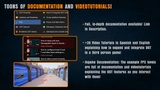
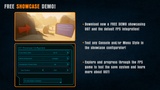
Download Free Showcase Demo | Documentation | English Video Tutorials | Spanish Video Tutorials
ADADA
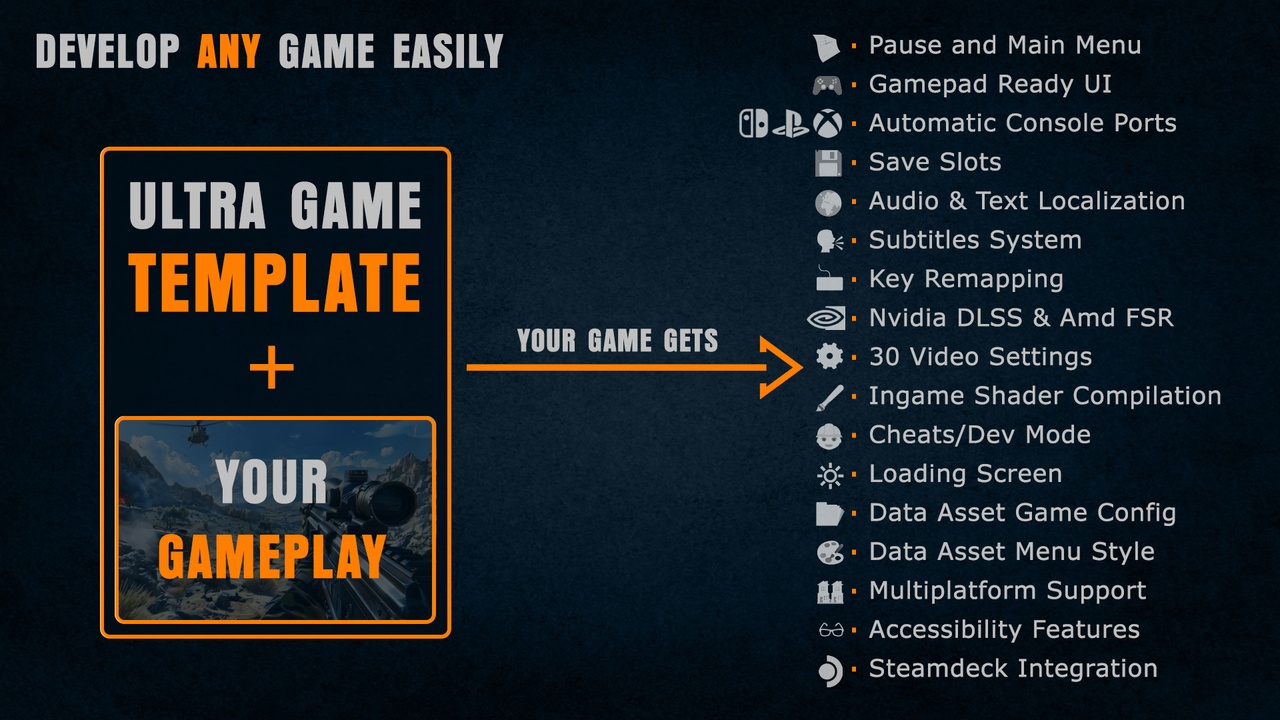
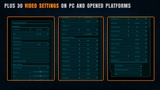
UGT includes: Gamepad & console ready UI, Pause and Main Menu, Automatic Console Ports, Easy Data Asset Style and Game config, Save Slots, Audio/Text localization, Subtitles, Key Remapping, DLSS, FSR, TSR and + 30 Video Settings, shader compilation, credits, cheats/dev mode, loading screen and more!
Welcome to Ultra Game Template
UGT is everything you need to develop to launch a game with UE5 and is NOT part of the game itself.
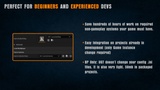
If you're not starting a new project, UGT is super easy to implement in an existing project and it's not necessary to change anything in your game. Just by changing the Game Instance and calling a small function in the Begin Play of your Character, Controller or level, it will already work! In fact, UGT is distributed as Content folder blueprints only. It doesn't even override your config files!
Major Features:
A complete Template ready to use for games already in development or new games!
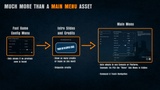
UGT is much, much more than a Main Menu. UGT was developed as a tool for myself to help me develop multiplatform games released in multiple platforms. In my +15 years career I have developed and released games in all platforms and consoles. UGT is a solution I need first and foremost for myself to simplify the development process of features that has nothing to to with gameplay of my games but are 100% mandatory to release on various stores and platforms.
Gamepad and console ready!
UGT features a highly robust Game Menu that is used for both the Main Menu and Pause Menu, fully adapted for touch and any gamepad. This Menu includes all the options your game will need and comes preconfigured and adapted for each platform. UGT features a save game manager, unlockable chapters, Audio Configuration Menu, remapping for Gamepad, keyboard and mouse, over 30 video configuration options, more than 10 accessibility settings, and much more. All of this is fully accessible from both the main menu and pause menu.
Automatic Console Ports
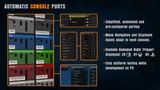
Everything necessary for porting to any console or platform has been simplified and automated in UGT. In terms of video and performance, you can easily configure any port within "UGT_GameInstance" in the Event Graph "PlatformSpecificVideoConfigs". Learn More
Automatic Menu/UI config depending on console platform
All menu navigation with a controller also adapts to the requirements of each platform. For example, on Switch, going back is done with the B button (Face Button Bottom), and on other consoles, it's B/O (Face Button Right). In Switch, the "PC Video" Menu and the "Keyboard and Mouse" menu won't also appear and the texts will appear bigger than in other platforms.
Easy Data Asset Game features Configuration
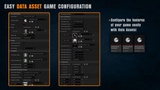
All the logic and configuration of your game can easily be controler with a single Data Asset. Thanks to this system, you can easily disable or configure features such as the entire game save system, translations, default language, loading screens, UI styles and menus, inputs, social links, loading times per platform/console, etc.
Easy Data Asset Ui and Menu Style Configuration
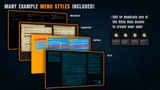
By changing the "UI_Menus_Style" property of your Game_Data_Asset, you can easily modify the style of the entire UI and Menus. UGT includes 4 example styles that you can use as a base to modify and duplicate, allowing you to create your own styles with great ease: Sci-fi, Minimalistic, Cartoon Brush and Typewritter. These styles are also defined simply through a UGT style data asset.
Spreadsheets Localization System
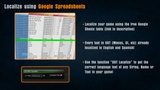
To simplify, unify, and facilitate the game localization process for translators, UGT uses Google Spreadsheets localization tables. With the example table, you have all of UGT already correctly translated into English and Spanish and all the buttons from major platforms and consoles localized to more than 30 languages. Actually, if you dont want to buy UGT but you want to use the localizaztions on that table, feel free to do so!
Voices can be easily translated in UGT using the UGT_AudioLocalization table. With UGT, you can have texts in certain languages and voices in just one or fewer languages.
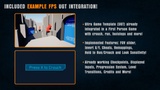
First Person Example Integration
Although UGT is a framework that handles everything necessary that isn't your game, it would be really difficult to showcase all of UGT's features without a small example game. That's why UGT comes with an example FPS game with checkpoints and implemented UGT functions so you can copy and integrate them yourself! Aditionally, for the videotutorials of UGT, the integration is done from scratch in a 3rd person project.
Aditional Features
Scalable text size configurable per platform or console
Save Slots for Player Progression
Saves for Video, Game, Shaders, etc
Google Spreadsheets Text localization
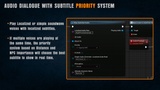
Subtitle System with priority features.
+10 ingame Accessibility features
Full per platform/console Mouse, Keyboard and Gamepad Key Remapping
DLSS, FSR, TSR and + 30 Video Settings
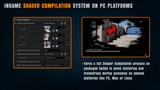
Easy Shader Compilation
Credits system
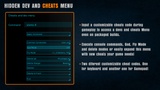
Cheats/Dev features and in-game Menu
Loading Screen
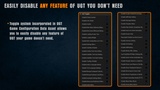
Toggle system to disable any UGT Feature your game doesn't need.
Number of Blueprints: 101
Input: Preconfigured to work by default with Keyboard and Mouse, Gamepad and Touch devices.
Network Replicated: No
Supported Development Platforms:
Windows: Yes
Mac: Yes
Important/Additional Notes: Use UGT's game instance and select the "UGT_LauncherMap" as your default map in your project settings. Step by step guide on how to totally integrate it with your project.