
Description
🖥️ Multi-Monitor Display Controller
Managing multiple displays in Unreal Engine normally requires custom C++ code. Multi-Monitor Display Controller exposes the engine's display metrics and monitor management APIs directly to Blueprints, giving you Blueprint control over multi-monitor display and window management with zero C++ required.
Whether you need to query connected monitors, move the game window to any display, or fix cursor scaling on secondary screens, you can now do it all entirely from Blueprints.
🚀 Key Features
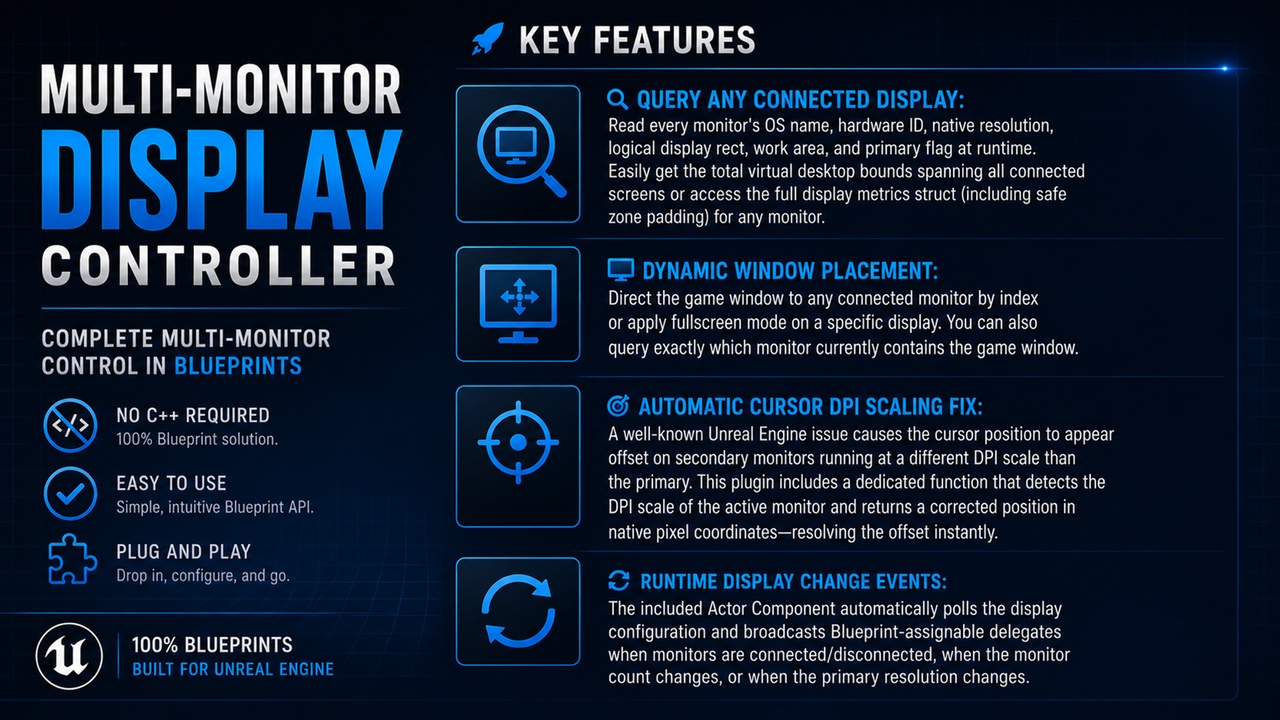
🔍 Query Any Connected Display: Read every monitor's OS name, hardware ID, native resolution, logical display rect, work area, and primary flag at runtime. Easily get the total virtual desktop bounds spanning all connected screens or access the full display metrics struct (including safe zone padding) for any monitor.
📺 Dynamic Window Placement: Direct the game window to any connected monitor by index or apply fullscreen mode on a specific display. You can also query exactly which monitor currently contains the game window.
🎯 Automatic Cursor DPI Scaling Fix: A well-known Unreal Engine issue causes the cursor position to appear offset on secondary monitors running at a different DPI scale than the primary. This plugin includes a dedicated function that detects the DPI scale of the active monitor and returns a corrected position in native pixel coordinates—resolving the offset instantly.
🔄 Runtime Display Change Events: The included Actor Component automatically polls the display configuration and broadcasts Blueprint-assignable delegates when monitors are connected/disconnected, when the monitor count changes, or when the primary resolution changes.
💡 Common Use Cases
🎮 Simulators & Kiosks: Span a single game window across multiple displays for immersive multi-monitor setups, or position the game window on a specific display.
🖥️ Multi-Screen Game Setups: Build local multiplayer or immersive multi-monitor experiences using a single game window spanning multiple displays.
⚙️ In-Game Settings Menus: Allow players to seamlessly select which monitor they want the game to run on.
🖱️ Precision UI Interactions: Perfect for any project requiring accurate cursor interaction on monitors with non-standard or mixed DPI scaling.