描述
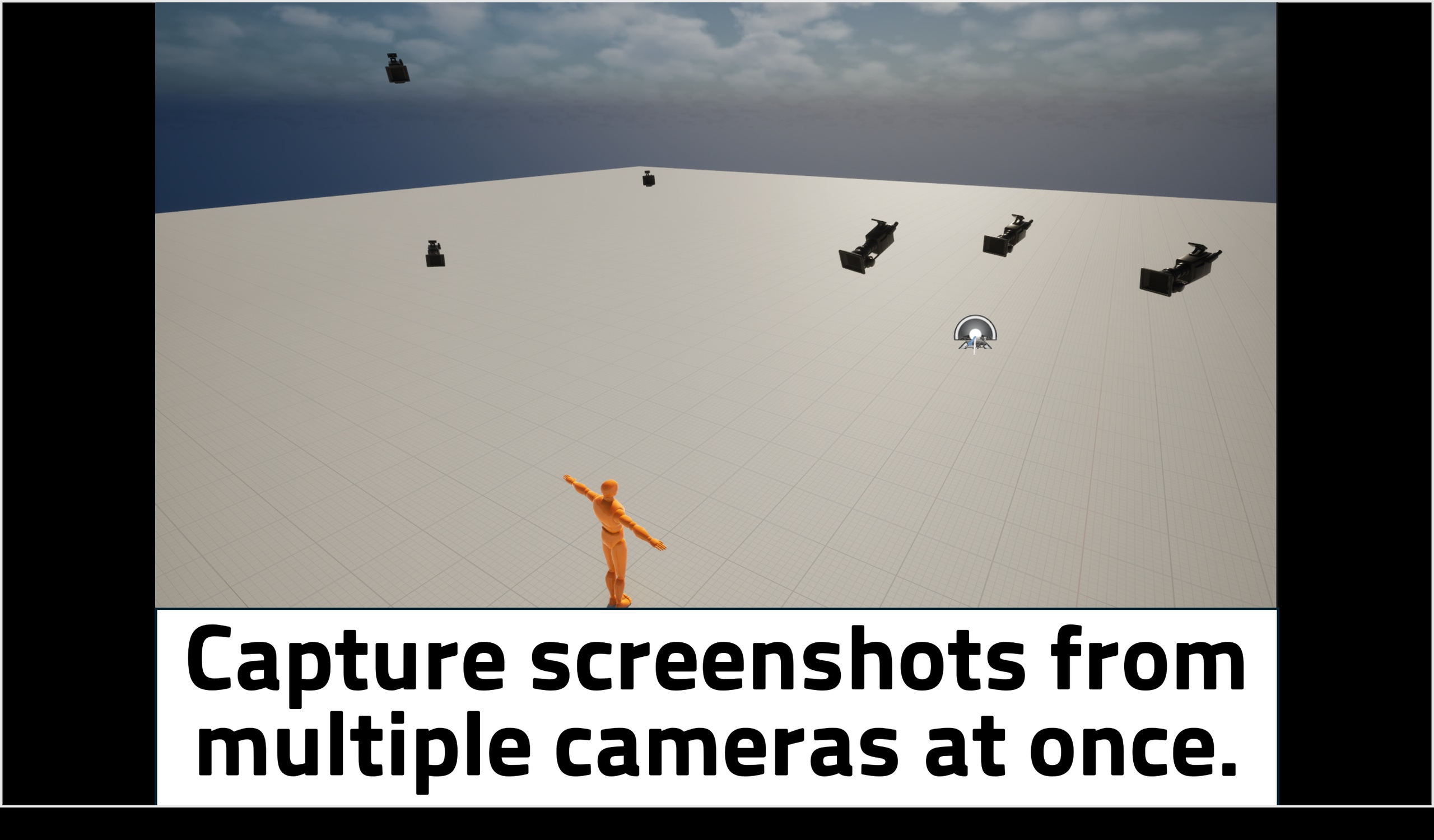
Camera Batch Screenshot — Capture every camera in your scene with one click
A polished, production-ready editor utility for taking high-quality screenshots from multiple cameras in a single batch.
Built for environment artists, level designers, and marketing teams who need consistent shot lists from their scenes.
Key Features
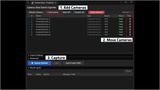
One-click batch capture — Select cameras from the panel and capture them all in one go. The plugin automatically pilots each camera, takes the shot, and moves to the next.
Auto-detect all cameras — Both CameraActor and CineCameraActor in your scene are listed automatically, with type, aspect ratio, and visibility status.
Add Camera at viewport — Spawn a new CineCameraActor at the exact viewport position, rotation, and FOV with a single button. Skip the tedious manual placement.
Pilot toggle per camera — Click once to lock the editor viewport to any camera, click again to release. Faster than the standard UE workflow.
Inline rename (double-click / F2) — Rename cameras directly in the panel. Auto-syncs with the World Outliner.
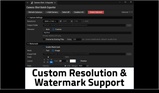
Resolution presets + custom — 1080p / 1440p / 4K presets, plus any custom width × height.
Custom output folder & filename pattern — Use tokens like {CameraName}, {Date}, {Time}, {Map}, {Width}, {Height} to organize output your way.
Watermark support — Overlay text and/or PNG image on captured frames. Configurable position, opacity, scale.
Overwrite control — Skip existing files or overwrite them on demand.
Result log — See every capture's success/failure, double-click to open the file in Explorer.
Full Undo/Redo — Add Camera, Delete, Rename — all transactional.
Outliner sync — Rename a camera anywhere (Outliner F2, plugin, code) and the panel reflects it instantly.
Use Cases
WIP shot review for environment artists
Marketing screenshot pipelines (Steam, social media)
Architectural visualization shot lists
QA / regression visual checks
Prop variation comparisons (same angle across variants)
Technical Details
Engine versions: Unreal Engine 5.4 / 5.5 / 5.6 / 5.7
Platform: Windows (Editor only)
Type: Editor utility plugin (no runtime overhead)
Modules: Editor (no runtime modules added to your project)
Dependencies: None (uses only built-in UE modules)
Why This Plugin
Built from the ground up with modern Slate UI, C++ performance, and production workflows in mind. Unlike older Blueprint-based screenshot tools, this plugin uses the editor's high-resolution screenshot pipeline directly for sharper, artifact-free output — and gives you proper Pilot, inline rename, and Outliner integration that feel native to the editor.