الوصف
Eliminate the "Candy Wrapper" Effect: Bring Advanced Hybrid Skinning to UE5!
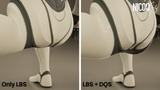
Have you always wanted to use Dual Quaternion Skinning (DQS) natively inside Unreal Engine without ruining your performance?
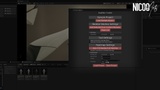
DualSkin Toolkit is a powerful Editor Utility workflow designed to solve advanced skinning deformations in UE5.
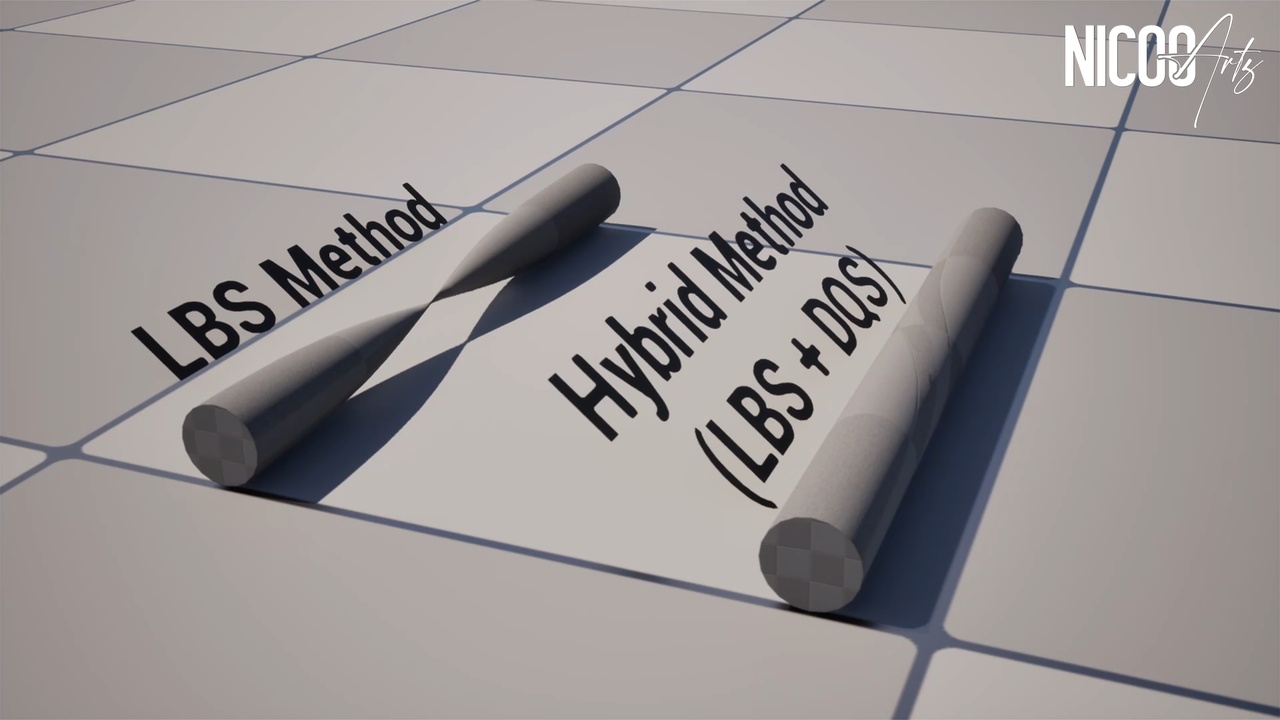
By default, classic Linear Blend Skinning (LBS) suffers from volume loss during complex joint rotations.
This tool allows you to seamlessly blend standard LBS with high-quality DQS using a custom Vertex Attribute Mask, giving you the ultimate hybrid deformation system directly in-engine.
With a single click, the toolkit duplicates and prepares your Skeletal Meshes with all the necessary attributes, ready to be driven procedurally or painted manually in the Skeletal Mesh Editor!
Special thanks to Sylvain TORNAMBE for his SylViewSmooth tool for rendering subdivided Skeletal Meshes!
V1.0 is now Available:
Key Features:
1-Click Hybrid Setup: Automatically generates a duplicated Skeletal Mesh (_LBSDQ) fully configured with a custom Vertex Attribute to drive the DQS mask.
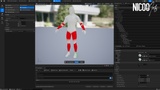
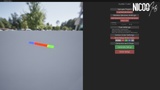
Procedural Heatmap Generation: Automatically analyzes your existing LBS skin weights to calculate joint transition zones and generates a perfect DQS mask without any manual painting.
Vertex Color Workflow: Instantly converts Vertex Colors painted in your external DCC (Maya, Blender) to drive the DQS mask inside UE5.
Smart LOD Optimization: Maximize your game's performance! Automatically fall back to the cheaper LBS method on lower LODs while keeping the high-end DQS hybrid skinning on LOD0.
UE5 Manny/Quinn Support: Includes a native naming convention auto-fill for standard Epic Games skeletons, complete with Twist Bones support.
Batch Processing Ready: Apply your custom presets and generate perfect hybrid skinning on multiple Skeletal Meshes simultaneously.
Non-Destructive Pipeline: Purely based on Editor Utility Widgets and Editor-only C++. It doesn’t bloat your project with unnecessary logic at runtime and preserves your original source assets.
What's Included:
1x Editor Utility Widget (The main UI interface).
1x C++ Plugin (containing the core Editor-only logic and Blueprint libraries).
1x Built-in Sandbox Deployer (Installs a ready-to-use Sample folder with Demo Meshes, Animations, and Data Assets directly into your project).