Opis
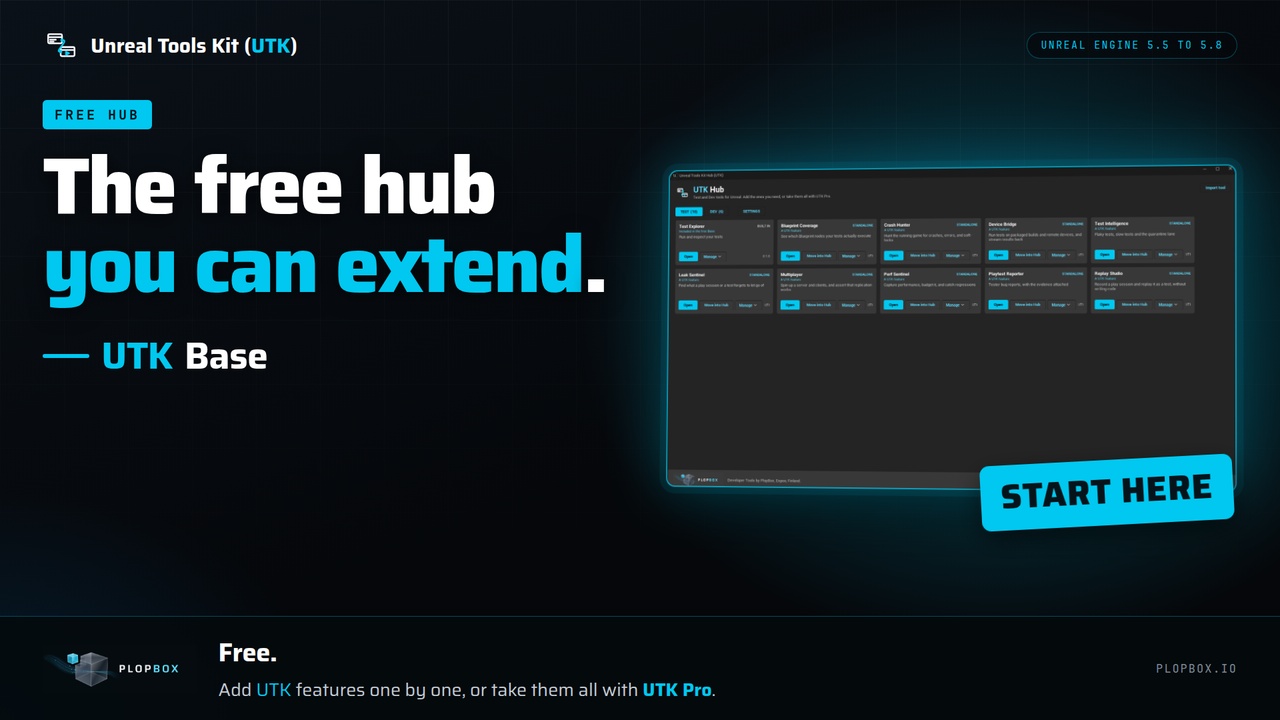
UTK Base is the Free hub of the Unreal Tools Kit
One UTK menu, a Test Explorer that runs and reads your automation tests, and a registry where your studio can add its own editor tools with one call.
Extend it with your own tools. A tool of your own is a small editor plugin. It registers with one call, `FUTKToolRegistry::Register`, from your module's startup, and removes itself with `Unregister` on shutdown. It then appears in the UTK menu and as a card in the Hub next to the other tools, with no change to UTK Base. The panel is any Slate widget, and the public headers include the UTK theme and panel helpers so your tool can match. The documentation has a short example.
What you get, free:
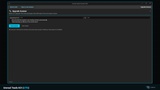
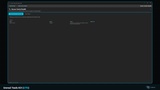
A UTK entry in the menu bar that opens the Hub: one card per installed UTK feature, with Open and Manage buttons, version numbers and update notices.
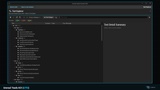
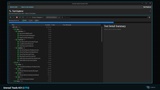
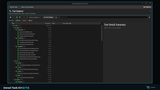
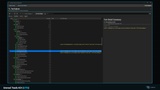
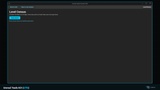
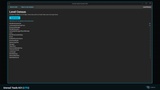
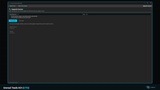
Test Explorer: lists automation tests whose names start with UTK in a tree, runs all or a selection, and shows pass or fail, timing and messages.
A headless command for CI that runs your tests and writes JUnit XML.
A test library for Blueprints and C++: find widgets by name, check they exist and are visible, read and set text, click, and compare screenshots with a tolerance.
UTK Functional Test: a Blueprint functional test class with widget and image assertions, built on the engine's functional tests.
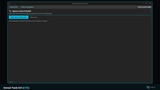
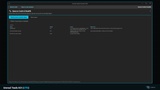
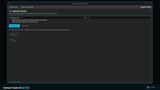
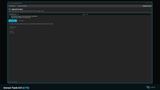
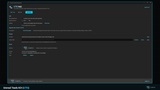
Two built-in tools that read files and never change your project. Upgrade Scanner checks your C++ and build files against a rule list of known engine-upgrade changes. It is a checklist, not a compiler, so a clean scan does not prove an upgrade will compile. Source Control Health reads your Git setup (.gitattributes, .gitignore and the LFS hook) and reports what to fix. It runs no Git command, and Perforce is detected but not checked.
Hub details. Open any feature inside the Hub, or in a window of its own from the Manage menu. Features you do not have are listed with a link to get them, and you can turn that list off in Settings.
What you get and what you do not. UTK Base is free and works alone. Every other UTK feature is a separate plugin that also works alone, and when UTK Base is installed those features appear in its Hub automatically. UTK Base does not contain the paid tools. UTK Pro has the Hub and all 15 tools in one plugin.
Install UTK Base and enable it in Edit > Plugins.
Click UTK in the menu bar to open the Hub.
Install any UTK feature from Fab. It appears in the Hub the next time the editor starts.
Who it is for: Teams that want one menu and one window for their Unreal test and developer tools. Studios that want to add their own tool to the same Hub with one call. Anyone who wants to see what an engine upgrade will break, or how their repository is set up for Unreal, for free.
Support and updates. This purchase covers UTK 5 for Unreal Engine 5. You get every UTK 5 release (fixes, compatibility updates, improvements) and security updates for at least 5 years from purchase. UTK 6 for Unreal Engine 6 will be a separate product at its full price, for new and existing customers alike. UTK 5 keeps receiving updates for 6 months after UTK 6 launches, so you can decide whether to buy it or keep yours.
Email support is at [email protected].
Links
- Documentation: https://plopbox.io/en/products/utk-base/docs
- Support and update policy: https://plopbox.io/en/support-policy
- Contact: https://plopbox.io/en/contact