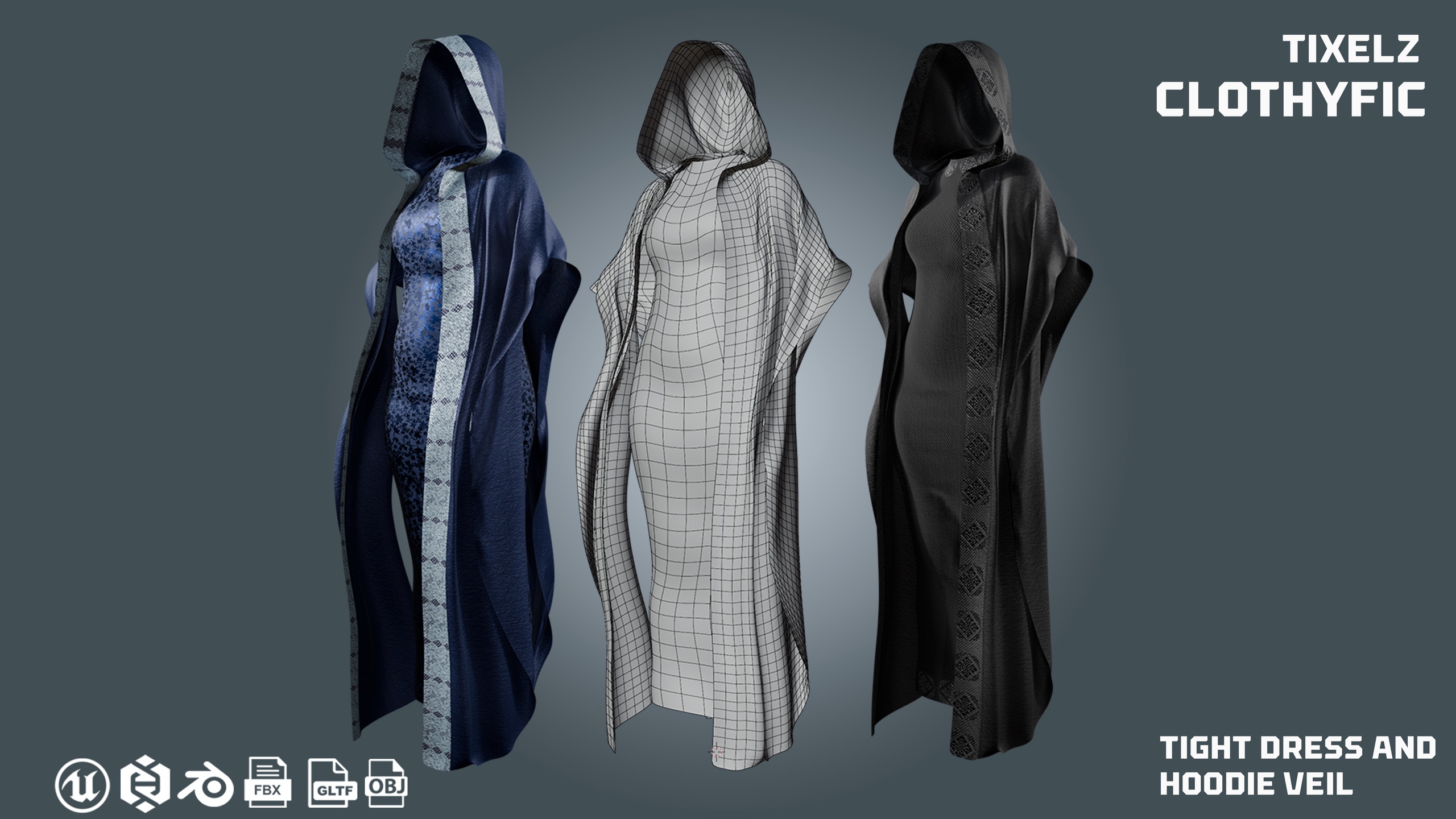
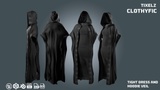
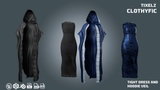
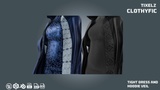
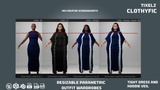
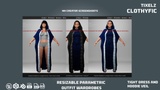
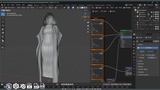
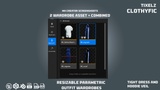
the individual wardrobe asset can be found in the ADDITIONAL FILES
Features
2 individual wardrobe assets + combined
Resizable Parametric Metahuman Wardrobe
Rigged to Metahuman Skeleton & Unreal Mannequin Skeleton
Includes Rigged + Non-Rigged Versions
Low Poly, Game-Ready, High-Quality PBR Textures
Texture Sets: 2 Variants (Cotton, Printed Cotton)
PBR – Base Color, Normal, Roughness, Metallic, AO, Height
Formats: Blender (.blend), FBX, OBJ, GLTF, Unreal (.uasset), and Metahuman Package (.mhpkg)
Instructions for Metahuman Wardrobe
Create a folder in your Unreal project.
Drag the .mhpkg file into the folder.
Open Metahuman Creator.
Drag the WI_"clothname" asset into the Cloth Asset slot.
Enjoy your new outfit!
To apply the second texture set:
Open the imported outfit folder and go to the Textures folder.
Import the second fabric texture set and replace the existing maps.
Textures will automatically update inside Metahuman Creator.
Export your Metahuman and enjoy the printed cotton style!