

Opis
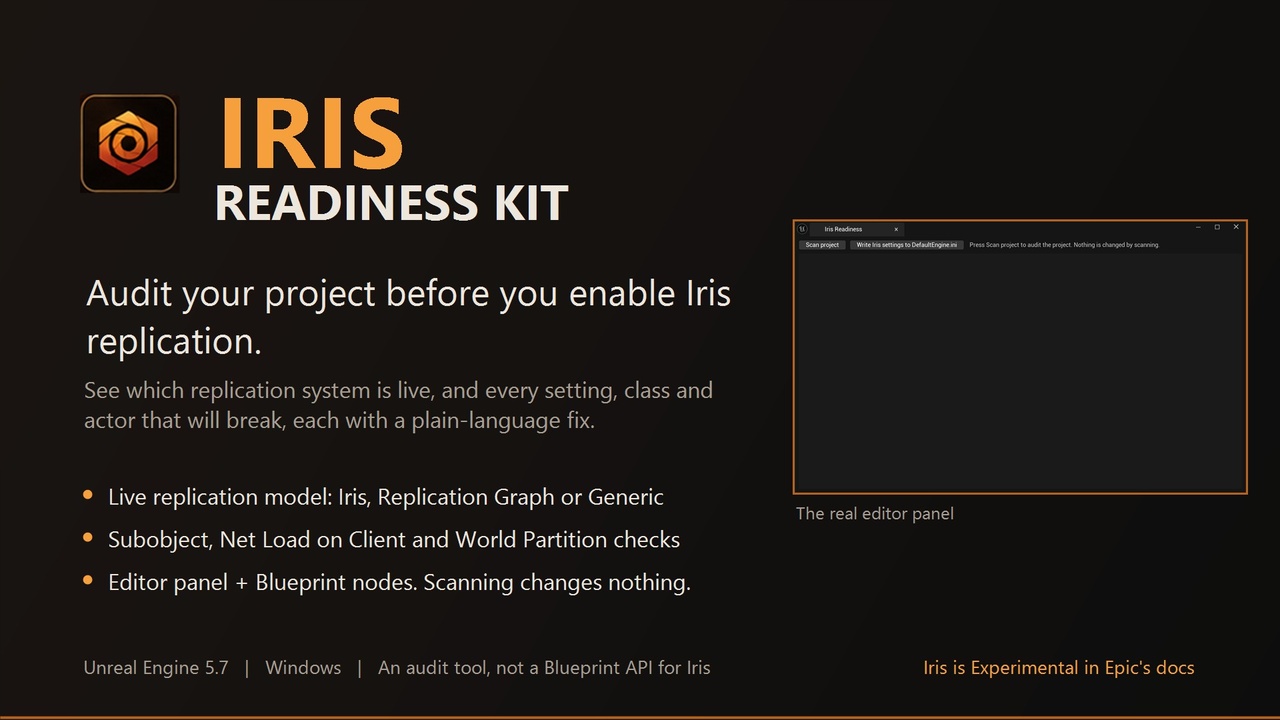
Iris Readiness Kit — an Iris replication audit plugin for Unreal Engine 5. Point it at your project before you enable Iris and it lists the settings, classes and actors that will break, with a plain-language fix for each.
Turning on Iris is easy. Finding out afterwards why actors stop replicating is not. Iris Readiness Kit scans your project for the things Iris handles differently from the generic replication system, tells you which replication system your game is really running, and writes every finding as a short fix you can follow without reading engine source.
Please read before buying
• Runtime-tested on UE 5.7, compile-checked on UE 5.6 and 5.8. The 5.3 to 5.5 packages use the 5.6 source and were not compiled or run on those engines. Iris changes quickly between engine versions, so re-check the report on your own engine build. Engines before 5.3 are not supported.
• Iris is labelled Experimental in Epic documentation (use caution when shipping with it). This plugin does not make Iris safe or stable. It makes your migration predictable by showing you the problems up front.
• This is an audit tool, not a Blueprint API for Iris. Iris itself has no Blueprint API, and this plugin does not add one. It reads your project and reports.
• Iris still needs its own project configuration even with this plugin installed. The report tells you what is missing.
• Scanning changes nothing. Two optional actions can change something, and only when you trigger them: the Enable Iris node (current session only) and the panel button that writes the Iris settings to your DefaultEngine.ini after asking you to confirm.
Key Features
• Live replication model — reports whether your game net driver is running Iris, Replication Graph or the generic system, before any other check, because every other result depends on it
• Subobject replication check — finds actors that still use the legacy subobject path, which Iris does not use
• ReplicateSubobjects source scan — finds C++ actors that override ReplicateSubobjects, so you know which ones to port
• Net Load on Client check — flags replicated level actors that load on the client, a combination reported to lose BeginPlay under Iris
• World Partition server streaming check — warns when server streaming is on, a combination reported to cause join problems under Iris
• Net driver permission check — tells you when your net driver is not allowed to use Iris at all
• Push model state — shows whether push model replication is on, so you know whether Iris will poll
• Custom struct serialization check — flags structs with custom NetSerialize or NetDeltaSerialize, and notes FastArray structs
• Plain objects needing fragments — warns about Blueprint objects with replicated variables that Iris cannot replicate on their own
• Known-issue notes — documents known 5.7 behaviour you may hit, worded as reported so you can re-check against your engine build
• Optional settings writer — one button writes the Iris settings (net.Iris.UseIrisReplication and the game net driver entry) to Config DefaultEngine.ini after showing you exactly what it will write. Restart the editor afterwards
• Editor panel and Blueprint nodes — open Iris Readiness from the editor, or call the report from Blueprint
• Honest severities — every finding is Info, Warning or Error, and the report says whether the project is ready to enable
• No auto-fixes pretending to work — nothing is marked auto-fixable unless a fix really exists
Use Cases
• Multiplayer teams on UE 5.3 to 5.8 — see what Iris will break before you flip the switch on a production branch
• Blueprint-only developers — get fixes written in plain steps, not engine source references
• Studios evaluating Iris — produce a repeatable readiness report per project or per level
• Teams already on Iris — find the actors and structs behind missing or late replication
Why This Plugin?
Iris has no reflected Blueprint API, and the migration guide lists changes to subobject replication, priority and relevancy that your gameplay code may depend on. The failures show up as silent, hard-to-trace replication problems. This plugin turns that into a checklist you can run in seconds, in the editor and at runtime.
Get Started in 60 Seconds
Step 1: Install the plugin for your UE version (5.3 to 5.8) and enable it (Edit > Plugins > Networking > Iris Readiness Kit), then restart the editor
Step 2: Open Iris Readiness from the editor Developer Tools menu and run the scan
Step 3: Work through the Errors first, then the Warnings. Each finding has a Suggested Fix
Step 4: In Blueprint, call Build Report to read the same findings at runtime, or Get Active Replication Model Name to see what your net driver is using
Support
Questions or issues? Contact us via the seller page: https://www.fab.com/sellers/HashemGameDevStore
Documentation: https://docs.google.com/document/d/e/2PACX-1vQO7k8uhkntcj1SEqZ47on_BZSm69rU6N0VukuVtLFf1Hldc0mfSAkHtk_4a7LR6_hWogOamAP1fJ9_/pub