
Description
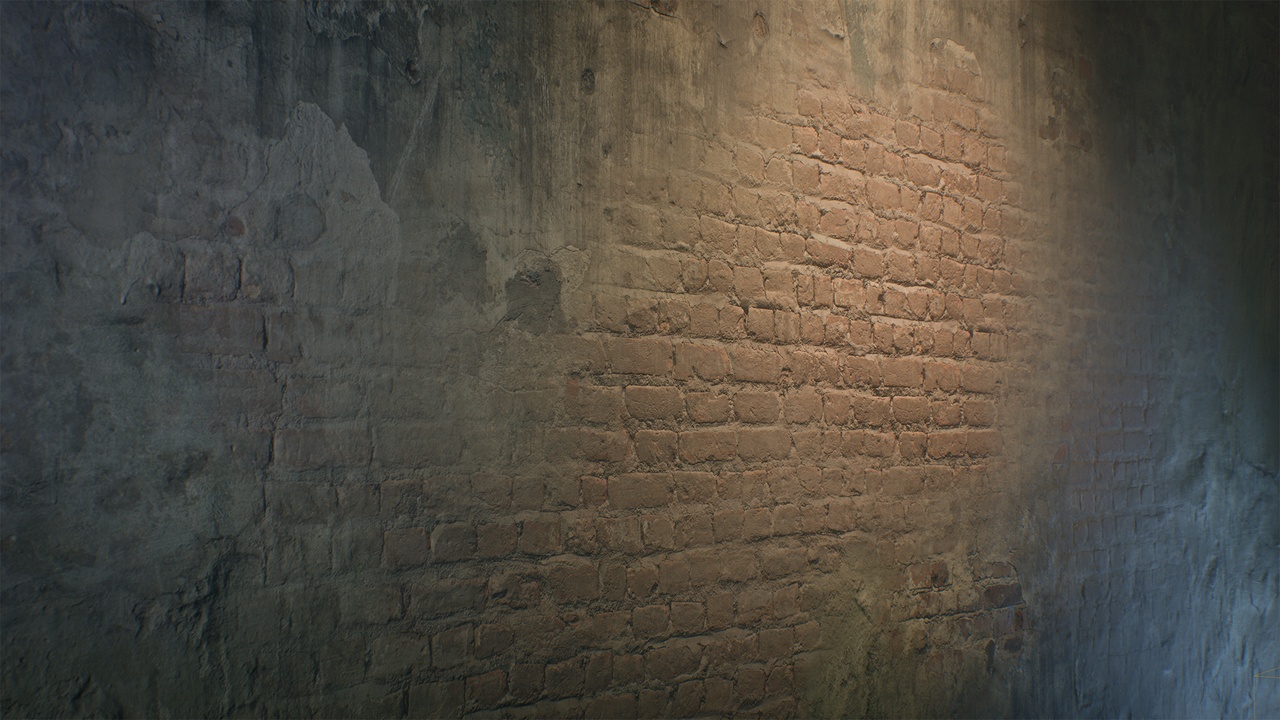
Master Material for Mesh Texture Color Painting is a production-ready shader built for Unreal Engine 5, designed to make texture blending fast, precise, and artist-friendly.
It supports up to 4 layers, each with its own textures and parameters — perfect for environment, level and prop artists who want full control over material blending directly on meshes.
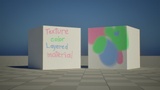
You can choose a specific UV channel and texture resolution for texture color painting in the Mesh Painting menu.
Check out a usage example of this master material on my ArtStation: https://www.artstation.com/artwork/rlN9Q6
🌿 Features:
🎨 4 customizable layers — add your own Base Color, Normal, and ORM (Occlusion/Roughness/Metalness) textures.
⚙️ Per-layer parameters for:
Base Color override / Tint / Brightness / Contrast / Saturation
Roughness Brightness / Contrast
Metalness Brightness / Contrast
Normal Intensity
Layer Rotation
UV tiling & offset
Layer enable/disable toggles
🧱 Non-destructive workflow — quickly adjust any layer without affecting others.
🧭 Optimized shader structure suitable for Nanite and Lumen scenes.
🧰 Clean parameter organization (Base Layer + 3 Layer Groups + Texture slot section).
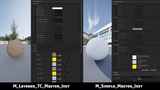
🧩 Includes an extra M_Simple_Master material with flexible parameters for quick, non-paint workflows.
⚙️ Compatibility:
Unreal Engine 5.6-5.7
Works with standard Mesh Paint Tool (Texture Color Tool)
Nanite Support:
This project includes Nanite-enabled meshes.
For more information on Nanite setup and limitations, please refer to the official Unreal Engine documentation:
Nanite Virtualized Geometry
📦 Included:
2 Master Materials (M_Layered_TC_Master for Texture Color and additional M_Simple Master)
2 ready-to-use Material Instances
Placeholder textures (BC, ORM, Normal)
1 mesh used for demonstration only
Demo level
Quick Start Video guide (soon)
For more information on Unreal Engine’s built-in painting system, visit the official documentation:
https://dev.epicgames.com/documentation/en-us/unreal-engine/getting-started-with-mesh-texture-color-painting-in-unreal-engine
Some preview images use Megascans textures for demonstration purposes only.
These assets are not included in the product files.
All rights to Megascans content belong to Quixel / Epic Games.